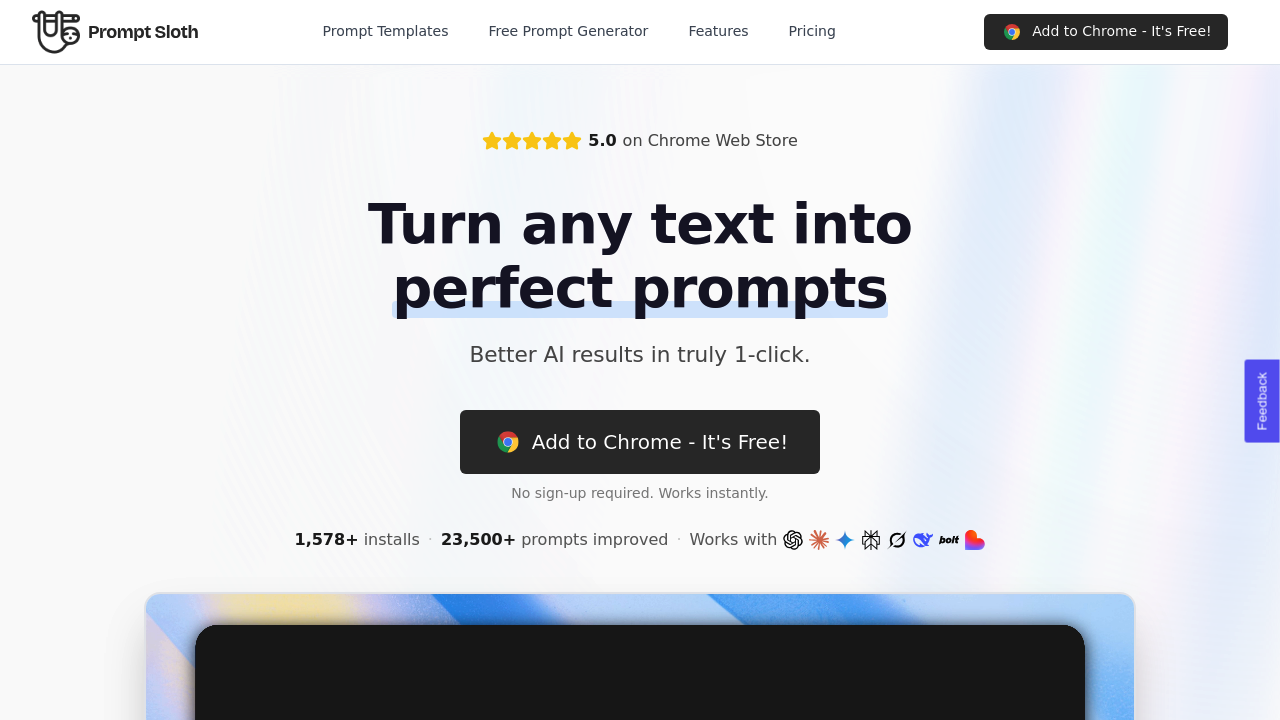
Prompt Sloth works by intercepting text before it reaches AI chat interfaces and restructuring it into detailed, professional instructions. The Chrome extension sits between the user and the AI model, analyzing vague input and expanding it with context, structure, and specificity. When someone types a lazy prompt like "write an email," this system transforms it into a complete instruction set that specifies tone, audience, length, and desired outcome. The transformation happens client-side with no storage of the original prompts. The system processes the text, applies its enhancement logic, and returns the improved version without keeping any record of what was entered.
The data pipeline is straightforward. Text gets captured from any input field where the extension is active. The enhancement engine analyzes the input for missing elements like context, constraints, or formatting requirements. It then rebuilds the prompt with these components added. Free tier users get basic enhancement models, while Pro subscribers access more sophisticated AI models that produce better restructuring. The Pro tier also includes context memory, which means the system remembers previous interactions and tailors suggestions based on patterns it's observed in a user's workflow.
The prompt library feature uses a shortcut system. Typing two forward slashes triggers access to pre-built templates for marketing copy, emails, and social media posts. These templates are community-contributed and stored separately from user activity. Custom templates work differently. They're encrypted and tied to individual accounts, allowing users to build their own reusable prompt structures. There's no limit on how many private templates someone can create, even on the free plan.
Integration happens at the browser level. The extension injects into any text box on any website, which means it works across different AI platforms without needing specific API connections. It doesn't matter if someone's using a chat interface, a text generation platform, or a code assistant. The enhancement functionality activates wherever text input exists. Authentication runs through Google's system, keeping the setup simple and avoiding separate credential management.
Output quality depends on the input's vagueness. Short, unclear prompts see the most dramatic improvement because there's more room for the system to add structure. Already detailed prompts might see minimal changes. The enhancement isn't magic. It's pattern-based restructuring that adds common elements professional prompters include manually. Things like audience definition, output format, and constraint specification.
The free plan caps enhancements at 10 per week, which works for occasional users but gets restrictive for anyone using AI tools daily. That's a hard limit. Once it's hit, the extension stops processing until the week resets. No sign-up requirement exists for initial use, which is unusual. Most extensions force account creation immediately. Here, someone can install and start enhancing right away.
The Pro plan costs three ninety-nine monthly when billed annually at forty-seven eighty-eight total. There's also a one-time eighty-nine dollar lifetime option. The main value in upgrading is removing the weekly cap and accessing better models. The context memory feature is harder to quantify but matters for people with consistent prompt patterns.
The extension's been installed over 1,500 times and processed more than 23,000 prompts. It holds a perfect five-point-oh rating on the Chrome Web Store, though that's based on an unspecified number of reviews. The privacy model is clear. Prompts aren't stored. Custom templates are encrypted. Authentication is delegated to Google. The technical simplicity is the point here. No complex setup, no API keys, no configuration.