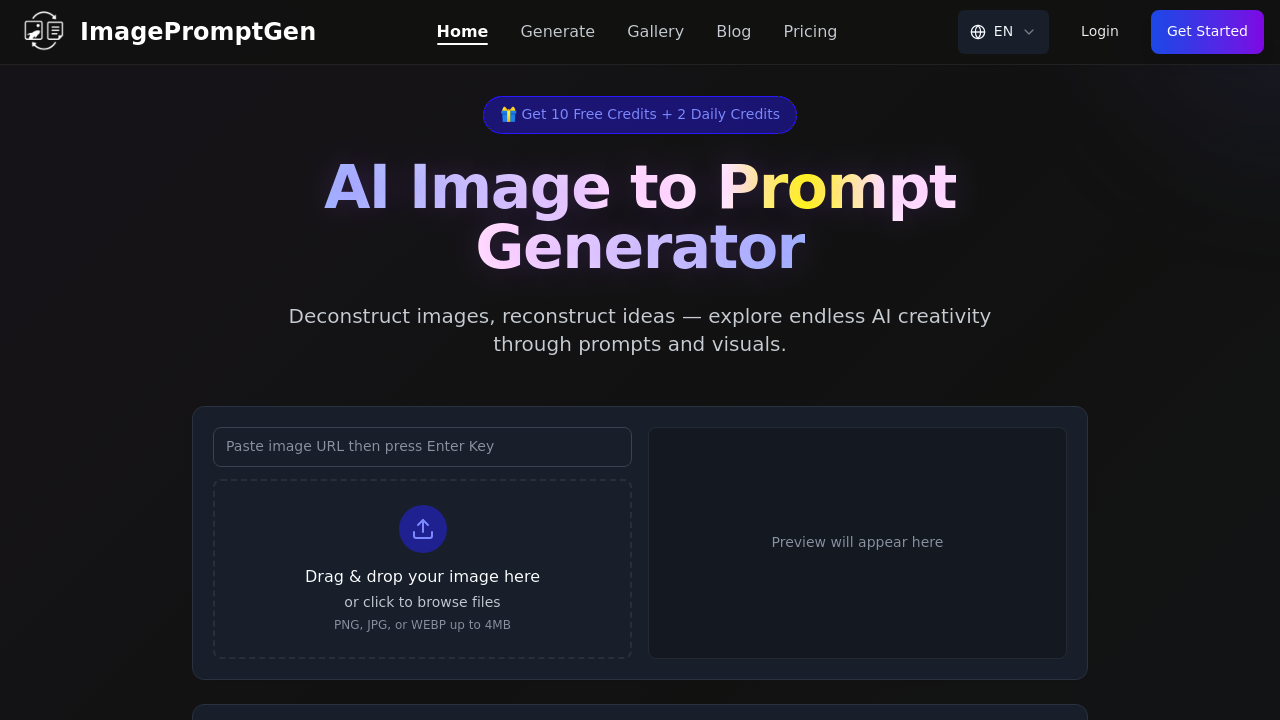
This application takes existing images and extracts the visual DNA needed to recreate them in AI image generators. You upload a reference image and it analyzes composition, lighting, color schemes, artistic techniques, and stylistic elements to produce text prompts optimized for specific AI platforms. The reverse-engineering approach helps users decode what makes certain AI-generated artwork effective.
The technical pipeline starts with image upload through drag-and-drop interface. Files must be PNG, JPG, or WEBP format with a 4MB ceiling. Once uploaded, the analysis engine processes visual elements including spatial composition, color relationships, lighting direction and intensity, artistic style markers, and subject positioning. The system then translates these visual observations into natural language descriptions structured for AI image generation.
Platform-specific optimization matters here. The application generates different prompt syntax depending on your target platform. Each AI model interprets instructions differently, so ImagePromptGen adapts its output accordingly. Some platforms respond better to technical camera terminology while others need descriptive artistic language. The system adjusts vocabulary, structure, and emphasis based on which model you've selected.
The data flow is straightforward. Image goes in, visual analysis happens server-side, platform-specific prompt comes out. You can copy the generated text directly to clipboard and paste it into your chosen image generator. The gallery shows before-and-after comparisons where original images sit alongside versions regenerated from the prompts produced. This provides immediate feedback on prompt accuracy.
Real-time generation means you'll see results within seconds of upload. The analysis doesn't queue or batch process. Each image gets evaluated independently with instant prompt output. Language selection affects the prompt's vocabulary though English is the primary option documented.
Integration spans six AI platforms including Sora Image, Nano Banana, Seedream, and Flux. Each integration requires understanding that platform's prompt interpretation logic. The model selector dropdown lets you choose which AI system you're targeting before generation starts.
The credit system controls usage volume. New accounts get ten credits immediately. After those run out, you'll receive two credits daily without payment. No subscription required. Each prompt generation consumes one credit. This puts a hard limit on how many images you can analyze per day once initial credits deplete.
File size restrictions create practical constraints. Images over 4MB won't upload. This affects high-resolution photography or detailed artwork that exceeds the threshold. Format limitations exclude formats like TIFF, BMP, or GIF. You'll need to convert those before upload.
The application won't explain why it chose certain descriptive terms or how it weighted different visual elements. The analysis happens as a black box. You can't adjust sensitivity or tell it to emphasize certain aspects over others. What you get is what the algorithm decides matters most.
Credit regeneration happens daily but slowly. Two credits per day means you can analyze two images maximum unless you've banked unused credits. There's no bulk processing option. Each image requires individual upload and analysis. No batch API exists for automating multiple image evaluations simultaneously.
The reverse-engineering angle works best when you're studying successful AI art and want to understand the prompt structure behind it. Less useful for generic photography unless you're specifically trying to replicate that photo's aesthetic in an AI generator.