
PortraitPro logo

PortraitPro

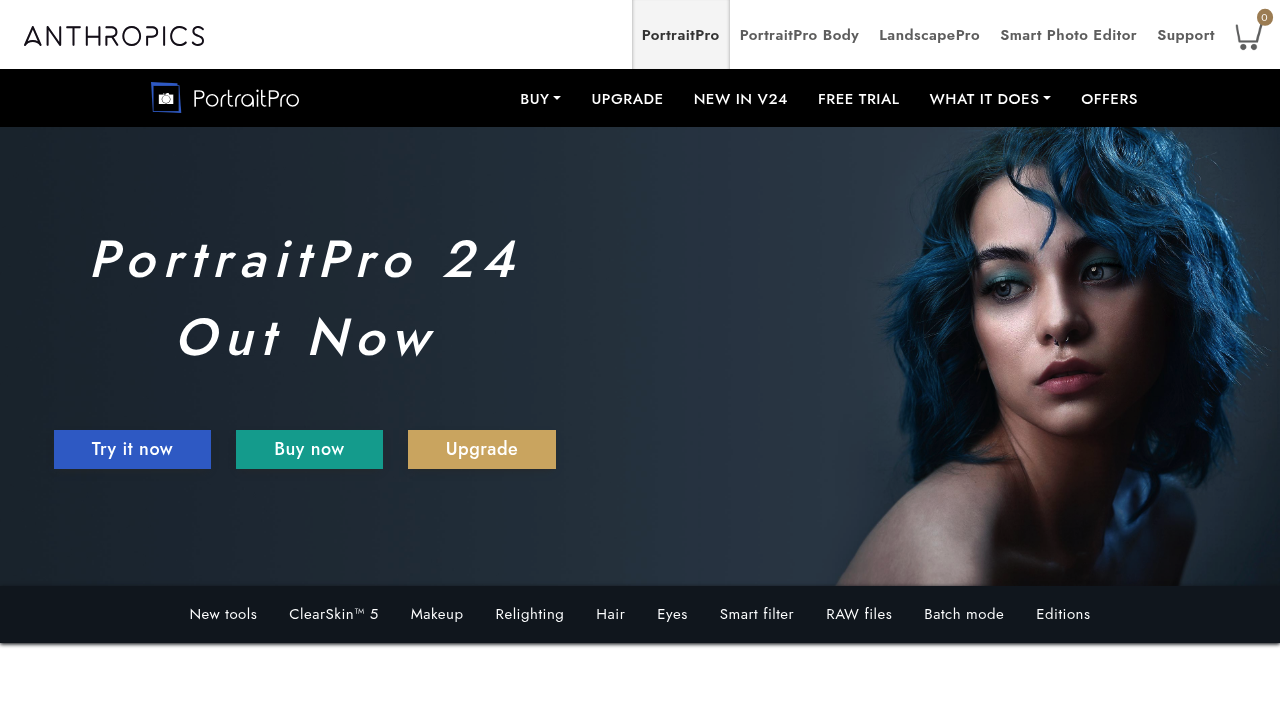
PortraitPro is portrait retouching software for Windows and Mac that uses artificial intelligence to detect a subject's face, gender and age and mark up skin, hair, objects and backgrounds.

Sliders then adjust each element, from natural skin smoothing with ClearSkin 5 to digital makeup, relighting, hair color and eye enhancement. Version 24 adds mouth and teeth inpainting with generative AI, reduction of…

PortraitPro screenshot

PortraitPro is portrait retouching software for Windows and Mac that uses artificial intelligence to detect a subject's face, gender and age and mark up skin, hair, objects and backgrounds. Sliders then adjust each element, from natural skin smoothing with ClearSkin 5 to digital makeup, relighting, hair color and eye enhancement. Version 24 adds mouth and teeth inpainting with generative AI, reduction of reflections in glasses and a face recovery tool for blurry faces. Studio and Studio Max editions extend the feature set.

Portrait photographers use it to speed up delivery after a session, and professional retouchers use sliders for precise control. Enthusiasts who want flattering results without learning layers and masks can rely on automatic retouching. Wedding and school photographers handling large sets benefit from batch processing in Studio Max, and workflow-minded users can switch between Photoshop and PortraitPro with Smart Filter in the Studio editions. RAW and DNG files are supported there too.

Typical jobs include smoothing skin while keeping real texture, brightening and sharpening eyes, removing red-eye, changing the iris color, and adding highlights or balayage to hair from 40 base shades. Photographers can apply lipstick, blush and contouring for subtle or dramatic looks, relight a face to emphasize bone structure, and fix reflections in glasses. Presets let a whole session be processed at once. PortraitPro 24 is advertised as an award-winning release, and 16-bit TIFF and PNG read and write support keeps image quality high for professional output. Monitor and workspace color profiles can be set in the Studio editions as well.

PortraitPro alternatives

See all →

Frequently asked

6 questions
What does PortraitPro retouch?
It retouches skin, makeup, lighting, hair color and eyes in portrait photos. It also offers tools for mouth and teeth, glasses reflections and blurry faces.
Who is PortraitPro made for?
Portrait photographers, retouchers and enthusiasts who want quick, natural results. Studio editions suit professionals with heavier workflows.
How does it help with a large portrait session?
Studio Max includes automatic batch processing, where you select images and presets and the software applies them. This reduces manual work for photographers shooting many portraits.
How does it keep skin looking natural?
ClearSkin 5 reproduces the subject's existing skin texture while subtly removing blemishes and shadows. The result is smooth, glowing skin that does not look plastic.
Which features need the higher editions?
RAW processing and Smart Filter are exclusive to Studio and Studio Max, and batch processing is a Studio Max feature. The base edition covers the core retouching tools.
What systems does it run on?
PortraitPro runs on Windows and Mac. Smart Filter lets Studio users move between Photoshop and PortraitPro.

Reviews (0)

Write review

No reviews yet. Be the first to share your experience.