
FaceApp logo

FaceApp

FaceApp is a mobile photo editor focused on faces.

It applies AI-driven filters to selfies and portraits, covering retouching, makeup, hair volume, hairstyle previews, facial expressions through its Emotions group, and the aging effect that made the app famous. Filters…

FaceApp screenshot

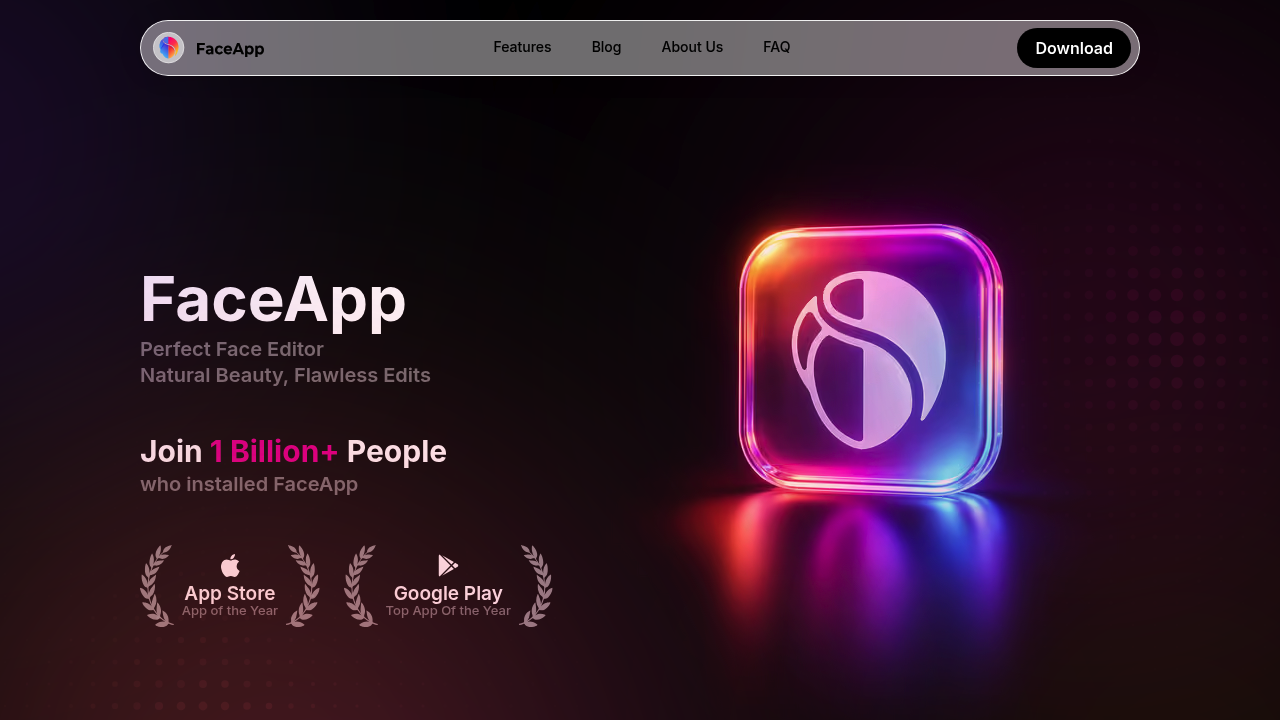
FaceApp is a mobile photo editor focused on faces. It applies AI-driven filters to selfies and portraits, covering retouching, makeup, hair volume, hairstyle previews, facial expressions through its Emotions group, and the aging effect that made the app famous. Filters can be combined with Multiselect, so several adjustments from one group land in a single natural-looking result. The app is distributed through the App Store and Google Play, and its makers report more than 1 billion installs, along with App of the Year and Top App recognition from both stores.

The app suits everyday smartphone users who want a better profile picture without learning a desktop editor. Social media posters can smooth skin and tidy hair before sharing, friends and families can swap playful edits for laughs, and beginners get one-tap presets instead of sliders and layers. Content creators who shoot quick portraits on a phone can use it for fast touch-ups, and anyone curious about a new haircut or style can preview it on their own photo first. It does not target professional retouchers who need layered, pixel-level control.

Typical uses start with a selfie: open the photo, pick the Retouch or Impression group, and apply a polished look in one tap. People considering a haircut try the Hairstyles filters, or add volume to thin hair for a dating profile or a job-networking photo. Groups of friends use the Fun and Emotions filters to change expressions and create shareable jokes, while others run the aging filter to see a future version of themselves. The blog also publishes beginner editing tips for avoiding common mistakes such as over-smoothed skin and unnatural edits.


FaceApp alternatives

See all →

Frequently asked

6 questions
What kinds of edits can FaceApp make to a face?
FaceApp covers retouching, makeup, hair volume, hairstyles, facial expressions through Emotions filters, and playful Fun filters. Multiselect lets you combine several filters from one group for a more natural result.
Who is FaceApp meant for?
Everyday smartphone users who want quick portrait edits are the main audience, such as people polishing a profile photo or sharing playful edits with friends. Beginners benefit most because filters apply in one tap.
Can I preview a new haircut with it?
Hairstyles filters let you preview a new cut on your own photo, refine the shape, smooth it or add volume. This helps when deciding on a change before visiting a stylist.
Which platforms does FaceApp run on?
You can get the app from the App Store for iPhone and from Google Play for Android. A QR code is provided for downloading it directly to a phone.
Is FaceApp suitable for professional retouching?
Not really, since it focuses on one-tap filter groups rather than layers or pixel-level controls. Professionals who need detailed manual retouching will want a desktop editor instead.
How popular is FaceApp?
The makers state that more than 1 billion people have installed it. It has also been named App of the Year on the App Store and Top App on Google Play.

Reviews (0)

Write review

No reviews yet. Be the first to share your experience.