#5 in AI Pixel Art Pixelfy logo
AI Pixel Art FREEMIUM from $5/mo

Pixelfy

Pixelfy used to shut down your pixel art workflow with AI-generated images that actually looked professional

It cranked out retro-style graphics using specialized AI models trained specifically for pixel art creation. You controlled the output with four grid size options. 16x16 pixels. 32x32 pixels. 64x64 pixels. Or 128x128…

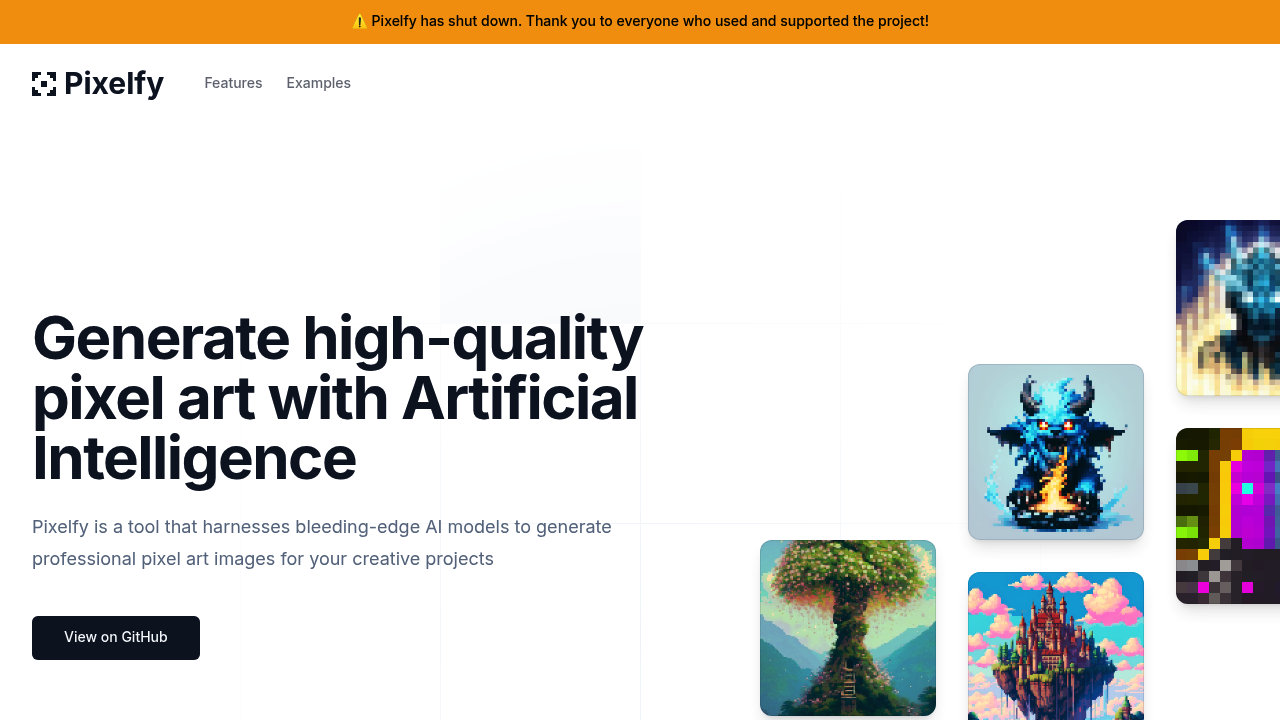
Pixelfy screenshot

Pixelfy used to shut down your pixel art workflow with AI-generated images that actually looked professional. It cranked out retro-style graphics using specialized AI models trained specifically for pixel art creation.

You controlled the output with four grid size options. 16x16 pixels. 32x32 pixels. 64x64 pixels. Or 128x128 pixels. Upload reference images to guide the generation process. Color palette controls let you constrain results to specific color schemes — useful when you're matching existing art styles or brand guidelines.

Game developers prototyping mobile titles found the prompt builder helpful.

Say you needed enemy sprites for a platformer. Upload a rough sketch, set the grid to 32x32, adjust the sampling steps, and let Pixelfy generate variations. Background removal isolated subjects cleanly.

Advanced options included sampling step adjustments and prompt guidance controls. These gave you finer control over how closely the AI followed your text prompts versus the reference images you'd uploaded.

GitHub and Scenario integrations connected Pixelfy to existing developer workflows, though the specifics mattered less now. Pixelfy has shut down. Creators lost this particular option for AI-generated pixel art. That's a shame because the grid size flexibility and reference image system worked better than most generic AI art generators when you needed that authentic 8-bit aesthetic.


Pixelfy alternatives

See all →

Frequently asked

6 questions
Can I still use Pixelfy to generate pixel art?
Nope, Pixelfy's permanently shut down -- it's not available anymore. The service stopped operating completely. You'll need to find other AI pixel art tools if you want similar features.
What made Pixelfy different from regular AI art generators for pixel art?
Pixelfy wasn't just a regular image generator adapted for pixels. It used AI models trained specifically for pixel art creation. You got precise grid controls (16x16, 32x32, 64x64, 128x128) and could upload reference images to guide the process. The color palette constraints were super useful -- they kept your art styles consistent across projects.
How did the reference image system work in Pixelfy?
You'd upload rough sketches or existing artwork to guide the AI. The tool used these references with your text prompts to create pixel art that matched what you wanted. Advanced prompt guidance controls let you tweak how closely the AI followed your images versus your written descriptions.
What were the sampling steps and how did they affect the output?
Sampling steps controlled how many iterations the AI used during generation. More steps usually meant better results but took longer to process. You could adjust these settings along with prompt guidance controls to fine-tune how the AI balanced your text prompts against uploaded reference images -- giving you more control over the final style and accuracy.
Did Pixelfy work well for game development projects?
Yeah, game developers really liked it for prototyping mobile game assets. You could generate enemy sprites, background elements, or character variations by uploading rough sketches and setting the right grid sizes. The background removal feature helped isolate sprites cleanly. Plus the consistent pixel aesthetic worked great for retro-style games.
What grid sizes could you choose from and when would you use each?
Pixelfy offered four grid options. 16x16 for tiny icons or simple sprites. 32x32 for standard game characters. 64x64 for detailed sprites or portraits, and 128x128 for complex artwork or backgrounds. Smaller grids worked better for mobile games -- larger ones gave you more detail for desktop projects or artwork that needed finer pixel control.

Traffic

Estimated monthly website visits · last 10 months

1.1K visits/mo
Monthly visits
1.1K
↓ 63.4% MoM
Global rank
#6,703,340
US #3,370,573
Category rank
#5
AI Pixel Art
6.4K 5.1K 3.8K 2.4K 1.1K Nov 2025: 6.4K visits Nov 2025 Dec 2025: 4.3K visits Dec 2025 Jan 2026: 4.5K visits Jan 2026 Feb 2026: 2K visits Feb 2026 Mar 2026: 2.6K visits Mar 2026 Apr 2026: 2.4K visits Apr 2026 May 2026: 4.7K visits May 2026 Jun 2026: 3.6K visits Jun 2026 Jul 2026: 3.1K visits Jul 2026 Aug 2026: 1.1K visits Aug 2026

Reviews (0)

Write review

No reviews yet. Be the first to share your experience.