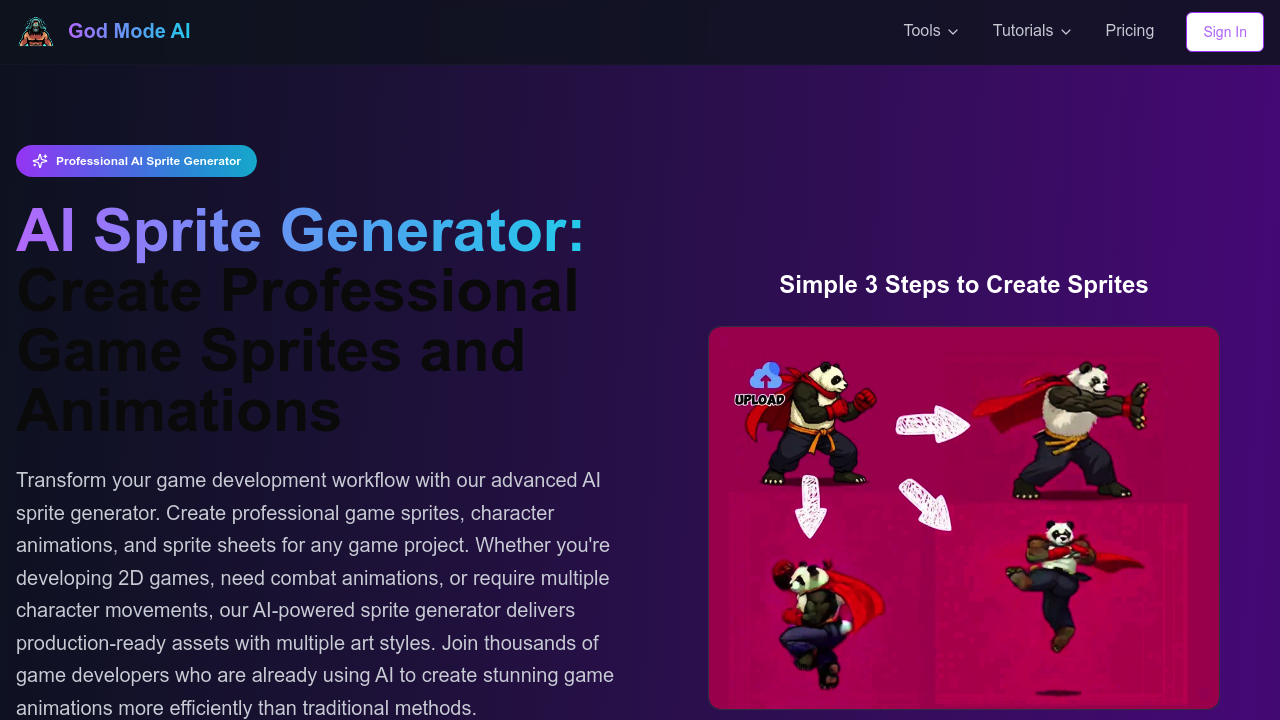
Game sprites used to mean either hiring an artist or spending weeks in pixel editing software. God Mode AI generates production-ready 2D game sprites, character animations, and UI elements from text prompts. You describe what you need, and it builds sprite sheets with transparent backgrounds ready for Unity or Godot.
The sprite generator handles 16+ animation types. Walking, running, combat with hit feedback, idle poses. For isometric games it supports 8-direction movement — up-left, up, up-right, left, right, down-left, down, down-right. Side-scrolling games work too. You can upload your own character designs and God Mode AI generates the animation frames. Advanced effects like clothing flutter and fire burning animations add polish without extra work.
Beyond sprites, this platform tackles game UI. The AI conversational design feature lets you describe interface needs in plain language. The UI Element Generator creates buttons, icons, panels, and health bars. Exports go straight to HTML/CSS or Unity format. There's also a pixel art sprite generator with 3-step optimization, plus a 3D animation generator that auto-rigs models and exports to FBX or GLB files.
Does it actually deliver game-ready assets? The multi-direction support and sprite sheet export suggest it's built for real workflows. Commercial licensing comes included, which matters if you're shipping a game. API access means you could automate asset creation for procedural content. But the quality question depends on art style expectations — AI-generated sprites will not match hand-crafted pixel art from experienced artists.
The credit system creates friction. One generation costs one credit. The monthly subscription gives you 200 generations for $19, but only if you share results publicly with the community. That's fine for learning or portfolio work. Private generations burn through your 200 monthly limit fast. The credit packs do not expire — $12 gets you 20 credits, $32 gets you 60 — but at $0.53-$0.60 per generation, costs add up if you're iterating heavily on character designs.
You get 3 free credits at signup. Enough to test three sprite generations and see if the output matches your game's aesthetic. No free trial beyond that initial batch. The public sharing requirement on the subscription feels like a tax on professional use. Most commercial projects can't showcase work before launch.
Game developers prototyping mechanics benefit most. Generate placeholder sprites quickly, test gameplay, refine before commissioning final art. Solo indie devs without art skills can ship complete games using these assets. The isometric support helps strategy and RPG creators who need diagonal movement sprites. For established studios with art teams, this works better as a concepting resource than production pipeline.
The UI generation bridges a real gap. Designers often struggle with game interfaces, and having AI generate cohesive button sets or health bars speeds up mockups. But this software assumes you're comfortable with game engines. Integration with Unity and Godot requires technical setup knowledge.
Limited monthly generations on the affordable plan push you toward credit packs. That pricing works if you need occasional assets. Regular sprite generation gets expensive. The public sharing requirement deserves emphasis — private work on subscription eats your 200-generation allowance whether you share or not. Read the pricing details carefully before committing.