
Pictley logo
AI Thumbnail Maker PAID from $5/mo

Pictley

Content creators open Pictley and type what they want their thumbnail to look like

The AI takes that text description and generates professional thumbnail options ready to use. Someone typing "shocked face with lightning bolts and red background" gets back multiple variations matching that concept…

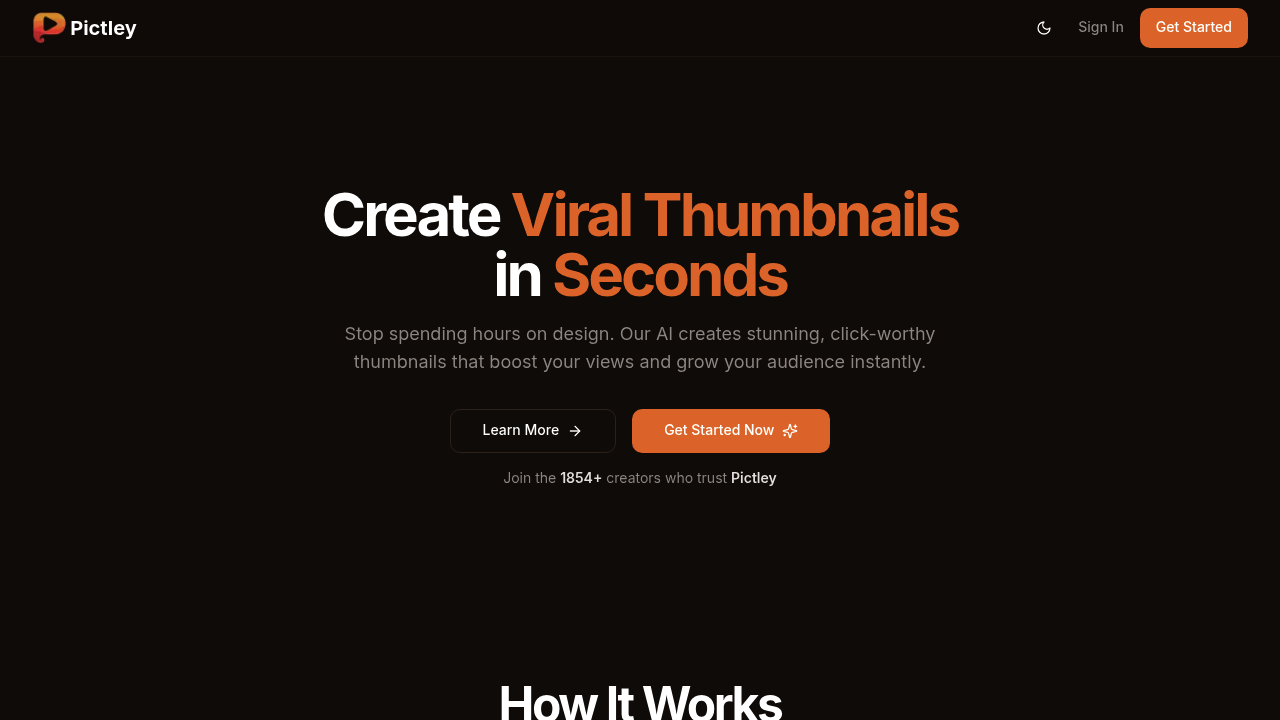
Pictley screenshot

Content creators open Pictley and type what they want their thumbnail to look like. The AI takes that text description and generates professional thumbnail options ready to use. Someone typing "shocked face with lightning bolts and red background" gets back multiple variations matching that concept without touching design software.

Pictley works three ways while type a description and get thumbnails. Upload a rough sketch and watch it transform into a polished design. Drop in an existing thumbnail from another creator and Pictley recreates it with your own style twist. Each method spits out variations so you are not stuck with one option.

The sketch feature proves particularly useful. Creators who know roughly what they want but can't execute it in Photoshop draw a basic concept on paper or tablet. Upload that rough drawing and the AI interprets the shapes, colors, and layout into thumbnail-ready designs. It connects idea to execution.

Variations matter here. Every input generates multiple thumbnail options with different color schemes, text placements, and visual emphasis. You're picking from alternatives rather than accepting a single output and hoping it works.

The process takes about five minutes according to their numbers. Compare that to hiring designers or spending hours tweaking layers in editing software. Over 1,800 creators use it, and example thumbnails show view counts hitting 189,000 to over a million views.

The friction shows up in monthly limits. Even the premium tier caps at 150 thumbnails per month. Creators publishing multiple videos daily or testing lots of variations hit that ceiling fast. The hobby plan at 20 thumbnails monthly means rationing which videos get AI-generated designs versus DIY attempts.

Email support handles questions, with priority access on the premium tier. No live chat means waiting for responses when stuck on how to phrase descriptions or why sketch uploads aren't processing correctly.

New users can grab a first-time deal at $4.99 for 15 thumbnails as a one-time purchase, marked down from $14.99. After that runs out, it's $20 monthly for 20 thumbnails on the hobby plan or $40 monthly for 150 on premium. All tiers include thumbnail generation, recreation, and sketch conversion with email support baked in.

Pictley replaces designer fees entirely for creators who need consistent thumbnail output without learning complex software. You're trading control and unlimited attempts for speed and professional-looking results within monthly quotas.


Pictley alternatives

See all →

Frequently asked

6 questions
How does Pictley generate thumbnails?
You open Pictley and type a description like 'surprised face with yellow background and bold text.' The AI processes that text and generates multiple thumbnail variations matching your concept. Alternatively, upload a rough sketch and watch it transform into polished designs, or drop in an existing thumbnail to recreate with your own style. Each method produces several options with different color schemes and layouts so you're choosing from alternatives rather than accepting one output.
Does Pictley have a free plan?
Pictley doesn't offer a free plan or trial. New users can buy a first-time deal at $4.99 for 15 thumbnails as a one-time purchase, discounted from $14.99. After those run out, the hobby plan costs $20 monthly for 20 thumbnails or premium runs $40 monthly for 150 thumbnails.
How many thumbnails can I make with Pictley?
The first-time deal gives you 15 thumbnails for $4.99 as a one-time purchase. Monthly plans limit you to 20 thumbnails on the hobby tier or 150 on premium. Creators publishing multiple videos daily or testing lots of variations hit those caps quickly, especially on the hobby plan where you're rationing which videos get AI-generated designs.
Can Pictley recreate thumbnails from other creators?
You drop an existing thumbnail into Pictley and the AI recreates it with your own style twist. The tool analyzes the layout, colors, and visual elements then generates variations that capture the concept without copying it exactly. This works alongside typing descriptions or uploading sketches as three different input methods.
How long does it take to create a thumbnail in Pictley?
The average time sits around five minutes from opening Pictley to getting usable thumbnails. You type a description or upload a sketch, the AI processes it, then you pick from multiple variations. That beats spending hours in Photoshop or waiting days for designer turnaround.
Is Pictley worth it for YouTube creators?
Pictley replaces designer fees and Photoshop learning curves for creators who need consistent thumbnail output. Example thumbnails show view counts hitting 189,000 to over a million views, and over 1,800 creators use it. The friction appears when monthly limits force you to ration thumbnails across videos, especially on the 20-per-month hobby plan if you publish frequently.

Traffic

Estimated monthly website visits · last 0 months

396 visits/mo
Monthly visits
396

Not enough historical data for a chart yet.

Reviews (0)

Write review

No reviews yet. Be the first to share your experience.