
Picsart AI Image Enhancer logo
AI Image Enhancer FREE TRIAL from €9/mo

Picsart AI Image Enhancer

Picsart AI Image Enhancer is an online tool that makes photos clearer and sharper in a single click.

Upload an image and the model corrects noise, blur and low contrast, adds detail and increases pixel count, then returns a version ready to download or keep editing in Picsart's photo editor. Lower-resolution results…

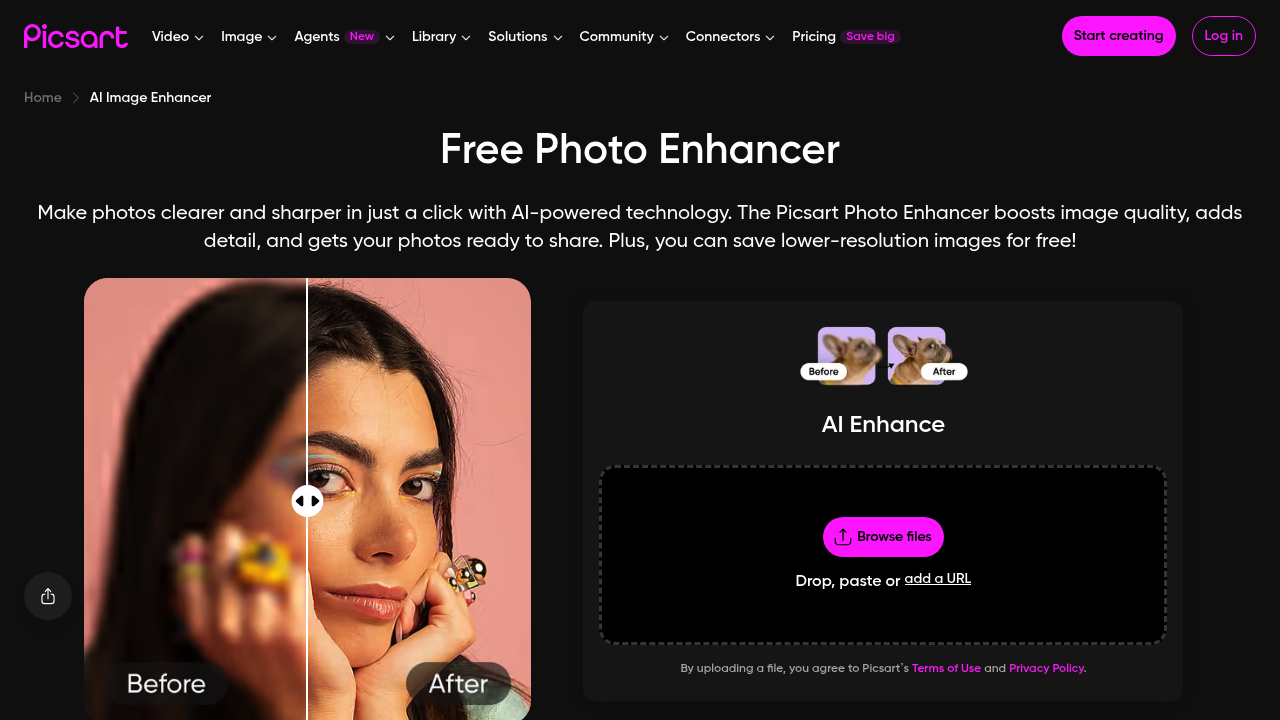
Picsart AI Image Enhancer screenshot

Picsart AI Image Enhancer is an online tool that makes photos clearer and sharper in a single click. Upload an image and the model corrects noise, blur and low contrast, adds detail and increases pixel count, then returns a version ready to download or keep editing in Picsart's photo editor. Lower-resolution results can be saved for free. Beyond stills, Picsart offers a video enhancer built on the same technology, and developers can add the enhancer to their own products through the Ultra Enhance API, which is billed per use with no minimums and discounts at high volume.

It suits creators who need crisp social media images, photographers rescuing soft shots, online sellers preparing product pictures, and families restoring faded prints. Because the process is one upload and one download, no editing expertise is needed. Designers can also send AI-generated images through it for extra sharpness before publishing. Businesses with a catalog or app can use the API instead of the web page, which suits teams that need to enhance large volumes of pictures automatically.

Typical uses include enlarging a small image for a print or a closer edit, sharpening portraits, fixing uneven lighting and color in scenery, and cleaning up grainy low-light photos. Sellers raise the quality of product shots for a store listing, and social media managers refresh older images for new posts. After enhancing, people continue in the same editor with effects, an AI background generator, collages or restoration of old photos. Video creators run clips through the video enhancer to upscale resolution and reduce noise across frames.


Picsart AI Image Enhancer alternatives

See all →

Frequently asked

6 questions
What does Picsart AI Image Enhancer fix?
It targets noise, blurriness and low contrast, adds detail and increases resolution. It can also correct brightness, color and uneven tones automatically.
Who benefits most from Picsart AI Image Enhancer?
Creators, photographers, ecommerce sellers and anyone with low-quality images. It is built so no editing experience is required.
Can Picsart AI Image Enhancer prepare an image for print?
Enlarging an image for a closer edit or a print is a stated use. It raises pixel count while keeping detail, so a small picture holds up at a larger size.
Is Picsart AI Image Enhancer free to use?
The enhancer is promoted as a free photo enhancer, and lower-resolution images can be saved at no cost. Higher-resolution output is tied to Picsart's paid options.
What are the limits of the free enhancer?
Free saves come at lower resolution, so full-quality exports need a paid plan. It also works one image at a time through the web interface, while bulk jobs go through the API.
How do I start using Picsart AI Image Enhancer?
Drop an image into the widget or upload it on the page, let the AI process it, then download the result. You can continue editing in Picsart's editor, or connect through the Ultra Enhance API.

Reviews (0)

Write review

No reviews yet. Be the first to share your experience.