
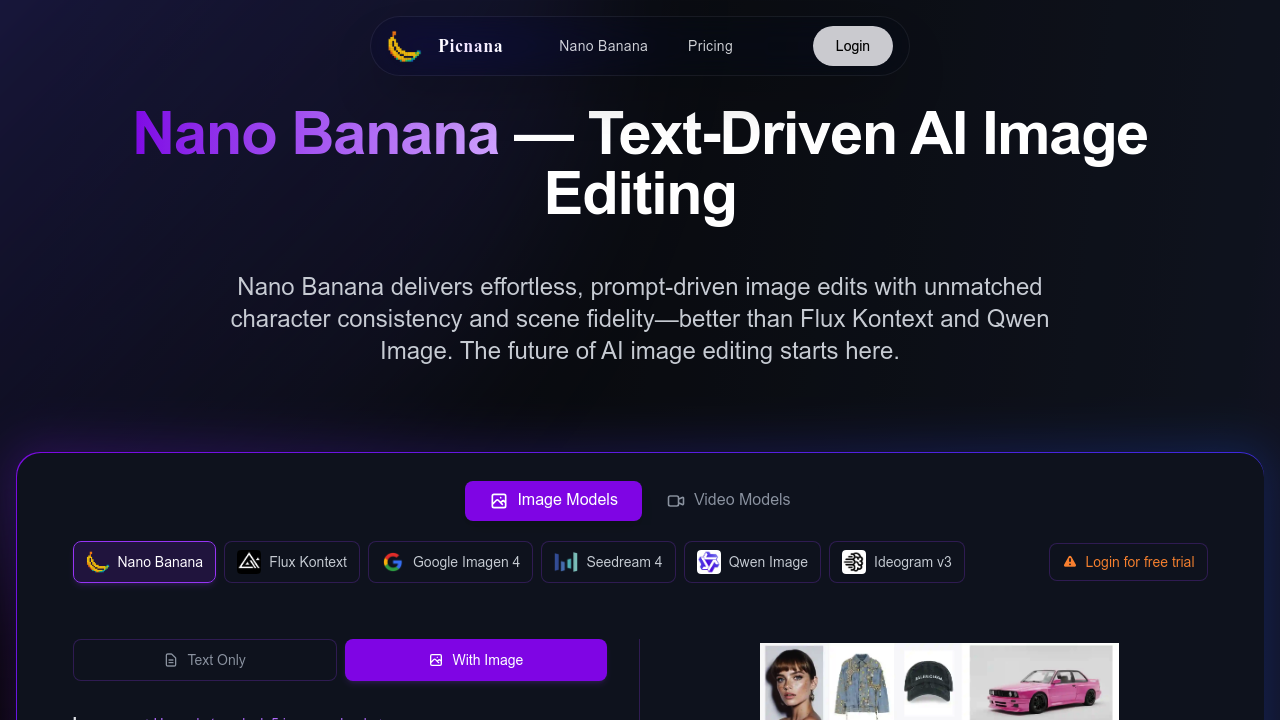
Picnana is an AI image studio that wraps the Nano Banana model in a simple browser interface. You write a prompt or upload an image, then generate new pictures or edit existing ones with plain language, for example changing colors, materials or backgrounds while the subject stays recognizable. Text-to-image, image-to-image and fine-grained editing sit in one place. Controls cover aspect ratio, guidance strength and style references, and other models such as Flux Kontext, Google Imagen 4, Seedream 4, Qwen Image and Ideogram v3 can be selected. A free trial generation is offered, and credits and seats are used to scale.
Creators and freelancers who want quick results without learning several tools are the main audience, and the defaults are described as beginner friendly with power controls for experienced users. Marketing teams can produce ad visuals and product shots, photographers and designers can retouch portraits, and small stores can build variations of a product render. Team plans use seats, so groups can share spend.
Typical uses include editing a portrait to restore a face while keeping the scene, swapping the background of a product photo, or creating a composite scene from a long descriptive prompt. A designer can iterate on lighting and color, review versions in the history and compare them side by side, then download high-resolution files or web-ready sets. Because the model holds identity across edits, series of images of the same character or product stay consistent, which helps for campaigns and social content. Safety filters apply, and users remain responsible for rights and licenses.