
PhotoDirector logo
AI Photo Editor FREEMIUM from $4/mo

PhotoDirector

PhotoDirector 365 from CyberLink is a desktop photo editor for PC and Mac that covers the whole workflow in one app: organizing a photo library, developing RAW files, compositing with layers, retou...

Ching portraits and creating with generative AI. Its AI side includes an image generator, image-to-video, face swap, AI Replace, object and background removal, enhancement and upscaling, and an AI Model Lab that offers…

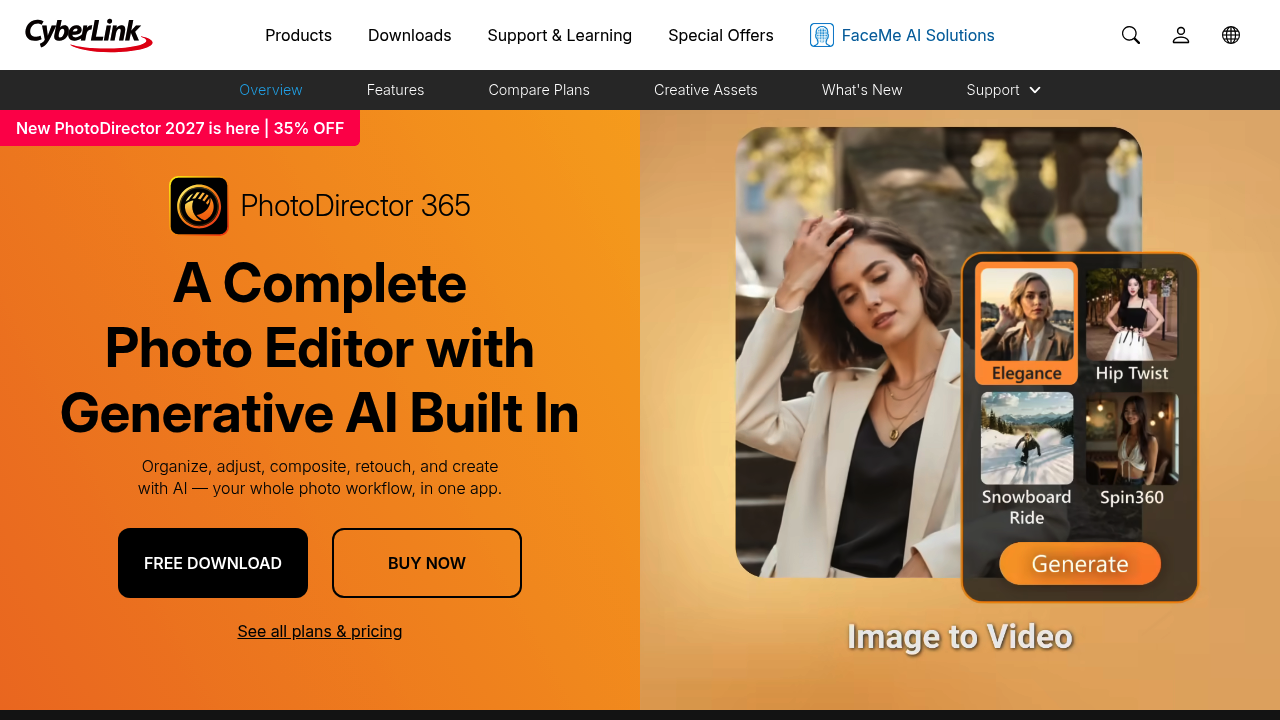
PhotoDirector screenshot

PhotoDirector 365 from CyberLink is a desktop photo editor for PC and Mac that covers the whole workflow in one app: organizing a photo library, developing RAW files, compositing with layers, retouching portraits and creating with generative AI. Its AI side includes an image generator, image-to-video, face swap, AI Replace, object and background removal, enhancement and upscaling, and an AI Model Lab that offers several current image and video models. A free download is available and purchases carry a 30-day money-back guarantee.

PhotoDirector suits hobby and professional photographers who want RAW development and layered editing without paying for several separate programs. Social media creators and small businesses can use the generative tools to make visuals, restyle shots and clean up distractions quickly. Portrait photographers benefit from reshaping and skin tools for faces and bodies. Privacy-minded users can run supported AI features on their own GPU or NPU without spending credits, while heavier video and image models run in the cloud. People who prefer a conversational workflow can edit by chat and accept suggested quick fixes.

Typical jobs include batch-editing a shoot, developing RAW files with exposure, HSL and curves, then compositing several images with masks. A wedding photographer can smooth skin and remove wires or strangers from the background, a seller can clear distractions from product shots, and a creator can animate a still into a short clip or swap faces and motion. Marketing teams can test unreleased campaign visuals locally so they never leave the PC. Everyday fixes include noise reduction, sharpening, color correction and AI upscaling before sharing, all inside one editor.

PhotoDirector alternatives

See all →

Frequently asked

6 questions
What can PhotoDirector do with generative AI?
Generative tools create images, animate stills with image-to-video, swap faces, replace objects and restyle looks. An AI Model Lab provides several text-to-image, image-to-video and text-to-video models.
Who is PhotoDirector best for?
Photographers and creators who want RAW development, layer editing and AI tools in a single desktop app are the main audience. Portrait retouchers and anyone replacing multiple separate editors will also fit.
Can I remove objects or people from a photo?
Removal tools clear people, objects, backgrounds and wires from photos. Enhancement tools also reduce noise, sharpen details, correct color and upscale images.
Is there a free version of PhotoDirector?
A free download of the official trial is offered, and purchases come with cancel-anytime terms and a 30-day money-back guarantee. Plan details are listed under its pricing and plans page.
Does PhotoDirector need an internet connection for AI?
AI PC mode runs supported AI features on your own GPU or NPU with no credits and works offline. Video and the most demanding image models run in the cloud and use credits.
Which platforms does PhotoDirector run on?
PC and Mac are both supported. AI PC mode is currently optimized for Intel AI PCs, with more platforms to be supported soon.

Reviews (0)

Write review

No reviews yet. Be the first to share your experience.