
Adobe Photoshop logo

Adobe Photoshop

Adobe Photoshop is the long-established image editor for retouching photos, compositing layers, and creating digital artwork.

The current version runs on the desktop and online, and a free mobile app is also offered. Generative AI features help create custom scenes, make complex edits, and combine images, alongside the layer-based tools…

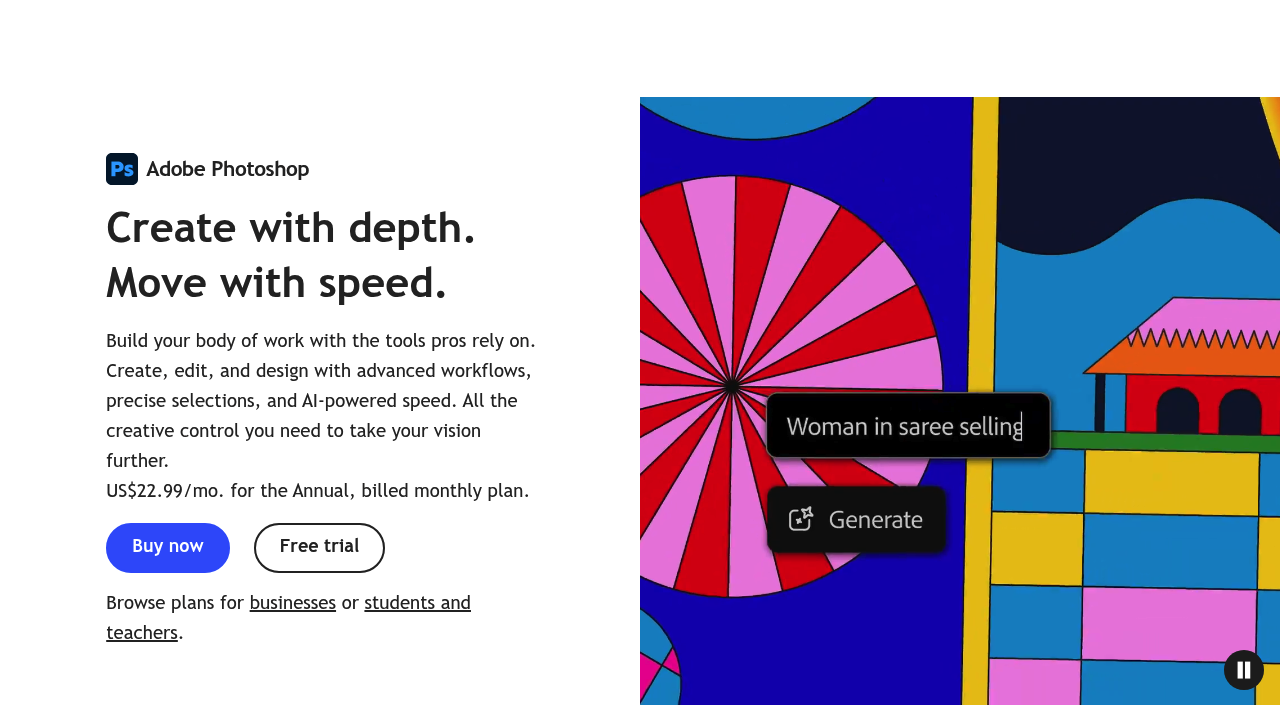
Adobe Photoshop screenshot

Adobe Photoshop is the long-established image editor for retouching photos, compositing layers, and creating digital artwork. The current version runs on the desktop and online, and a free mobile app is also offered. Generative AI features help create custom scenes, make complex edits, and combine images, alongside the layer-based tools professionals have used for years. Adobe offers a free trial, with separate plans for individuals, businesses, and students and teachers, and the subscription includes Adobe Express for quick edits and simple designs.

Photoshop serves a broad group of creative people. Professional photographers retouch portraits and color grade shoots, while graphic designers build posters, social graphics, and web layouts. Illustrators and digital artists paint and composite, and marketing teams in companies of all sizes prepare campaign images and product photos. Students and educators can choose a discounted plan, and casual users can try the mobile app for simple fixes. The program rewards deeper skill, so it suits both newcomers and experienced editors.

Typical jobs include removing a distracting object from a photo, replacing a background, blending several photos into a single scene, and adjusting color and lighting before printing. An e-commerce team can clean up product shots at scale, and an art director can mock up a campaign in layers before handing it to a developer. A hobbyist can use the mobile app to fix a snapshot on a phone and then continue the edit on a desktop. Because Photoshop belongs to Adobe Creative Cloud, files can move into other Adobe apps, and Adobe Express handles fast social posts when a full editor would be too much.


Adobe Photoshop alternatives

See all →

Frequently asked

6 questions
What is Photoshop mainly used for?
It is used for retouching photos, combining images, and creating digital designs and artwork. Generative AI tools help make complex edits and custom scenes.
Who should use Photoshop?
Photographers, designers, illustrators, marketers, students, and hobbyists all use it. Separate plans exist for individuals, businesses, and students and teachers.
Can Photoshop be used to blend several images into one scene?
Combining images is a core use, and Adobe highlights AI-assisted scene creation and complex edits. Layers give precise control over how each image is placed and masked.
Does Photoshop offer a free trial?
Adobe offers a free trial of Photoshop. After the trial, users pick an individual, business, or student and teacher plan.
What is a downside of Photoshop?
Subscription pricing and a deep feature set mean newcomers face a longer path to proficiency than with simple editors. Quick edits can instead be done in Adobe Express, which is included.
Where can Photoshop be used?
Desktop software, an online app, and a free Photoshop mobile app are all offered. Files connect with other Adobe Creative Cloud applications.

Reviews (0)

Write review

No reviews yet. Be the first to share your experience.