NVIDIA Broadcast logo

NVIDIA Broadcast

Pro streaming from your GPU

58 views
Visit nvidia.com
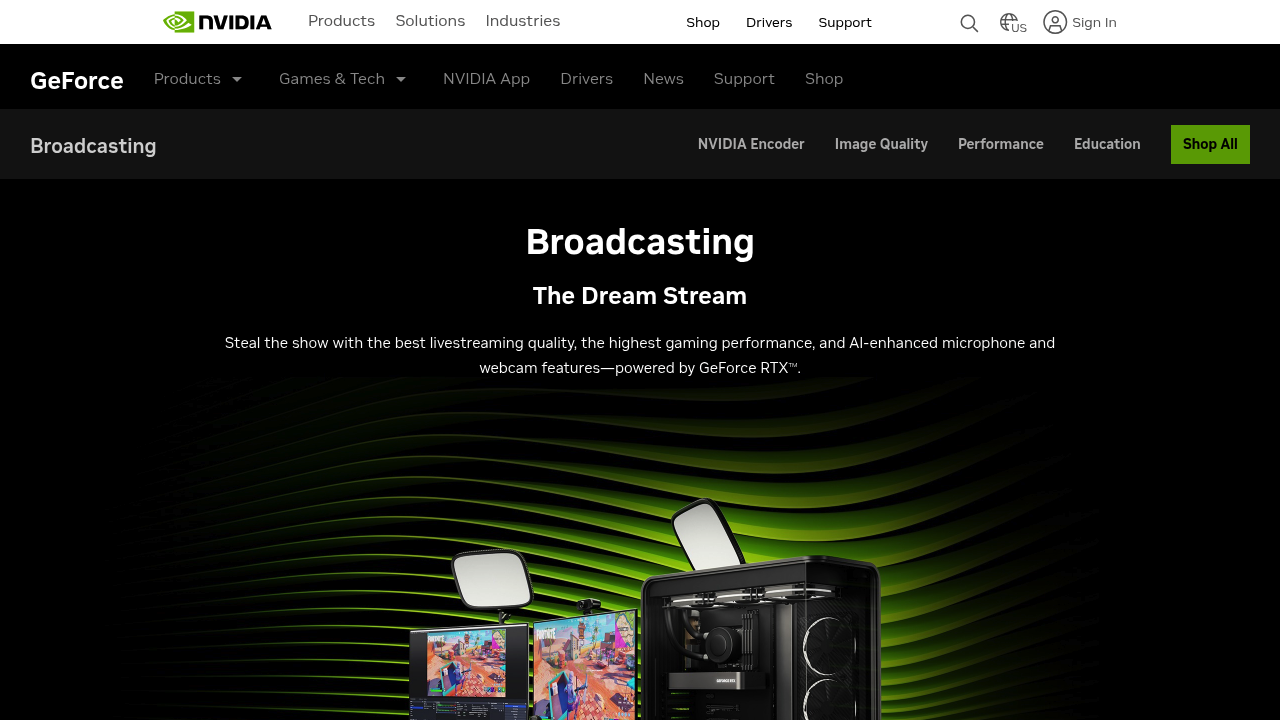
NVIDIA Broadcast screenshot

NVIDIA Broadcast turns your regular room into a broadcast studio using AI effects for your microphone and webcam. You get background noise removal, custom backgrounds, and enhanced audio quality without needing expensive equipment or acoustic treatment.

NVIDIA Broadcast removes distracting sounds during calls and streams. Background noise disappears. You can replace your cluttered bedroom with a clean virtual background or blur everything behind you. NVIDIA's AI handles the heavy lifting through your GeForce RTX GPU's dedicated NVENC encoder.

Performance matters here. NVIDIA Broadcast delivers 1.5x better performance than traditional x264 Medium encoding while maintaining 1080p60 streaming at 6mbps. Gaming performance stays strong too — you'll see 1.3x better performance in GTA V and 1.2x in Fortnite compared to CPU-based encoding.

Picture a Twitch streamer broadcasting from their bedroom. They're running a demanding game while streaming to hundreds of viewers. NVIDIA Broadcast handles the video encoding through the GPU's NVENC section, leaving the CPU free for gaming. Their messy room vanishes behind a professional background while traffic noise from outside gets filtered out completely.

You need a GeForce RTX GPU though. No RTX, no NVIDIA Broadcast. It works with OBS Studio. XSplit too. Streamlabs. Discord. Other popular streaming platforms. AV1 encoding support and CUDA-accelerated quality options give you more control over your broadcast quality.

Frequently asked

7 questions
Which graphics cards work with NVIDIA Broadcast?
You'll need a GeForce RTX GPU -- that's it. Won't work on older GTX cards or anything non-NVIDIA. RTX cards have this dedicated NVENC encoder that makes all the AI magic happen.
Does NVIDIA Broadcast slow down gaming performance?
Nope, actually speeds things up compared to CPU encoding! You get 1.3x better performance in GTA V and 1.2x in Fortnite. Your RTX GPU handles the encoding through its dedicated NVENC section -- leaves your CPU free to focus on running games.
What streaming software works with NVIDIA Broadcast?
Works with OBS Studio, XSplit, Streamlabs, and Discord. Most popular streaming platforms support it too. The AI effects just show up as virtual devices that you can pick in your streaming software's audio and video settings.
Can I use custom images as virtual backgrounds?
Yep, you can upload your own custom background images. You're not limited to NVIDIA's default options. The AI replacement happens in real-time and handles lighting changes pretty well.
How much bandwidth does NVIDIA Broadcast use for streaming?
It keeps 1080p60 streaming at 6mbps while giving you 1.5x better performance than x264 Medium encoding. The NVENC encoder's just more efficient than traditional CPU encoding methods.
Does the noise removal work with mechanical keyboards?
Yeah, the AI noise removal tackles mechanical keyboard clicks, fan noise, traffic sounds -- basically any background distractions. It's trained to keep your voice while filtering out everything else. Works during calls and streams.
What's the difference between background blur and replacement in NVIDIA Broadcast?
Background blur softens everything behind you but keeps some detail visible. Background replacement completely removes your real background and drops in a virtual one. Both work in real-time without needing a green screen.

Traffic

Estimated monthly website visits · last 4 months

28.7M visits/mo
Monthly visits
28.7M
↓ 20.9% MoM
Global rank
#1,236
US #1,391
Category rank
#3
Video Editing
39.4M 36.7M 34M 31.4M 28.7M Nov 2025: 36.4M visits Nov 2025 Dec 2025: 39.4M visits Dec 2025 Jan 2026: 36.3M visits Jan 2026 Feb 2026: 28.7M visits Feb 2026

Data from SimilarWeb · Updated monthly.

Reviews (0)

Write review

No reviews yet. Be the first to share your experience.

Similar tools

See all →