
Nafy AI logo

Nafy AI

Racing against deadlines

44 views
Visit nafy.ai
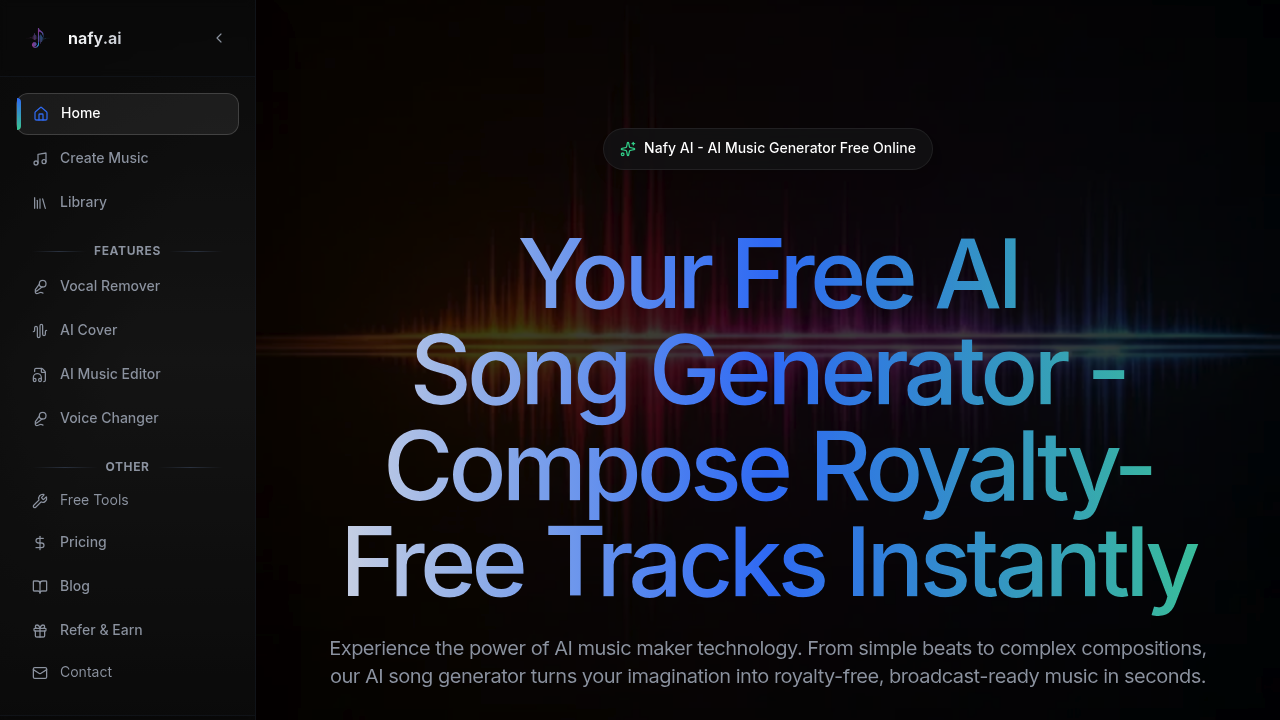
Nafy AI screenshot

Racing against deadlines? Can't spend hours arranging tracks in a DAW? This might save you.

Nafy AI converts text descriptions into broadcast-ready music with full commercial rights. Type "upbeat summer vibes" or "moody jazz ballad"—it builds the arrangement. No music theory background required.

The text-to-music engine handles simple beats. It tackles complex compositions too. Feed it lyrics and it'll sync instrumentation around your words. Upload existing audio and transform it into different genres (the core melody stays intact). Your track feels incomplete? The extension feature adds bridges or outros. There's also a music editor—you can manipulate generated compositions with timestamp-level precision.

Vocal options include male voices. Female vocals work too. Want instrumental-only mode? Got it. Feeling adventurous? Try the randomizer. Genre and tempo adjustments give you control over the final sound—no need to dive into production software. Nafy AI includes utility features like vocal removal and voice changing.

Seasoned producers might find this useful for rapid prototyping before manual refinement. First-time creators get access to polished output without learning Ableton or Logic.

Character limits keep things focused: 80 for titles, 1000 for style descriptions, 5000 for lyrics. These might feel restrictive for elaborate concepts.

The free plan lets you create music (specifics of what you get versus paid tiers aren't immediately clear). Speed is the real appeal here. What normally takes hours of arrangement work happens in minutes.

Frequently asked

7 questions
Is Nafy AI free to use?
Yes, Nafy AI offers a free plan that lets you create music. You'll get full commercial rights to whatever you generate, so you can use the tracks in videos, podcasts, or client projects without worrying about licensing fees.
Can I use Nafy AI music for commercial projects?
Absolutely. All tracks you create come with full commercial rights, meaning you can use them in YouTube videos, advertisements, streaming content, or any paid work. It's royalty-free and broadcast-ready right out of the gate.
Do I need music theory knowledge to use Nafy AI?
Nope, not at all. You just type natural descriptions like 'upbeat summer vibes' or 'dark electronic beats' and the AI figures out the arrangement. It's built for people who've never touched a DAW as much as it is for experienced producers.
Can Nafy AI turn my lyrics into a full song?
Yeah, it can. You paste in your lyrics and it'll generate a complete track with synchronized instrumentation and vocals around your words. You can pick male or female vocals, or go instrumental-only if you prefer.
What are the character limits in Nafy AI?
Titles max out at 80 characters, style descriptions at 1,000 characters, and lyrics at 5,000 characters. These limits keep things focused but might feel tight if you're working on something really elaborate or detailed.
Can I extend or edit songs created with Nafy AI?
Yes, there's an extension feature that adds sections like bridges, outros, or breakdowns to existing tracks. The music editor gives you timestamp-accurate control, so you can tweak specific moments in your composition without starting from scratch.
Who should use Nafy AI?
It's great for content creators who need background music fast, producers who want quick prototypes before manual refinement, or anyone without music production skills who needs polished tracks. If you're racing deadlines and can't spend hours in a DAW, this'll help.

Reviews (0)

No reviews yet. Be the first to share your experience.

Similar tools

See all →