
Morgen logo
AI Scheduling FREE TRIAL from $10/mo

Morgen

Morgen is an AI daily planner that pulls every calendar and task list into one app, then schedules your work for you.

Its AI Planner reads the to-dos you already have in Notion, ClickUp, Linear or Todoist, previews a plan on your calendar, and lets you accept or adjust it. Pro costs $30 per month, or $15 per month billed yearly, and a…

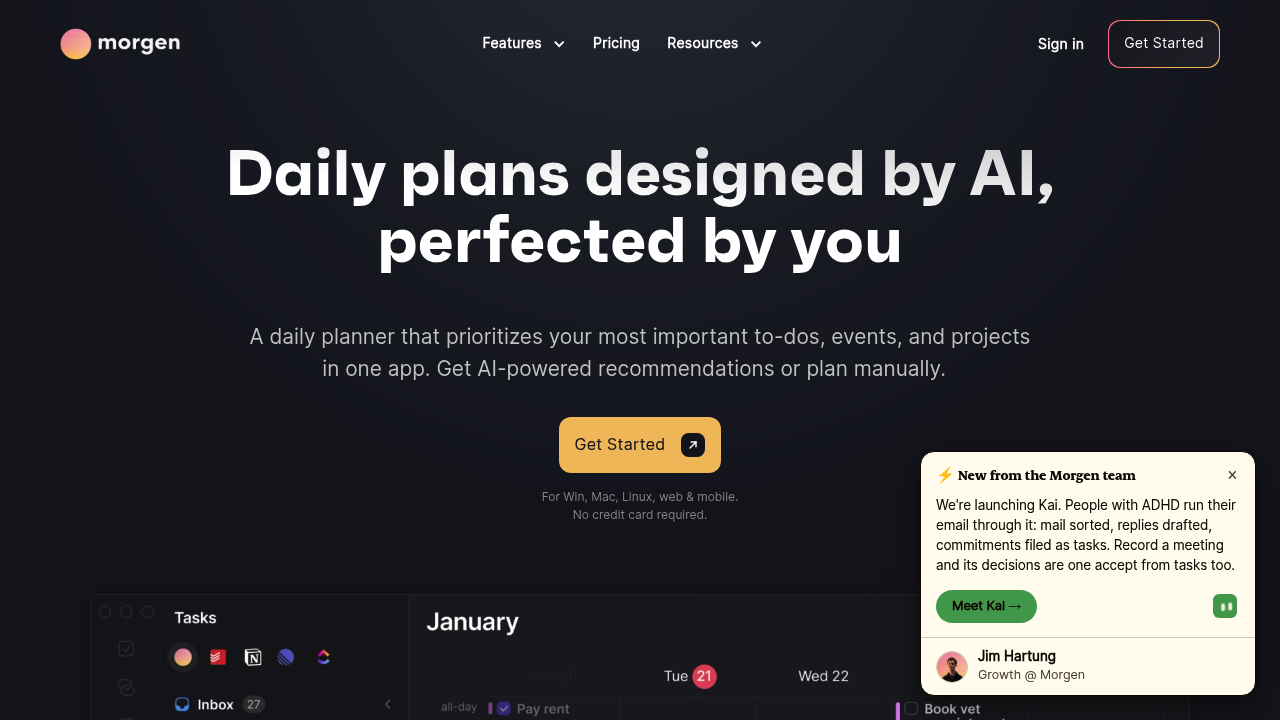
Morgen screenshot

Morgen is an AI daily planner that pulls every calendar and task list into one app, then schedules your work for you. Its AI Planner reads the to-dos you already have in Notion, ClickUp, Linear or Todoist, previews a plan on your calendar, and lets you accept or adjust it. Pro costs $30 per month, or $15 per month billed yearly, and a 14-day free trial needs no credit card. Team plans run $25 per seat monthly or $10 per seat on a yearly plan.

People who live in several calendars at once get the most from it: consultants with client and personal calendars, managers who bounce between Google and Outlook, and freelancers who keep tasks in a separate project tool. Teams of two or more can share availability and book meetings at times that protect each other's focus. Linux users are covered too, since desktop apps exist for Windows, macOS and Linux alongside web and mobile versions, which is uncommon among planners.

Typical workflows start with a weekly template built from Frames, which tells the AI Planner when deep work, meetings and admin belong. From there, tasks pulled from Todoist or Linear land on the calendar as time blocks, overdue items roll forward, and tasks at risk of missing a deadline get flagged. Calendar sync copies events between accounts to prevent double bookings, travel-time and buffer blocks appear around meetings, and built-in scheduling links check real-time availability before anyone books a slot with you.


Morgen alternatives

See all →

Frequently asked

6 questions
How does Morgen decide what to schedule each day?
The AI Planner looks at your tasks, deadlines and the Frames you set for an ideal week. It shows live recommendations on your calendar, and you can move tasks or change durations before confirming.
Who is Morgen built for?
It targets professionals who manage work and personal commitments across more than one calendar, plus teams that want shared availability. People who keep tasks in tools like Notion, Todoist or Linear benefit most.
Can Morgen block time for tasks from other apps?
Tasks from Notion, ClickUp, Linear and Todoist can be dragged or planned into your calendar as time blocks. Due dates also show on the calendar so deadlines stay visible.
What does Morgen cost?
Pro is $30 per month billed monthly or $15 per month billed yearly. Team plans are $25 per seat monthly or $10 per seat yearly, with a two-seat minimum, and every plan starts with a 14-day free trial.
Is there anything Morgen does not cover?
There is no permanent free tier, so continued use after the 14-day trial requires a paid plan. Team plans also require at least two seats.
Which platforms and calendars does Morgen work with?
Apps are available for Windows, macOS, Linux, web and mobile. It connects to Google, Outlook, Apple iCloud, Fastmail and other calendars, and you can start by signing up without a credit card.

Reviews (0)

Write review

No reviews yet. Be the first to share your experience.