
LanguageTool logo

LanguageTool

LanguageTool checks grammar, spelling, punctuation, casing and style as you write, and works in more than 30 languages and dialects, including English, German, Portuguese, Spanish, French and Dutch.

Paste text into the web checker or open the editor to save documents, keep a personal dictionary and review writing statistics. The language is detected automatically, and a paraphrasing tool helps reword awkward…

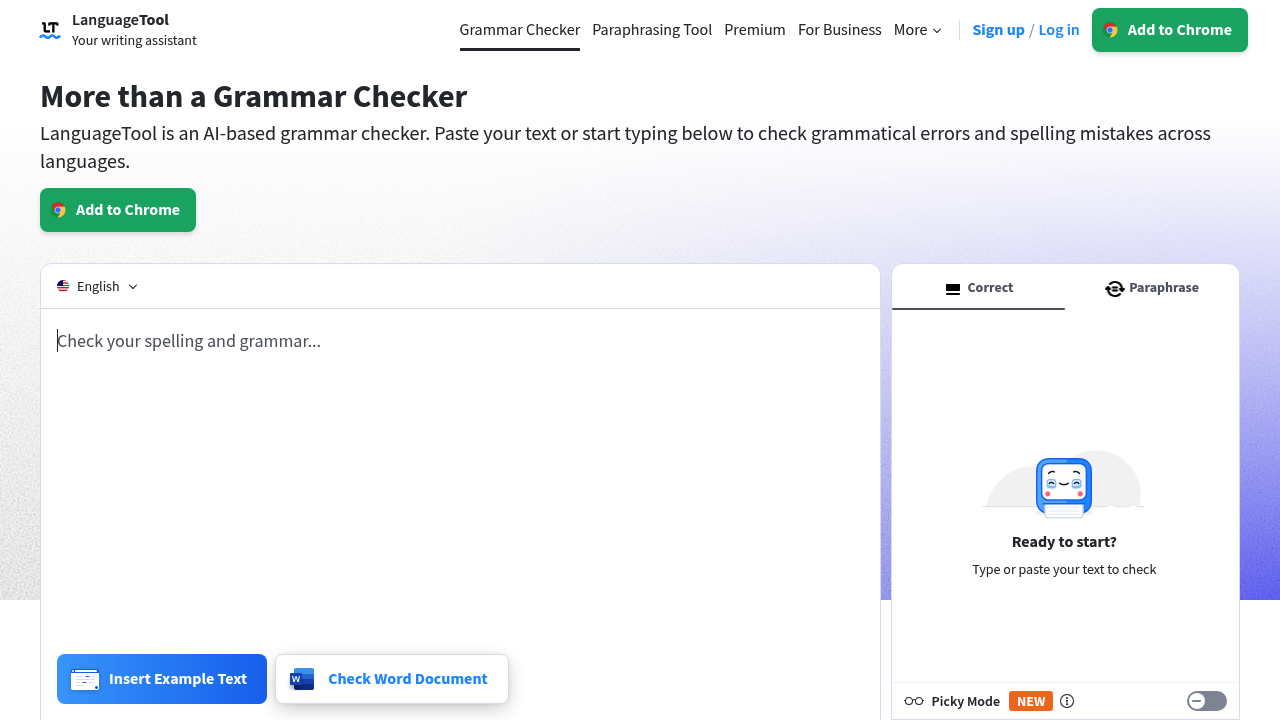
LanguageTool screenshot

LanguageTool checks grammar, spelling, punctuation, casing and style as you write, and works in more than 30 languages and dialects, including English, German, Portuguese, Spanish, French and Dutch. Paste text into the web checker or open the editor to save documents, keep a personal dictionary and review writing statistics. The language is detected automatically, and a paraphrasing tool helps reword awkward sentences. A free account gives access to the editor, and a Premium tier adds more advanced suggestions.

The audience is anyone who writes in more than one language or needs error-free text without switching apps: students finishing essays and dissertations, journalists and content writers, support and sales staff replying to customers, translators, and non-native speakers polishing email. Organizations also use it; more than 2,000 are listed as users, among them news agencies, publishers and research institutions. Privacy-minded teams will note that the browser add-on does not store the text it checks.

The checker runs in Chrome, Firefox, Edge, Safari and Opera, so it catches mistakes in webmail, social posts and CMS editors. On Windows it supports apps such as Outlook, Notepad and Wordpad, and on macOS it covers Pages, Mail, Slack, Word and Notes. Office users can add it to Google Docs, Microsoft Word 2016 or later, or LibreOffice. Typical uses include proofreading a thesis, cleaning up a blog draft before publishing, checking a business email in a second language, and catching subject-verb agreement or wrong plural forms in a long report.


LanguageTool alternatives

See all →

Frequently asked

6 questions
Which languages can LanguageTool check?
English, German, Portuguese, Spanish, French and Dutch are highlighted, along with more than 30 other languages and dialects. The language is detected automatically as you type.
Who benefits most from LanguageTool?
Students, writers, professionals and multilingual teams who want corrections without leaving the app they write in. Organizations such as news agencies and publishers also use it.
Can I use it inside Google Docs or Word?
Add-ons exist for Google Docs and Microsoft Word, including a Word add-in for Word 2016 or later on Windows, Mac and the web, plus a macOS app for Word. LibreOffice is supported as well.
Is there a free version?
Free grammar checking is offered in the web checker, and a free account gives access to the editor. Premium is a paid tier that adds more advanced suggestions and carries a limited-time 20% discount.
What does Picky Mode add?
It surfaces extra suggestions for advanced punctuation, style and typography. It is meant for polishing finished writing rather than catching basic typos.
Does the browser add-on store my text?
Text checked through the browser add-on is not stored, according to the vendor. Texts saved inside the editor, by contrast, are stored securely for later access.

Reviews (0)

Write review

No reviews yet. Be the first to share your experience.