
Ginger Software logo

Ginger Software

Ginger Software is an English writing assistant that checks spelling and grammar by reading whole sentences, so its corrections follow context instead of isolated word matches.

One click fixes every flagged mistake in a text. Beyond corrections, it offers a rephrase function that proposes cleaner alternatives for wordy sentences, and an AI-based synonym lookup that appears when you tap or…

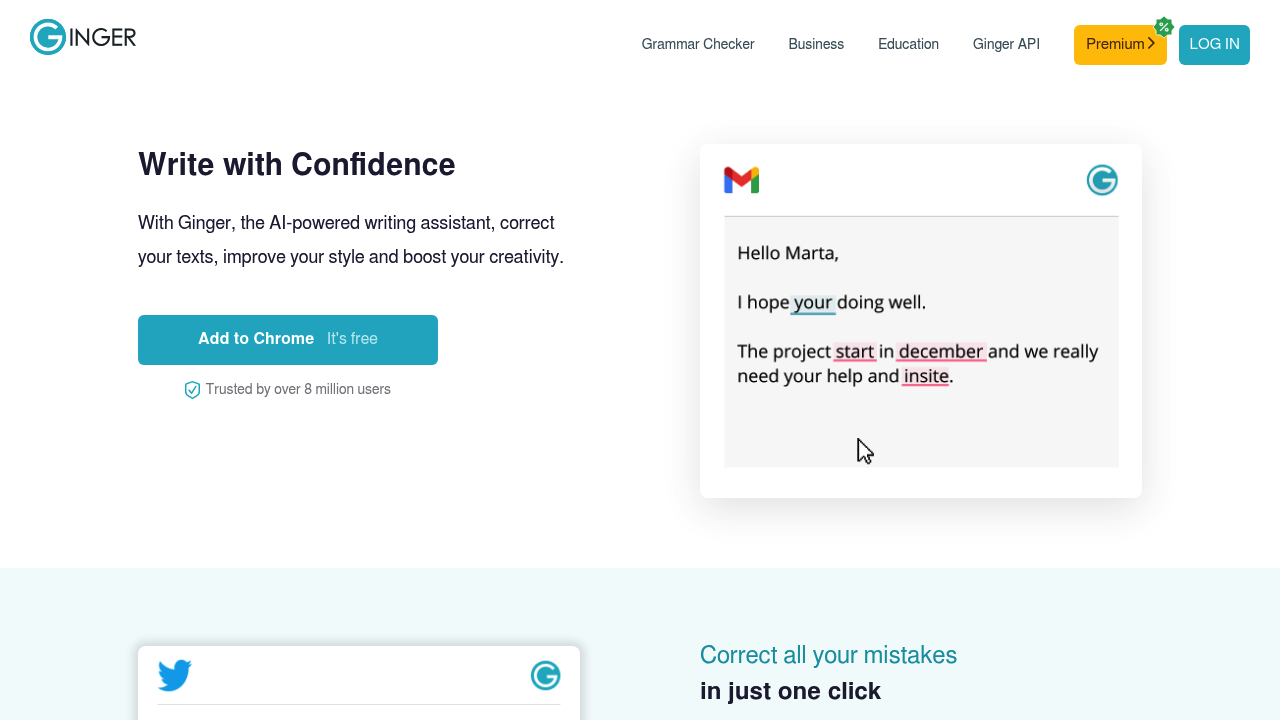
Ginger Software screenshot

Ginger Software is an English writing assistant that checks spelling and grammar by reading whole sentences, so its corrections follow context instead of isolated word matches. One click fixes every flagged mistake in a text. Beyond corrections, it offers a rephrase function that proposes cleaner alternatives for wordy sentences, and an AI-based synonym lookup that appears when you tap or double-click a word. The service ships as a Microsoft Word add-in, desktop apps for Windows and Mac, Chrome and Edge extensions, and mobile apps for iOS and Android.

People who write in English every day get the most from it: office workers answering long emails, students polishing assignments, marketers drafting posts, and non-native speakers who want a second pair of eyes before hitting send. Ginger also sells a business offering aimed at customer-facing teams, an education offering for classrooms that want to improve students' English, and an API for developers who want grammar correction inside their own app or website. It reports a 4.6 rating and more than 8 million users.

Typical scenarios include fixing a long report in Word, cleaning up a message in Gmail before sending it, tightening a LinkedIn post, or checking a tweet on the phone. The browser extensions place suggestions directly in the text fields of websites, which suits people who write across many web apps in a day. Teachers can use the education version to give learners quick feedback on sentences, while support teams can proofread replies to keep customer messages clear and professional. Developers can wire the API into editors, forms or learning products that need automated corrections.

Ginger Software alternatives

See all →

Frequently asked

6 questions
What does Ginger check besides spelling?
It reviews grammar using the context of full sentences, offers rephrased alternatives for wordy lines, and suggests synonyms for individual words. Corrections can be applied in one click.
Who is Ginger built for?
Anyone who writes in English regularly, including professionals, students and non-native speakers. Separate Business and Education offerings exist for companies and schools.
Can Ginger be used inside Microsoft Word and Gmail?
A Word add-in covers documents, and the Chrome and Edge extensions add suggestions to Gmail, LinkedIn, Facebook and other sites. A desktop app can also correct text from other applications.
Which devices and platforms are supported?
Desktop apps exist for Windows and Mac, browser extensions for Chrome and Edge, and mobile apps for iOS and Android. A Word add-in is available too.
Does Ginger handle languages other than English?
Products are described as English grammar and writing tools. Users who need proofreading in other languages should look at a different checker.
Is there an API for developers?
Ginger offers an API that adds its corrections to a third-party app or website. Details are handled through the Ginger for developers section.

Reviews (0)

Write review

No reviews yet. Be the first to share your experience.