
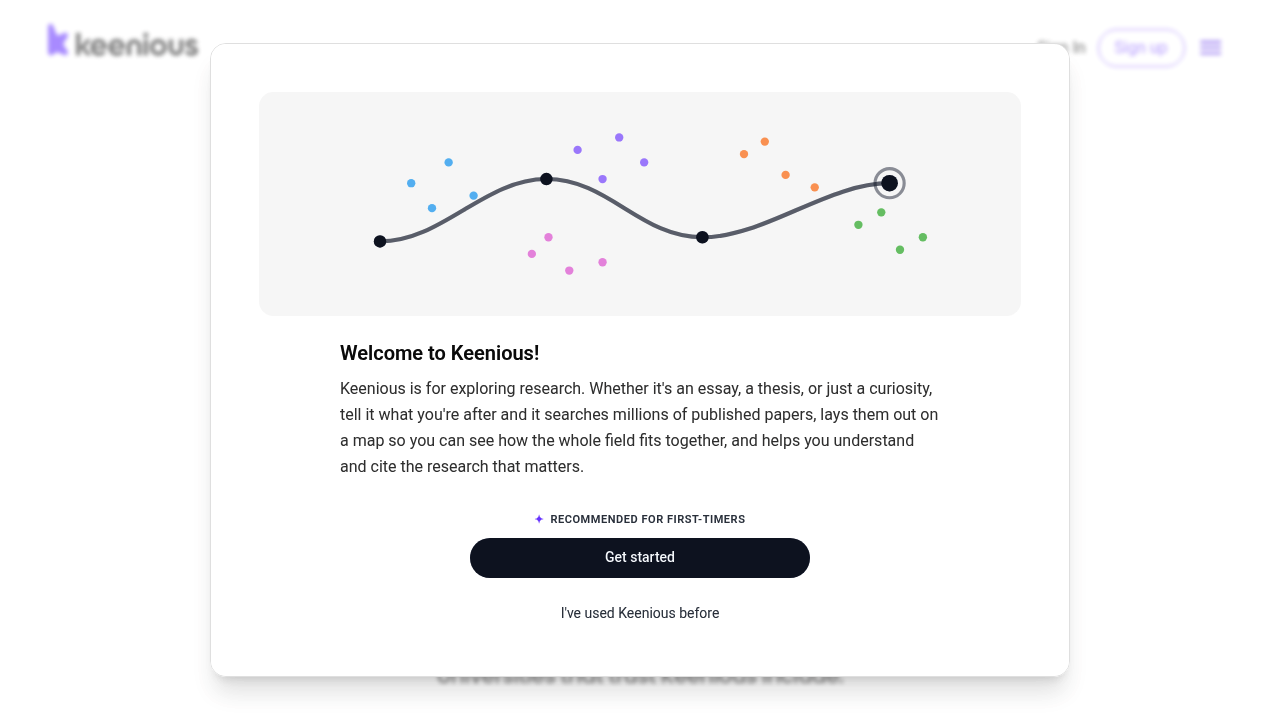
Keenious is a research companion that finds published academic literature related to the text you are working on. It searches a database of more than 250 million works from OpenAlex, shows you the papers it finds and how it searched, and lets you chat about them. You can highlight passages in a paper and ask for explanations of methods, statistics or terminology. It works in Microsoft Word, Google Docs and the browser, and it offers a free tier alongside a Plus tier with higher usage.
Keenious serves undergraduates and graduate students who need credible sources for assignments, researchers doing literature reviews across languages and disciplines, and librarians who want patrons to engage with subscribed resources. Because the interface works in nearly 100 languages, non-native English speakers can ask questions in their own language and find work from over 100 countries. Universities can license it institution-wide, with link resolver support for EBSCO, PRIMO and other library platforms so that subscribed content is easy to reach.
A student drafting an essay in Word can open the sidebar and see papers related to the paragraph on screen, then add citations. A researcher beginning a literature review can ask a question in plain language and explore how a field fits together, including unexpected connections. Someone stuck on a dense methods section can upload a PDF, highlight a passage and ask for an explanation. Libraries can connect the service to their catalogs so it surfaces subscribed journals. Keenious points to real papers rather than writing for you, which keeps the work in your hands.