
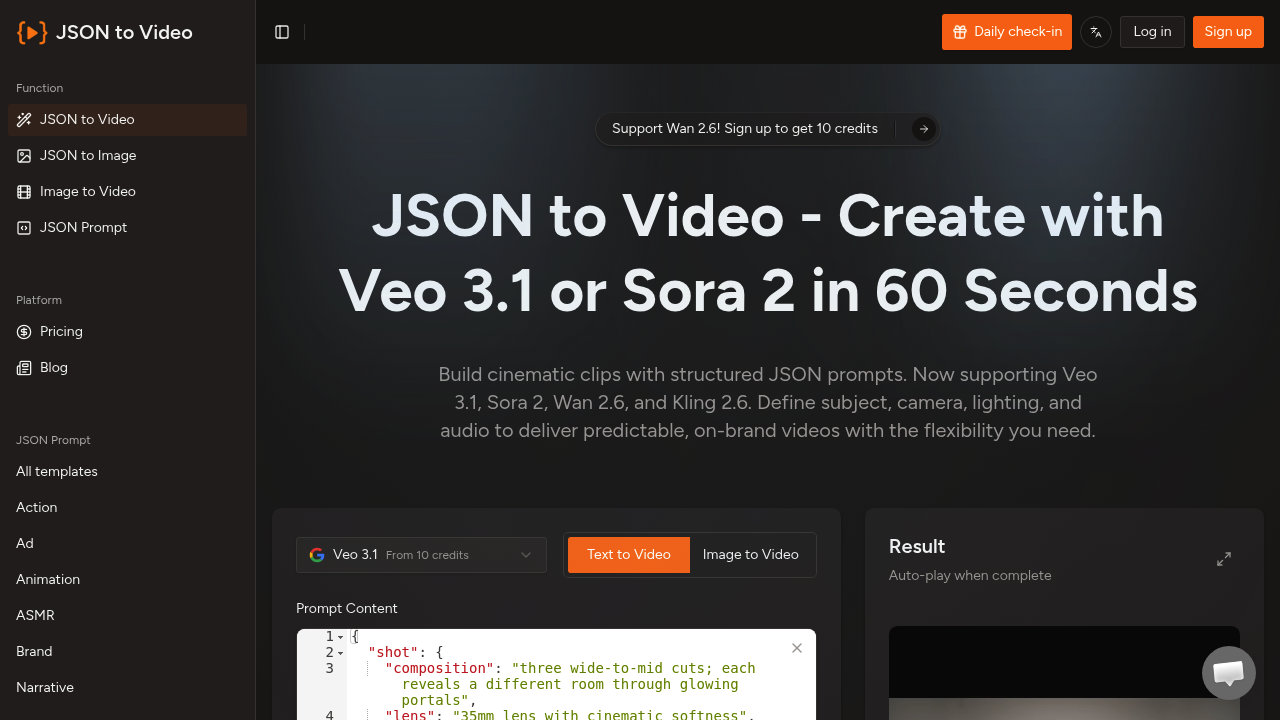
Json To Video processes your structured prompts faster than typing out lengthy descriptions. No more writing paragraphs and hoping the AI gets your vision. You fill out JSON fields instead. Shot composition goes in one field. Subject details in another. Scene settings and cinematography specs get their own spots.
Json To Video supports Veo 3.1, Sora 2, Wan 2.6, and Kling 2.6 models. Fast generation mode. Pro generation mode. Both available.
A brand manager launching a product campaign can specify 35mm lens settings, 30fps frame rates, and exact audio requirements — nothing left to interpretation. The template library covers action sequences. Ads. Animations. Wildlife footage. You get 16:9 or 9:16 aspect ratios depending on your platform needs.
The JSON approach eliminates guesswork. Traditional text prompts let AI models interpret your intent however they want. Here you define visual details, timeline elements, dialogue, and negative constraints in separate fields.
New users get 10 credits to start. Each video generation costs a minimum of 10 credits, which adds up quickly if you're testing different versions. The structured format requires some technical knowledge — you can't just type casual descriptions and expect results.
The storyboard-like prompts work well for content creators who need consistent branding across multiple videos. You'll spend time learning the JSON structure, but the predictable outputs might justify that investment if you're producing regular video content with specific visual requirements.