
Humata logo
AI PDF FREEMIUM from $10/mo

Humata

Humata is an AI document assistant that reads your files and answers questions about them.

Upload PDFs and other documents, ask for summaries, comparisons or specific facts, and each answer comes with citations linking back to the source passage. Files stay in a private cloud with encryption at rest and…

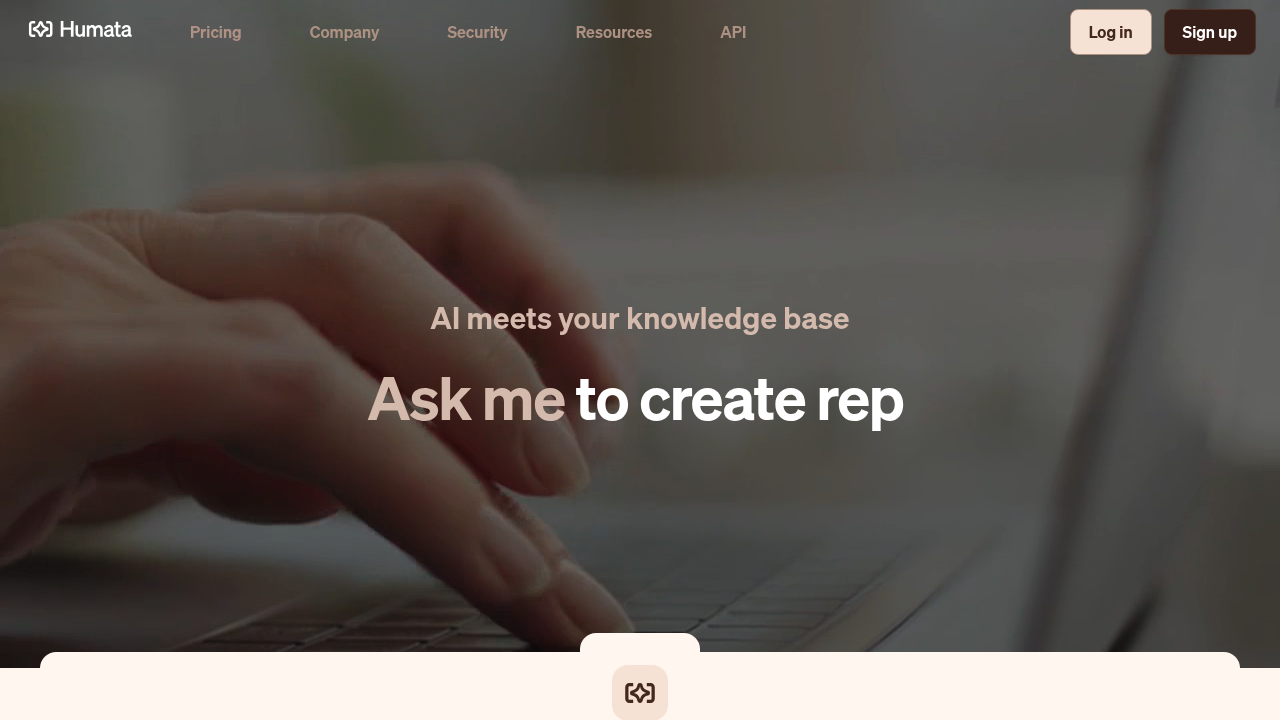
Humata screenshot

Humata is an AI document assistant that reads your files and answers questions about them. Upload PDFs and other documents, ask for summaries, comparisons or specific facts, and each answer comes with citations linking back to the source passage. Files stay in a private cloud with encryption at rest and role-based access, and the assistant can be embedded in any webpage so customers can query your documents directly. A free plan covers one user with up to 60 pages and 10 answers. Expert is $9.99 per month for up to three users and 500 pages, with additional pages at $0.02 each. Team costs $49 per user per month for up to ten users and 5,000 pages, adding OCR, response personalization and department and folder permissions. Enterprise pricing is custom.

It is built for researchers reading long technical papers, analysts at consulting and research firms, students and professors, and small professional teams that need quick answers from contracts, reports or knowledge bases. Larger teams get shared files, access controls and an API.

Typical workflows include summarizing a dense paper before a meeting, comparing two reports side by side, pulling a figure from a long document with a traceable citation, and giving website visitors a chat box that answers from your documentation. Because answers cite their sources, reviewers can verify claims quickly instead of trusting a summary blindly. Teams working with scanned files can use OCR on the Team plan to make image-based documents searchable.

Humata alternatives

See all →

Frequently asked

6 questions
How does it answer questions about my files?
Humata reads the documents you upload and answers from their content, attaching citations that link to the relevant sections. This lets you trace each insight back to the source.
Who should use it?
Researchers, analysts, students and professionals who deal with long documents benefit most. Small teams can share files with access controls.
Can I use it to compare documents?
You can ask it to summarize findings, compare documents and search for answers across your uploaded files. Answers can be rewritten until the summary suits you.
What does it cost?
A free plan allows 60 pages and 10 answers for one user. Expert is $9.99 per month and Team is $49 per user per month, with Enterprise priced on request.
What limits apply to the lower plans?
Free is capped at 60 pages, while Expert includes 500 pages and charges $0.02 for each extra page. OCR, folder-level permissions and response personalization require Team or above.
Can I put it on my own website?
It can be embedded in any webpage with one click so customers can get answers from your documents. An API is also offered, and single sign-on with Okta, Google or SAML is listed as coming soon.

Reviews (0)

Write review

No reviews yet. Be the first to share your experience.