
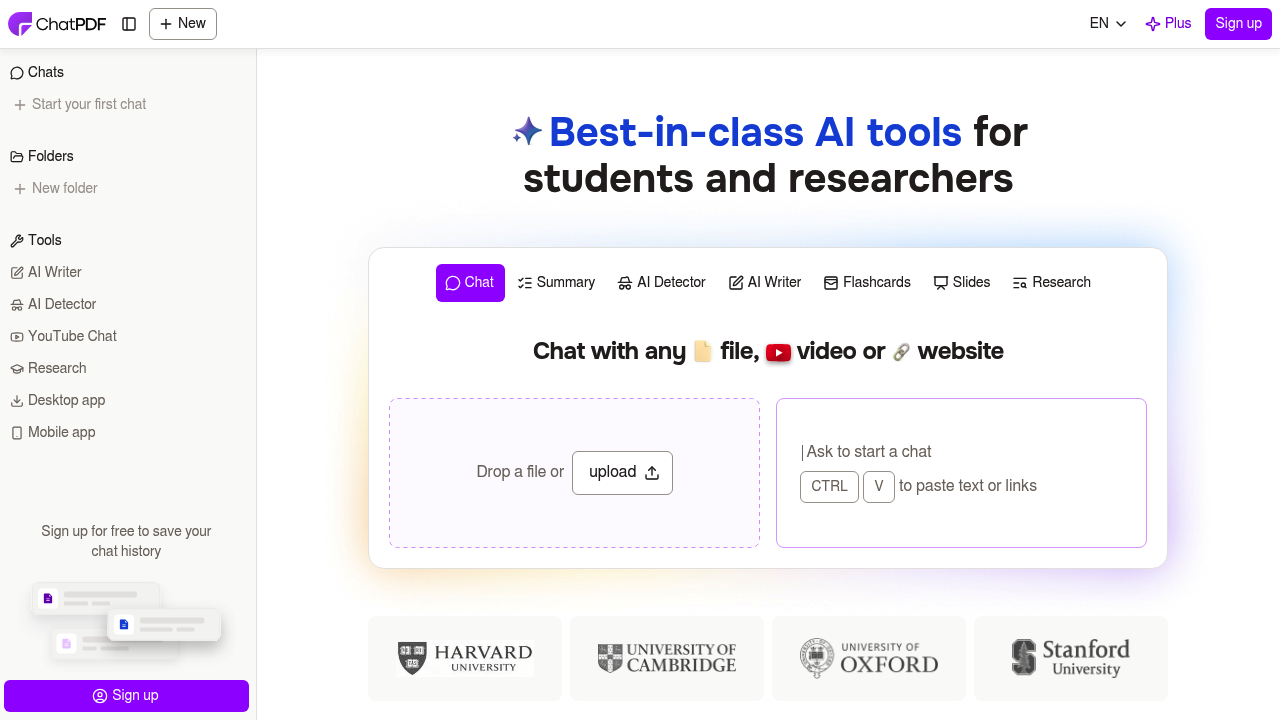
ChatPDF is a document question-answering app: upload a PDF, ask questions in plain language, and get answers with built-in citations that point back to the source passage. It also summarizes and translates PDFs, accepts Word, PowerPoint, Markdown and text files as well as PDF, and keeps the chat and document open in a side-by-side view for checking. Folders let you chat with several files in one conversation. The free plan analyzes 2 documents per day without needing an account, and ChatPDF Plus offers unlimited document analysis and more advanced features.
ChatPDF fits university students who study for exams or work through papers, researchers who scan journal articles and books, and professionals who deal with legal contracts, financial reports, manuals and training material. Because it accepts files in any language and can reply in any language, it also helps international readers and non-native speakers who struggle with dense source material. Light users can start on the free tier, and heavy readers can move to Plus when the daily limit becomes a constraint.
A graduate student might upload ten papers into one folder and ask which methods each uses, then follow citations back to the exact page. A paralegal can question a long contract about termination clauses, an analyst can pull key figures from a financial report, and a technician can search a product manual for a procedure. Others summarize a paper before deciding whether to read it, translate a foreign-language PDF, or paste a link or text to chat about web content. Related tools in the sidebar include an AI writer, an AI detector, YouTube chat and research features.