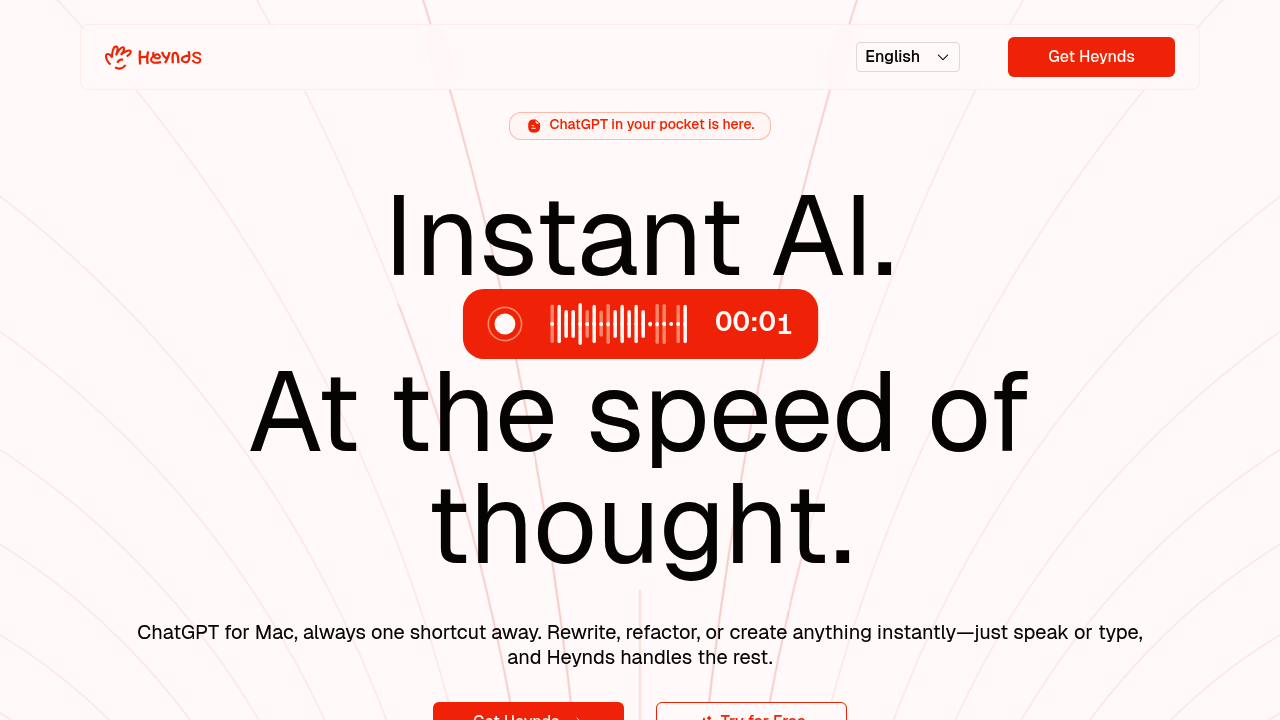
Traditional AI tools can't help you write an email while you're actually in your email client. Heynds closes that gap. It brings AI text generation directly into whatever macOS app you're using—no tab switching, no copy-paste loops.
Heynds lives in your Mac's background. It surfaces through keyboard shortcuts when you need it. You can dictate messy thoughts. Heynds converts them into polished sentences. You can highlight existing text and transform it with a single command. Works in Slack. Works in Google Docs. Works in Notes, your CRM, anywhere. The whole interface is built around staying in your current workflow (instead of breaking it).
Two main modes handle different jobs. Voice mode turns rambling speech into structured writing—135 words per minute. Refactor mode rewrites highlighted text however you specify. A product manager could dictate rough feature requirements during a call and get clean documentation without opening another window. You can create custom commands for repetitive tasks. Supports over 100 languages.
The privacy approach means Heynds only activates when triggered. Nothing gets recorded passively. End-to-end encryption is coming soon but isn't live yet. That's worth noting if data security is non-negotiable for you right now.
You get the first month free to test everything. After that it's $3.99 monthly for the Explorer plan. Enterprise pricing exists but requires contacting them. Heynds only works on Mac—Windows users are out of luck. But for Mac-based professionals who write all day across multiple apps? Heynds removes the friction of accessing AI assistance.