
GrubPick logo

GrubPick

You know that drawer full of torn magazine pages, the Pinterest board with 847 saved recipes, and the pile of cookbooks you love but never actually cook from

? GrubPick tackles that chaos by turning all those scattered sources into one searchable library. The import process is surprisingly flexible. Paste a URL from any recipe blog and the AI pulls out the title,…

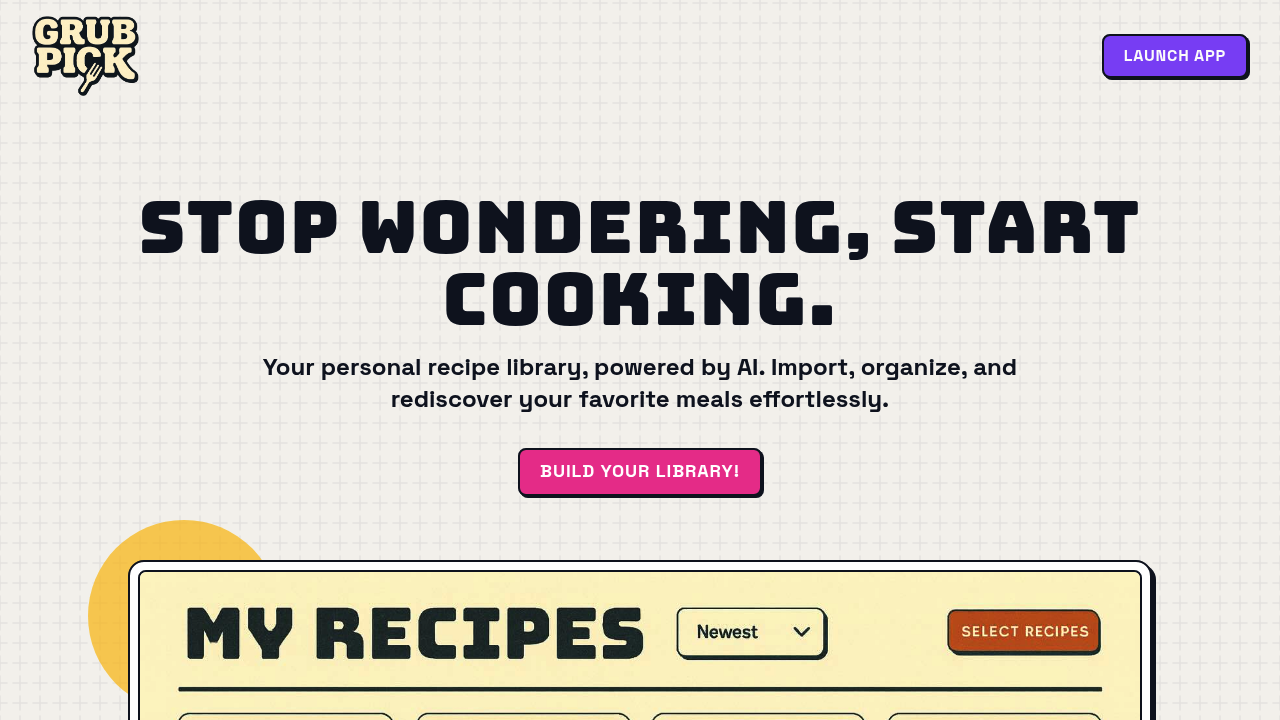
GrubPick screenshot

You know that drawer full of torn magazine pages, the Pinterest board with 847 saved recipes, and the pile of cookbooks you love but never actually cook from? GrubPick tackles that chaos by turning all those scattered sources into one searchable library.

The import process is surprisingly flexible. Paste a URL from any recipe blog and the AI pulls out the title, ingredients, and instructions automatically. Snap a photo of a cookbook page and it does the same thing. You can even pull recipes directly from Pinterest boards without manually copying anything. Everything lands in your personal dashboard where you can filter by course type, cuisine, or how long something takes to prep.

The meal planning piece connects nicely to the recipe library. Pick what you want to cook for the week and GrubPick builds a shopping list automatically, organized by grocery store aisle. That's actually useful if you're tired of wandering around wondering what section has fish sauce. The AI chat assistant can browse your own collection and suggest recipes based on what you're craving. Ask for quick weeknight ideas or something healthy with chicken and it pulls from recipes you've already saved, not random internet suggestions.

Does it actually work well? The AI extraction seems solid for structured recipe sites, but cookbook photos probably work better with clear text and good lighting. The search and filter options cover the basics but there's no mention of tagging or custom categories if you want more granular organization. No word on whether you can scale recipes, note substitutions, or share collections with other users. Those features might exist but aren't documented.

There's a free plan available, which matters because most recipe apps either lock features behind paywalls or bombard you with ads. What that free tier includes isn't spelled out though.

This makes the most sense for home cooks drowning in recipe sources who actually want to use what they've saved. If you're constantly screenshotting recipes or bookmarking blogs you never return to, having everything searchable in one place changes how you actually cook during the week. The meal planning and shopping list combo is where it goes beyond just being a digital filing cabinet.

Less useful if you prefer winging it in the kitchen or only cook from two sources. The value scales with how scattered your recipe collection currently is.


GrubPick alternatives

See all →

Frequently asked

6 questions
Can GrubPick import recipes from cookbooks and magazines?
You can snap photos of cookbook or magazine pages and the AI extracts the title, ingredients, and instructions automatically. This probably works best with clear text and decent lighting since physical pages vary more than structured recipe websites. It's a solid option if you've got a shelf of cookbooks you love but hate flipping through when you're trying to decide what to cook. Everything gets digitized into your searchable library alongside recipes from blogs and Pinterest.
Is GrubPick free to use?
There's a free plan available, which is rare for recipe management apps that usually either paywall features or run ads everywhere. The specifics of what's included in the free tier aren't documented though. You can import from recipe blogs, Pinterest, and cookbook photos without paying, but limits on recipe storage or advanced features aren't clear.
How does the AI recipe assistant work in GrubPick?
The AI chat browses your own saved recipes and suggests options based on natural language requests like 'quick weeknight ideas' or 'something healthy with chicken.' This matters because it's pulling from what you've already collected, not random internet recipes you've never seen. It's more like having someone who knows your taste help you pick from your own library than getting generic suggestions from a search engine.
Can I share my recipe collections with family or friends?
There's no mention of sharing features or collaboration tools in the available documentation. GrubPick seems focused on personal recipe management rather than group cooking or family meal planning. If you need to share collections or coordinate meal plans with others, that's a gap worth checking on before committing your entire recipe library.
Does GrubPick generate shopping lists from meal plans?
Once you schedule recipes for the week, GrubPick automatically builds a shopping list organized by grocery store aisle. That aisle categorization actually saves time since you're not constantly backtracking through the store or wondering where to find specific ingredients. The list pulls directly from your meal plan so you're only buying what you need for the recipes you've already picked.
Who should actually use GrubPick?
This makes sense for home cooks who've accumulated recipes across Pinterest, blogs, cookbooks, and magazine clippings but rarely use them because everything's scattered. The value scales with how messy your current system is. If you only cook from one or two sources or prefer improvising without recipes, the organizational features won't add much to your routine.

Traffic

Estimated monthly website visits · last 0 months

Not enough historical data for a chart yet.

Reviews (0)

Write review

No reviews yet. Be the first to share your experience.