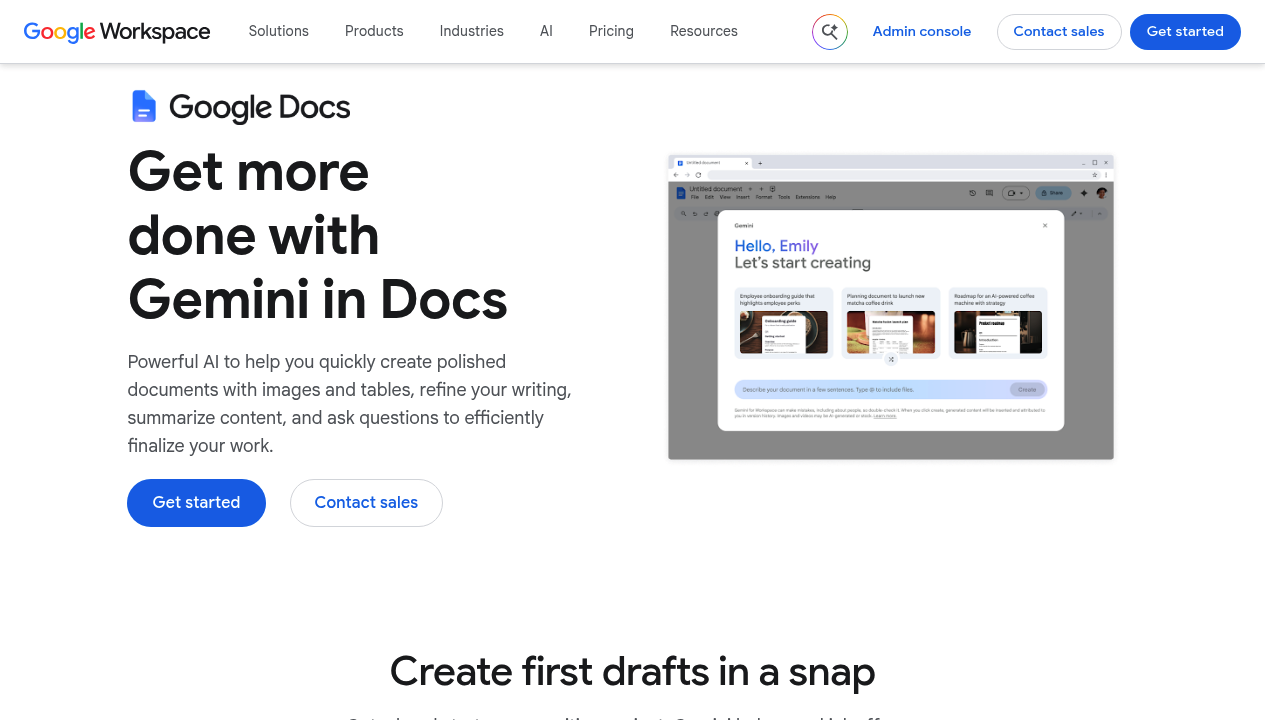
Gemini in Google Docs adds generative AI writing help directly inside Google Docs. From a blank page it can produce a first draft, pull material from files stored in Google Drive, brainstorm angles and ideas, and generate images in different styles from a single prompt. For existing text it offers rewriting and polishing, lets you ask for more or less detail, and accepts targeted prompts to steer the output. It also condenses long documents into summaries and answers questions about their content.
It suits anyone who already writes in Google Docs: freelancers drafting proposals, managers preparing status updates, students outlining papers, and marketing teams producing copy. Businesses of every size can use it through Google Workspace, with options for individual users, small companies and large enterprises. Because the assistant works within the editor, there is nothing extra to install and no copying between apps, which keeps the barrier low for non-technical staff who just want faster documents.
Common scenarios include starting a report from notes already sitting in Drive, turning a rough paragraph into a cleaner version, trimming a long policy document into a short summary for executives, and generating illustrations to accompany an article. Teams can ask questions about a lengthy contract or meeting document to locate key points quickly instead of reading line by line. Writers hitting a block can request alternative ideas, then adjust tone and detail level until the text fits. Sales, HR and operations staff use these steps for emails-turned-documents, job descriptions, handbooks and internal announcements, all inside the same shared Google Doc their colleagues are editing.