
Lex logo

Lex

Writing tool for people who think while they type

66 views
Visit lex.page
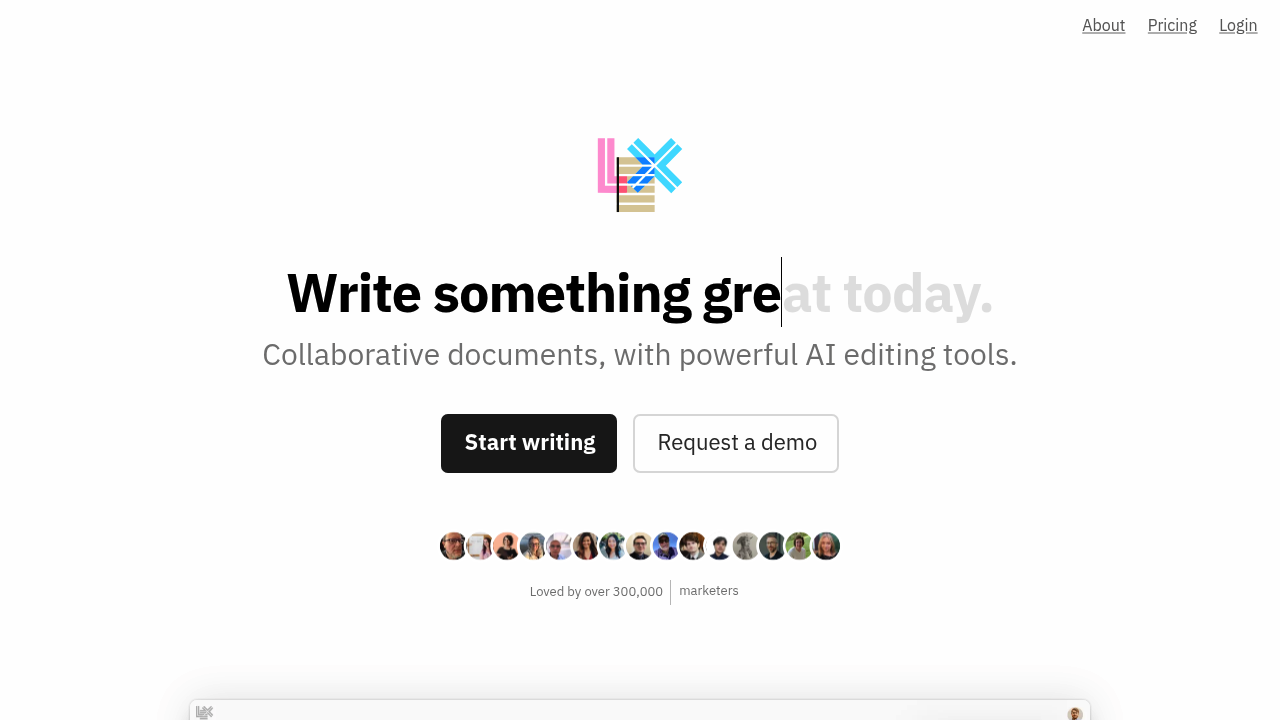
Lex screenshot

Lex doesn't list pricing anywhere. Not great when you're budgeting.

Over 300,000 writers use this collaborative document editor — positioned as a Google Docs replacement. Lex strips away clutter. Adds AI editing tools throughout your writing process. Ask the AI for feedback on drafts. Brainstorm new ideas. Rewrite sections that aren't working. Commands let you quickly generate title suggestions or find better words without breaking flow.

Real-time collaboration works like you'd expect. Multiple people can edit simultaneously and you'll see their cursors moving around the document. Comments have keyboard shortcuts for fast navigation. The versions feature lets you try different approaches without losing your original text — useful when you're not sure which direction to take.

A startup founder writing investor updates would find this handy. Draft the update, ask AI for feedback on tone, then share a read-only link with the team for final review.

The mobile web version works without downloading an app. Publishing creates shareable links for finished pieces. Track changes is coming soon but isn't available yet, which might matter if you need detailed revision history.

Minimal interface. You focus on writing rather than fighting with formatting options. Lex works for authors. Journalists. Marketers. Students. Anyone who writes regularly and wants AI assistance baked into their workflow.

Frequently asked

7 questions
How does Lex's AI feedback actually work when I'm writing?
You can ask the AI for feedback on specific sections -- or your entire draft. The AI looks at your writing and gives suggestions on tone, clarity, structure. It's built right into the editor, so you don't need to switch between different tools.
Can I use Lex offline or do I need an internet connection?
Lex needs an internet connection since it's web-based. The mobile version works through your browser -- no app download needed. You can't write offline and sync later like some other tools.
Does Lex have version control like GitHub for tracking all my changes?
Lex has a versions feature that lets you save different approaches without losing the original. But detailed track changes? Still in development. If you need granular revision history with timestamps and author attribution, you'll have to wait.
How many people can collaborate on a single Lex document at once?
Lex supports real-time collaboration with multiple editors working simultaneously. You'll see other people's cursors moving around as they type. The exact limit for concurrent users isn't specified, but it handles typical team sizes just fine.
What's the difference between Lex's publishing feature and just sharing a Google Doc?
When you publish in Lex, you get a clean, shareable link that displays your content without the editing interface. It's meant for finished pieces you want to share publicly. Unlike Google Docs sharing, published Lex pages focus purely on reading -- no clutter.
Are there any file import options to bring my existing documents into Lex?
The source material doesn't specify import capabilities. You'd need to check Lex directly to see if you can upload Word docs, Google Docs, or other formats. Most web-based editors support basic copy-paste from other platforms though.
How does Lex handle formatting compared to Microsoft Word or Google Docs?
Lex intentionally strips away complex formatting options to keep you focused on writing. It's way more minimal than Word or Google Docs -- basic text formatting rather than extensive layout controls. The idea? Reduce distractions from fonts, spacing, and design choices.

Traffic

Estimated monthly website visits · last 4 months

77K visits/mo
Monthly visits
77K
↓ 14.0% MoM
Global rank
#427,666
US #348,628
Category rank
#73
Writing & Content
101.7K 94K 86.3K 78.7K 71K Nov 2025: 71K visits Nov 2025 Dec 2025: 101.7K visits Dec 2025 Jan 2026: 89.5K visits Jan 2026 Feb 2026: 77K visits Feb 2026

Data from SimilarWeb · Updated monthly.

Reviews (0)

Write review

No reviews yet. Be the first to share your experience.

Similar tools

See all →