
Freepik AI logo
AI Image Generator PAID from €12/mo

Freepik AI

Freepik AI is the creative suite from Freepik, which now operates under the Magnific name.

It brings image, video, audio and 3D generation together with editing tools, templates, flows and agents. The image side includes a text-to-image generator with a choice of models such as Flux 2 Pro and Nano Banana Pro,…

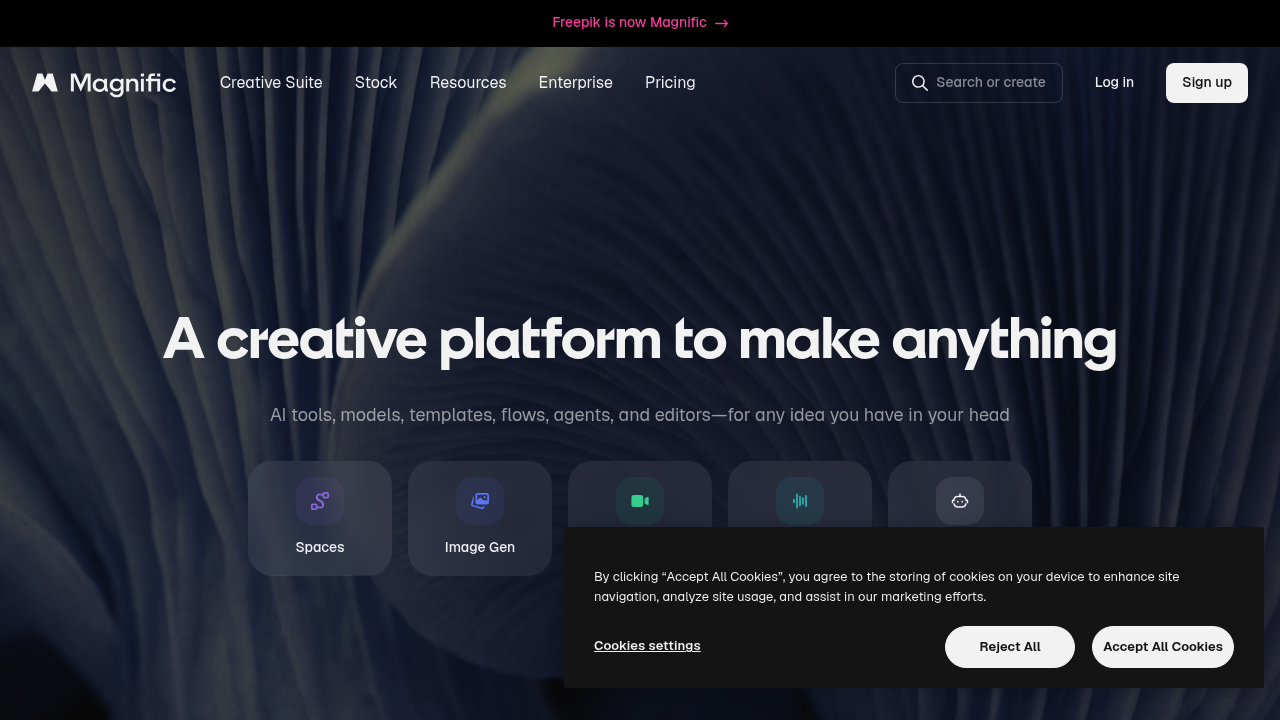
Freepik AI screenshot

Freepik AI is the creative suite from Freepik, which now operates under the Magnific name. It brings image, video, audio and 3D generation together with editing tools, templates, flows and agents. The image side includes a text-to-image generator with a choice of models such as Flux 2 Pro and Nano Banana Pro, plus an editor that applies changes from a written description, an upscaler, relighting, variations and background removal. Video, audio and 3D tools sit in the same workspace.

Graphic designers, art directors, video editors, marketers and in-house creative teams are the main users, since one workspace covers stills, motion, sound and 3D. Teams get a shared project canvas with comments, roles and permissions, version history and shared templates for keeping work on-brand. Developers and power users can chain tools into automated flows with batch runs, scheduling and webhooks, or connect Magnific to other AI tools through MCP. Plugins let people stay inside the editors they already use rather than switching apps.

A brand team might generate product visuals with a photorealism model, place designs on production-ready mockups, remove backgrounds and upscale the results at full resolution. Filmmakers and social teams can generate video clips from a prompt, add voiceover, soundtracks or sound effects, sync lips to speech, upscale footage and dub content into new languages. Illustrators can build logos and brand marks, convert images to clean vectors and extract color palettes, while 3D artists turn images into models and texture assets. Plugins open Freepik AI inside Photoshop, Figma, Premiere Pro, After Effects, Final Cut Pro, DaVinci Resolve and Blender.


Freepik AI alternatives

See all →

Frequently asked

6 questions
What can I generate with Freepik AI?
Images, video, audio and 3D assets. Image generation offers models for photorealism, illustration, cinematic, 3D render, concept art and vector styles. Video tools include prompt-based clips, lip sync, motion control and upscaling.
Who is Freepik AI for?
Designers, video editors, marketers and creative teams that need many asset types in one place. Shared spaces, roles and permissions support group work. Individuals can use each feature directly without building a pipeline.
How can I turn a prompt into a branded mockup?
Generate or upload a design and use the Mockup Generator to place it in a production-ready mockup. Remove Background and Upscaler tools can prepare the image first. Logo Maker and Vectorizer cover brand marks.
Which design and video apps have plugins?
Plugins are listed for After Effects, Premiere Pro, Final Cut Pro, DaVinci Resolve, Photoshop, Figma, Illustrator, InDesign, Microsoft Office, ComfyUI, Affinity and Blender. They open Freepik AI inside the app. An MCP connection is also available for AI tools.
Can I automate repeated work?
Reusable workflows save a sequence once and run it whenever needed. Batch Run applies a flow to many inputs, and Scheduling runs flows on a timetable. Webhooks trigger actions on events.
What does the Magnific name mean for Freepik AI?
Freepik now operates as Magnific, and its AI suite is presented under that name. Access starts from freepik.com/ai. Accounts are created through the Sign up and Log in buttons.

Reviews (0)

Write review

No reviews yet. Be the first to share your experience.