
Couple Prompt logo
AI Image Combiner PAID from $10/mo

Couple Prompt

Takes two separate portraits and merges them into a single professional-looking couple photo

You upload individual headshots and the AI handles pose alignment, lighting balance, and depth reconstruction so both people look like they're actually standing together. It's built for long-distance relationships,…

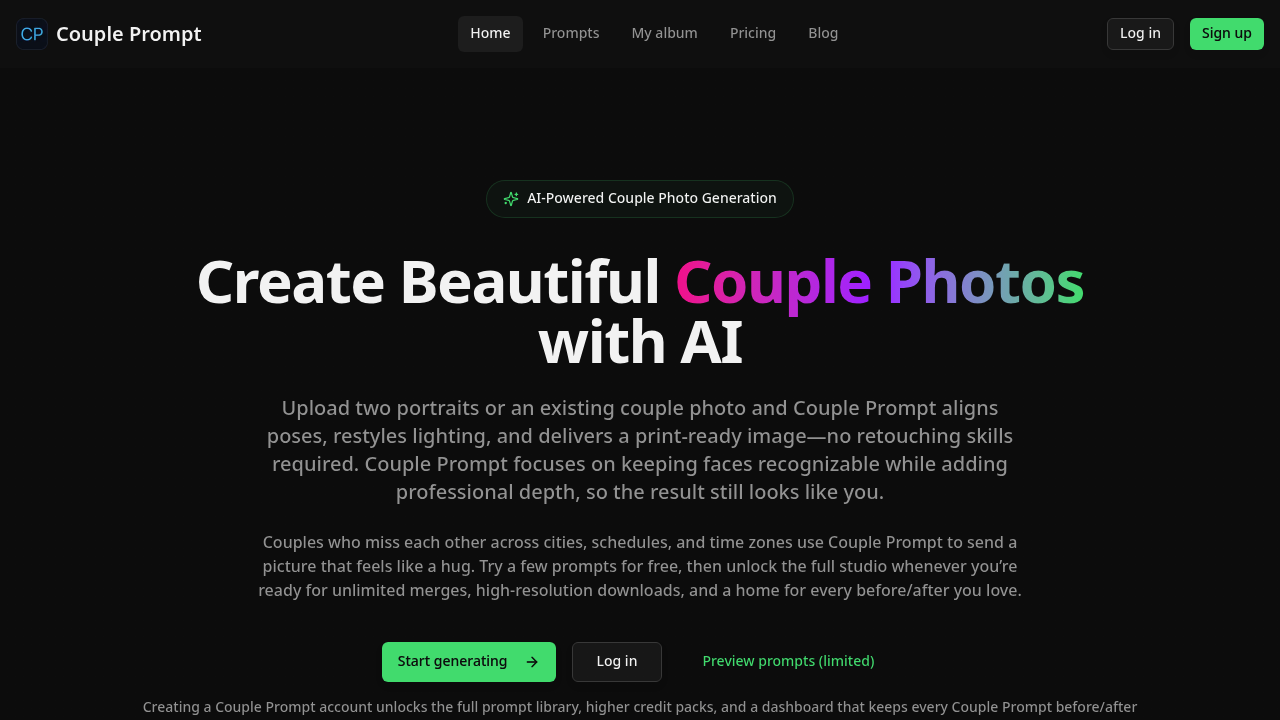
Couple Prompt screenshot

Takes two separate portraits and merges them into a single professional-looking couple photo. You upload individual headshots and the AI handles pose alignment, lighting balance, and depth reconstruction so both people look like they're actually standing together. It's built for long-distance relationships, mismatched schedules, or anyone who needs couple imagery without coordinating a photoshoot.

The tech works through edge-aware masking that keeps hair detail and clothing edges intact while blending faces into shared frames. You get curated style presets like Editorial Flash, Film Noir, and Cinematic that add professional depth without making people look fake. Background replacement pulls from city, nature, and indoor presets. The resolution rescue feature denoises and upscales images through multi-stage super-resolution, pushing output to print quality. Automatic tone and contrast balancing handles the technical stuff.

Face recognition stays consistent. That matters because template face swaps and lighting restyling can distort features if not handled carefully. The AI texture repair removes noise but keeps skin looking realistic instead of airbrushed. You can also enhance existing couple photos instead of merging new ones. Dashboard saves every before and after with credit history tracking. High-res JPG or PNG downloads available.

Does it actually work? The edge masking and depth reconstruction are solid technical additions that separate this from basic photo editors. But you're still relying on AI interpretation of how two people should look together in space. Lighting mismatches between source photos can create uncanny results even with automatic balancing.

Free tier gives you limited preview prompts to test it out. Full prompt library needs account creation. Unlimited merges and high-resolution downloads sit behind a paywall. Specific costs aren't listed beyond the free trial structure.

Wedding planners could use this for mockups before actual shoots. Busy parents who never manage to get in the same photo might find it useful. Long-distance partners are the obvious use case, especially when you want something more polished than a FaceTime screenshot. Creators needing relationship imagery for content without hiring models could save time.

The limitation is expectation management. This doesn't replace real couple photos. It creates believable composites. If your source portraits have wildly different lighting or angles, the output won't look natural. And you'll burn through free prompts fast if you're experimenting with styles.


Couple Prompt alternatives

See all →

Frequently asked

6 questions
Can you try Couple Prompt for free?
You get limited preview prompts without paying anything, which lets you test the merging before committing. Creating an account unlocks the full prompt library, but you'll need a paid plan for unlimited merges and high-resolution downloads. The free tier works for experimenting with a few photos, but you'll hit limits quickly if you're trying multiple styles or need print-quality output. Specific pricing beyond the free trial structure isn't publicly listed.
How does Couple Prompt handle different lighting between two photos?
The tool uses automatic tone and contrast balancing to match lighting across both portraits when merging them. It works reasonably well when source photos have similar lighting conditions, but wildly different setups can still create uncanny results. The AI does lighting restyling and depth reconstruction to make the shared frame believable, though you're relying on interpretation rather than actual physics. If one photo is harsh daylight and the other is moody indoor lighting, expect the merge to show strain.
What can you actually use Couple Prompt photos for?
Long-distance couples use it to create images that feel more tangible than video call screenshots. Wedding planners make mockups before actual engagement shoots, and busy parents finally get photos together without coordinating schedules. Creators building relationship content can generate couple imagery without hiring models. The output quality reaches print resolution through multi-stage super-resolution, so you're not limited to social media thumbnails.
Does Couple Prompt change how people's faces look?
Face recognition preservation keeps features consistent instead of distorting them during the merge. The AI texture repair removes noise while maintaining realistic skin texture rather than over-smoothing into airbrushed plastic. Template face swaps and lighting restyling still involve AI interpretation, so subtle shifts can happen. Edge-aware masking preserves hair detail and clothing edges, which helps avoid the floating-head-on-body look that cheaper tools produce.
Can Couple Prompt fix existing couple photos or only merge separate ones?
You can upload existing couple photos for enhancement instead of just merging two portraits. The tool adds professional depth through pose alignment tweaks, dramatic lighting, and background rebuilds with clean city, nature, or indoor presets. Resolution rescue denoises and upscales low-quality images through super-resolution processing. This works well for salvaging older photos or improving snapshots, though merging separate portraits is the main feature.
What happens if the two portraits have completely different angles or poses?
Automatic pose alignment tries to reconcile different angles, but there's only so much it can do with mismatched source material. If one person is facing left in profile and the other is straight-on, the depth reconstruction and lighting balance will struggle to make them look naturally positioned together. Best results come from portraits with similar head angles and roughly matching camera distances. The edge-aware masking helps blend them, but physics still matters when you're asking AI to fake spatial relationships.

Traffic

Estimated monthly website visits · last 0 months

Not enough historical data for a chart yet.

Reviews (0)

Write review

No reviews yet. Be the first to share your experience.