
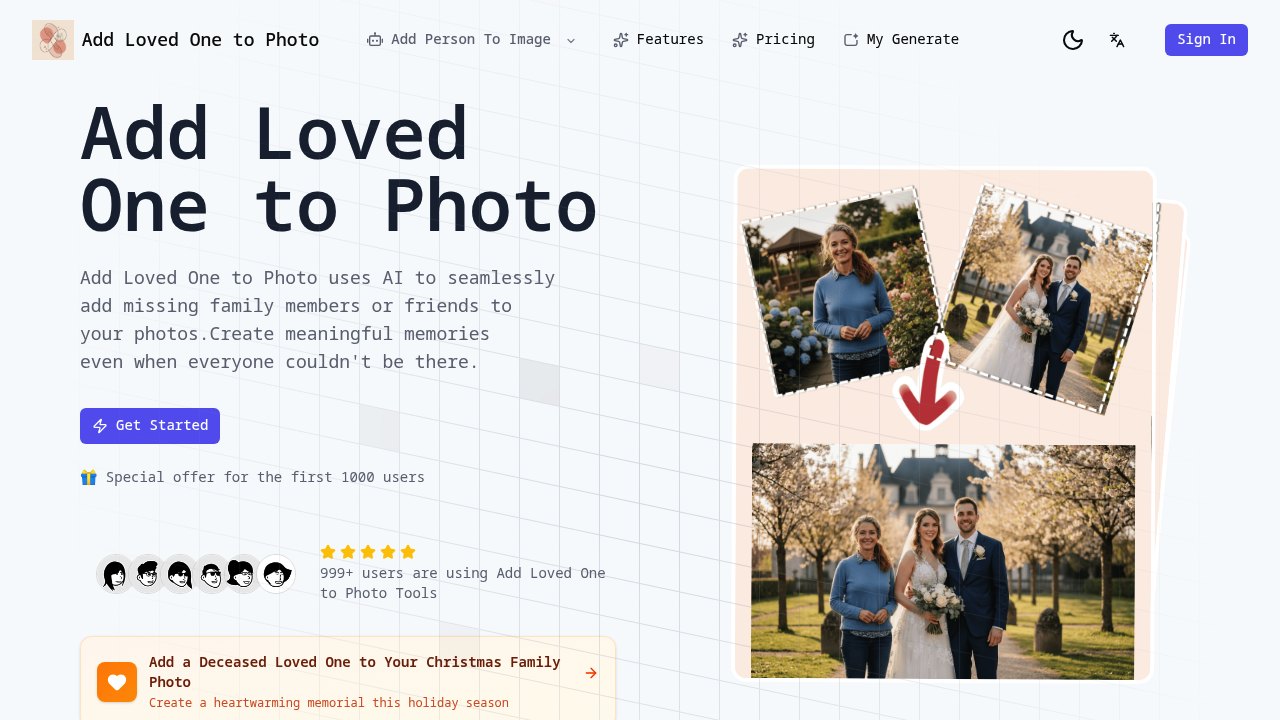
This application lets you insert people who weren't present into existing photographs using AI-based compositing. You upload a base photo and a reference image of the person you want to add, and the system analyzes both to generate a new version with that person blended into the scene. It's specifically built for family photos where someone's missing, whether they couldn't attend an event or have passed away.
The technical process works through several distinct steps. First, the AI extracts the person from the reference photo you provide. Then it analyzes the lighting conditions in your base photo, looking at shadow direction, color temperature, and brightness levels. The system also reads facial expressions and body language in the existing group to match the inserted person's expression to the scene's mood. If everyone's smiling at a wedding, it'll adjust the added person's expression accordingly rather than dropping in a neutral face.
Background integration happens through edge detection and color matching. The AI identifies where the new person should sit within the depth field and adjusts their scale and positioning. It'll blur edges slightly if the original photo has shallow depth of field, or keep them sharp if everything's in focus. The lighting adaptation applies directional shadows and highlights to match the scene's light source, so someone added to an outdoor photo gets appropriate sun shadows rather than studio lighting.
The system outputs high-resolution files suitable for printing while you can choose from five aspect ratios: 4:3, 3:2, 5:4, 16:9, or 21:9. Processing takes seconds once you upload both images. Results appear fast.
File uploads cap at 10MB maximum. That's the main technical constraint on the input side. The quality of your results depends heavily on having a clear reference photo of the person you're adding. Low-resolution reference images or photos with poor lighting will limit what the AI can do with blending and expression matching.
The credit system runs on a consumption model. Each generation costs 10 credits regardless of which plan you're on. Starter gives you 1600 credits monthly for $15.99, letting you generate up to 130 photos. Standard costs $30.07 per month with 3200 credits for 320 photos. Premium runs $40.07 monthly with 5400 credits for 520 photos. Credits expire after one year if unused. All plans auto-renew monthly and include annual options with steeper discounts, ranging from 47% to 55% off.
Privacy protection means uploaded photos aren't shared or stored beyond processing. The system doesn't train on your images.
About 999 users are currently using this service. There's a promotional offer for the first 1000 users, though the specifics of that discount aren't detailed beyond the current pricing structure already showing reduced rates from regular prices.
This service doesn't offer API access or team collaboration features. There's no mobile app or browser extension. It's a standalone web application. Integration options with other photo editing software or cloud storage services aren't available.
The reference photo requirement creates a practical limitation. You need existing clear images of whoever you're adding. The AI can't generate a person from description alone. It needs source material to work from.