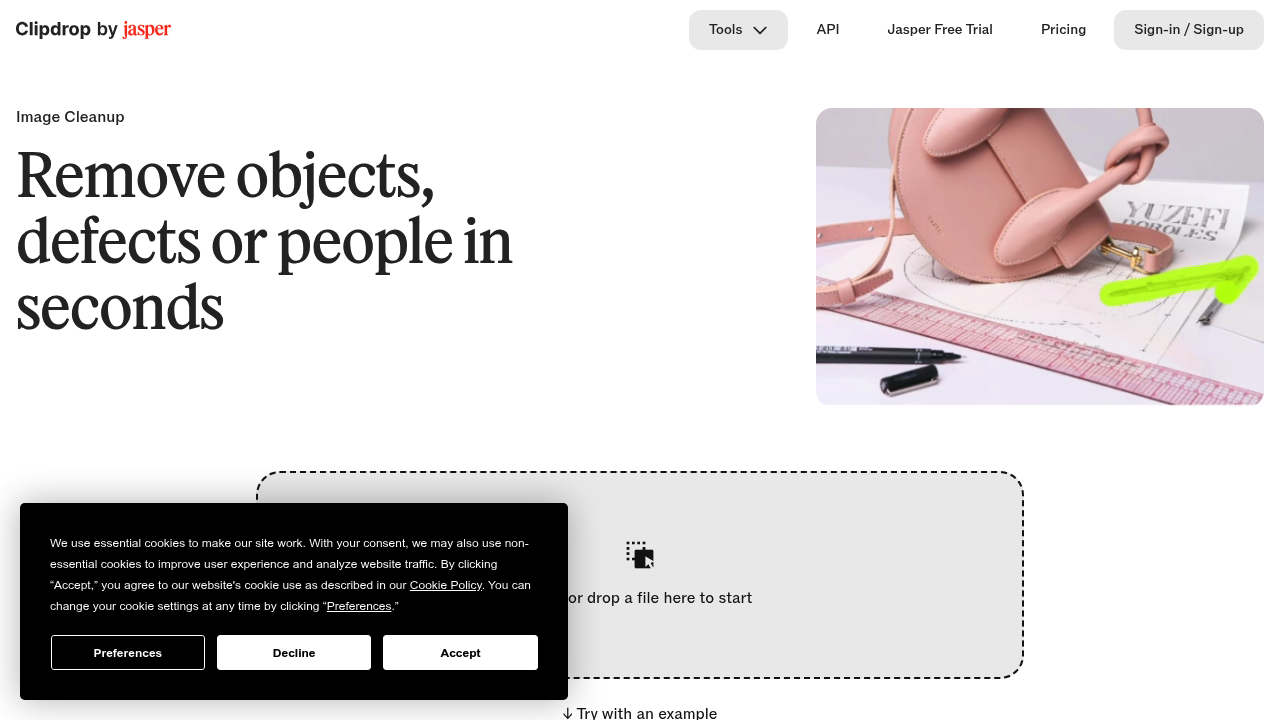
Clipdrop Cleanup is a browser-based AI retouching tool that erases unwanted objects, people, text and small defects from photos. You brush over the area you want gone, and the AI reconstructs what was likely behind it in a few seconds, which avoids the manual patching a clone stamp demands. Images of any size can be imported, and the free version exports at up to 720px while the Pro version removes the size limit. An inpainting API is also offered for developers who want to run object removal inside their own apps.
Photographers use it to clear stray time stamps, sensor dust and photobombers before delivering prints. Real estate agents tidy listing photos by removing clutter, cars and signage. Creative agencies and e-commerce teams rely on it to prepare clean product visuals where distractions would pull attention away from the item being sold. Casual users who simply want a tourist out of a holiday picture can do it without installing Photoshop or learning layers and masks. Developers building photo apps can plug the API into Node.js, SwiftUI, Kotlin and other environments, backed by documentation and sample code.
Typical workflows start with dropping a file onto the page and painting a slightly oversized mask, since covering shadows along with the object gives the cleanest fill. Cleanup sits alongside sibling Clipdrop utilities for background removal, background replacement, uncropping, relighting, upscaling by 2x or 4x and resizing for social media, so one picture can pass through several fixes in sequence. Retouchers cleaning a batch of wedding photos, sellers prepping marketplace listings and social media managers removing stray text from graphics all fit this pattern. Clipdrop is now part of Jasper, and a Jasper API offers higher retouch quality.