Background People Remover by Magic Eraser logo

Background People Remover by Magic Eraser

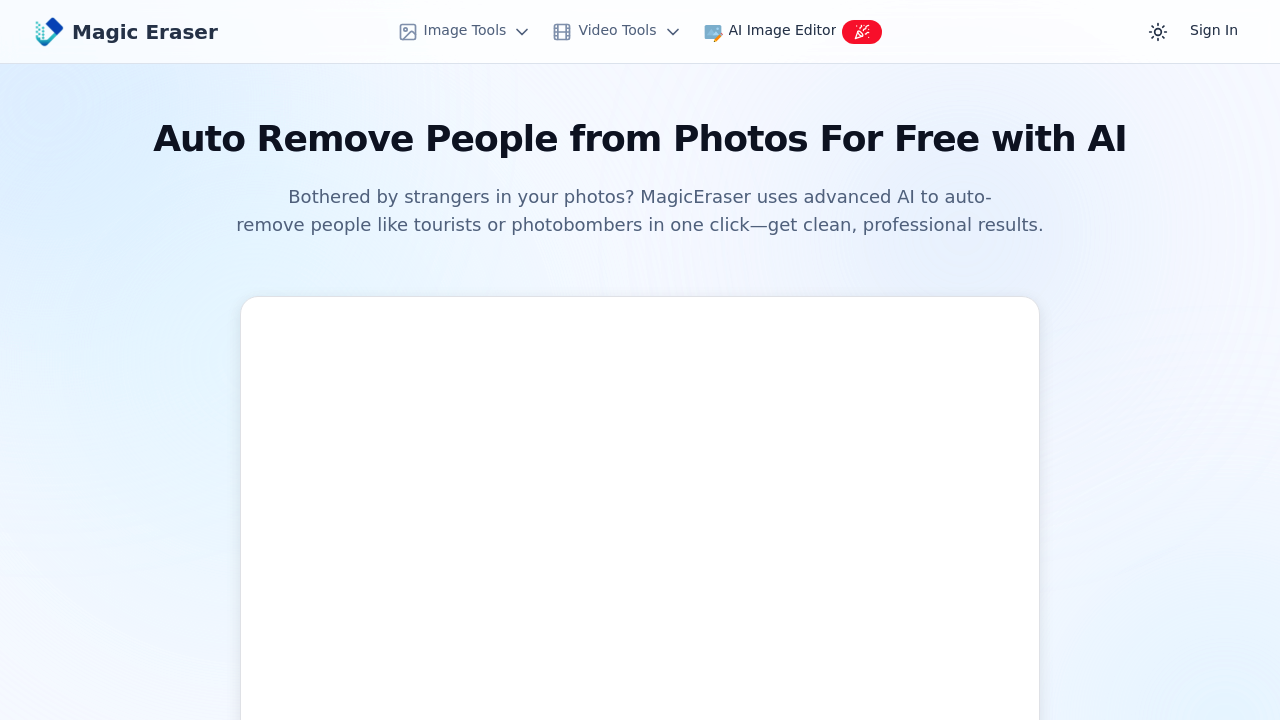
You land on the site and see a straightforward upload area

31 views
Background People Remover by Magic Eraser screenshot

You land on the site and see a straightforward upload area. No account creation wall blocks you. Drag an image from your vacation where strangers walked through your shot, or click to browse. The interface loads your photo instantly.

Hit the process button. The AI scans the image, identifies the people you didn't want in frame, and removes them. Takes seconds. Background fills in automatically where those figures stood. No masking. No manual selection. The software decides what counts as an unwanted person and what stays.

Download the result. That's the workflow. Upload, process, download.

The automatic detection works well when people contrast clearly with backgrounds. Tourist in front of a landmark? Gone cleanly. Person walking through your beach sunset? Removed with sand filling the gap. The background reconstruction attempts to match textures and colors from surrounding areas.

Where it struggles: crowded scenes with overlapping bodies. The AI sometimes picks weird boundaries when people stand close together or partially obscure each other. You cannot tell it which specific person to remove if multiple people appear. It makes that call. Sometimes it'll leave someone you wanted gone or create strange artifacts where bodies overlapped.

Lighting transitions can look off after removal. If someone stood in a shadow and the AI fills that space with sunny background texture, the lighting won't match. Edge blending isn't always smooth. You'll spot halos or mismatched tones around where people used to be.

The one-click approach means zero control. Can't adjust sensitivity. Can't refine edges manually. Can't preview what the AI detected before processing. You see the final result only after it runs.

Format support covers standard image types. JPEGs work fine. PNGs too. High-resolution photos take longer to process but do not get rejected. The browser-based setup means no downloads or installations. Also means you're uploading potentially large files and waiting for server processing.

Thousands of people apparently use this already. Makes sense for quick social media cleanup or basic photo editing when you don't want to open heavier software. Travel bloggers cleaning up tourist shots, and real estate photos with passersby. E-commerce product photos with accidental people in frame.

Everything's free. No premium tier. No credit system. No watermarks on output. Just open it and use it. That's rare for AI photo tools where most lock features behind subscriptions or credit purchases. The completely free access with no login makes it truly accessible.


Frequently asked

6 questions
Can you remove specific people from photos for free?
You upload your image to MagicEraser without creating an account or paying anything. Click the process button and the AI automatically detects people in the frame and removes them within seconds. The background fills in where those figures stood, then you download the result. Everything's completely free with no watermarks or credit limits. The catch is you cannot tell it which specific person to remove if multiple people appear — the AI decides on its own.
How do you remove tourists from vacation photos?
Drag your vacation photo into MagicEraser's upload area or click to browse your files. Hit process and the AI scans for people it considers unwanted, like tourists walking through your landmark shot or strangers on the beach. Within seconds it erases them and reconstructs the background automatically. Download the cleaned photo. Works best when people contrast clearly with backgrounds, but struggles with crowded scenes where bodies overlap.
Does Magic Eraser require a subscription or login?
You open the site and start using it immediately with no account creation or login. All features stay completely free with unlimited use and no watermarks on your downloaded photos. Most AI photo tools lock features behind subscriptions or credit systems, but MagicEraser skips that entirely. You just upload, process, and download without any payment walls or trial limitations.
Can you choose which person to remove from a group photo?
The AI decides which people to remove automatically when you hit process. You cannot select specific individuals or adjust what the tool considers an unwanted person. This becomes a problem in crowded scenes where multiple people stand close together. The software sometimes leaves someone you wanted gone or creates strange artifacts where bodies overlapped. There's no preview of what it detected before processing runs, so you see the final result only after it's done.
What happens to the background after people are erased?
The AI fills the space where people stood by matching textures and colors from surrounding areas. Tourist removed from a landmark shot gets replaced with more building texture. Person walking through beach sunset gets filled with sand. The reconstruction works cleanly when backgrounds have consistent patterns, but lighting transitions can look off. If someone stood in shadow and the AI fills that space with sunny texture, the lighting won't match and you'll spot halos or mismatched tones.
Who uses Magic Eraser for removing people from photos?
Travel bloggers cleaning up tourist shots before posting make up a big chunk of users. Real estate photographers removing passersby from property photos. E-commerce sellers fixing product shots with accidental people in frame. Social media influencers tidying vacation content. Anyone wanting quick cleanup without opening heavy photo editing software. Thousands already use it because the free, no-login setup beats launching Photoshop for simple removals.

Traffic

Estimated monthly website visits · last 3 months

3.3M visits/mo
Monthly visits
3.3M
↓ 8.0% MoM
Global rank
#16,404
RU #1,949
Category rank
#11
Image Editing
3.8M 3.7M 3.6M 3.4M 3.3M Dec 2025: 3.8M visits Dec 2025 Jan 2026: 3.6M visits Jan 2026 Feb 2026: 3.3M visits Feb 2026

Data from SimilarWeb · Updated monthly.

Reviews (0)

Write review

No reviews yet. Be the first to share your experience.

Similar tools

See all →