
Canva Magic Eraser logo
Object Remover AI FREEMIUM from €9/mo

Canva Magic Eraser

Magic Eraser is a photo-cleanup feature inside Canva's online photo editor.

You upload an image, choose Eraser from the floating toolbar, adjust the brush size and paint over whatever you want gone, whether that is a stranger in a travel shot or clutter behind a product. The editor removes the…

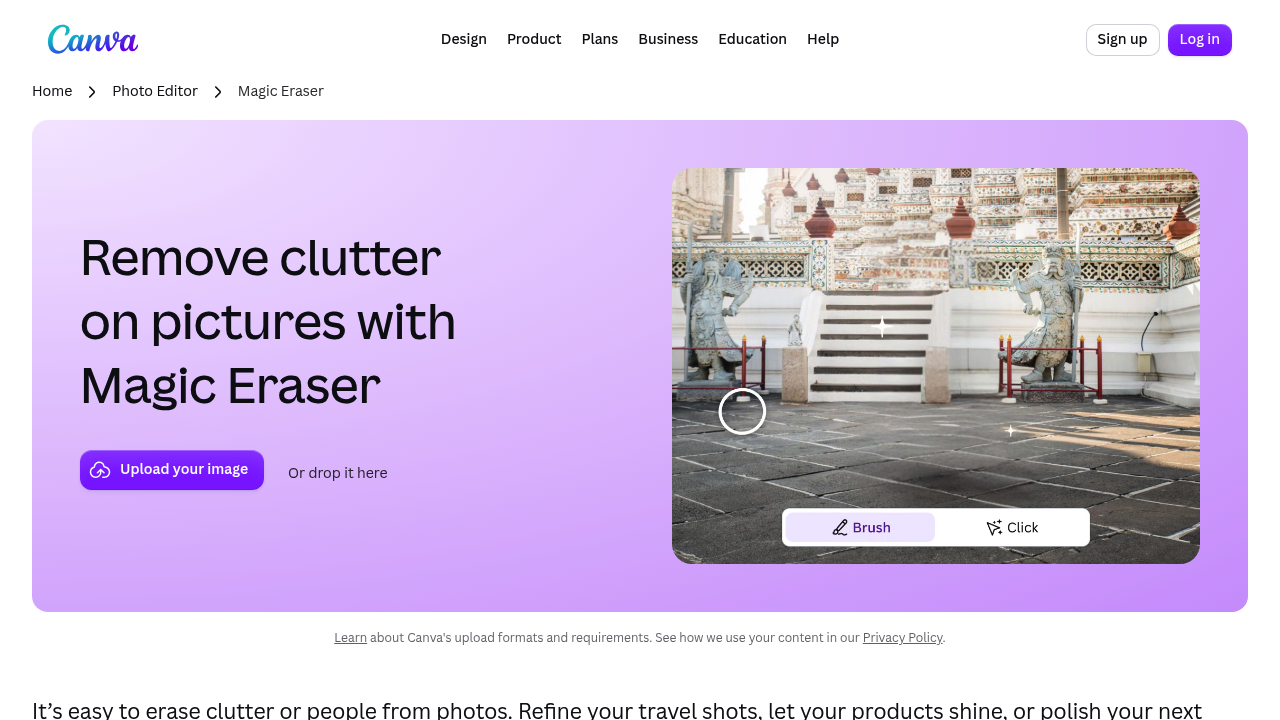
Canva Magic Eraser screenshot

Magic Eraser is a photo-cleanup feature inside Canva's online photo editor. You upload an image, choose Eraser from the floating toolbar, adjust the brush size and paint over whatever you want gone, whether that is a stranger in a travel shot or clutter behind a product. The editor removes the marked area and fills it in automatically. A companion feature, Magic Edit, replaces or adds objects by brushing an area and typing what should appear, and a manual eraser trims back the edits for fine adjustments.

It suits social media managers polishing Instagram posts, small online sellers who want product photos free of distractions, travelers tidying holiday pictures, and students or teachers preparing visuals for slides. Because it sits inside Canva, designers who already build graphics there can fix a photo without opening a second program. Uploads in JPEG, PNG, HEIC/HEIF, WEBP and SVG formats are accepted, and a Canva login is needed to use it.

Typical jobs include erasing a passerby from a landmark photo, removing a stray cable or sign from a listing image, and swapping a picture on a wall for a different one with Magic Edit. After cleanup you can crop, rotate and resize, adjust color and texture, add filters and effects, and drop the photo into a template with text, stickers, frames and icons. Finished images download in several file types, share straight to Facebook, Instagram, TikTok and LinkedIn, or can be ordered as prints, photo books and apparel.


Canva Magic Eraser alternatives

See all →

Frequently asked

6 questions
How does Magic Eraser remove objects?
Select the photo, choose Eraser from the floating toolbar, pick Magic Eraser and brush over the distraction. The editor erases it after a few moments and fills the gap.
Who benefits from Magic Eraser?
Social media creators, online sellers and anyone cleaning up personal photos. It also helps designers already working inside Canva.
Can I replace an erased object with something else?
Magic Edit lets you brush an area, type what you want to see and get a replacement such as a palm tree or birds in the sky. The manual eraser then trims the result.
Which image formats work with Magic Eraser?
JPEG, PNG, HEIC/HEIF, WEBP and SVG files can be uploaded. Results download in a range of file types or can be shared by link.
Does Magic Eraser need an account?
A Canva login is required before you can upload an image and use the eraser. The editing itself happens in the browser-based Canva editor.
What can I do with a photo after cleaning it?
Crop, rotate, resize, tune color and texture, and apply filters or effects. You can also place it in a design and publish it to social platforms or order prints.

Reviews (0)

Write review

No reviews yet. Be the first to share your experience.