
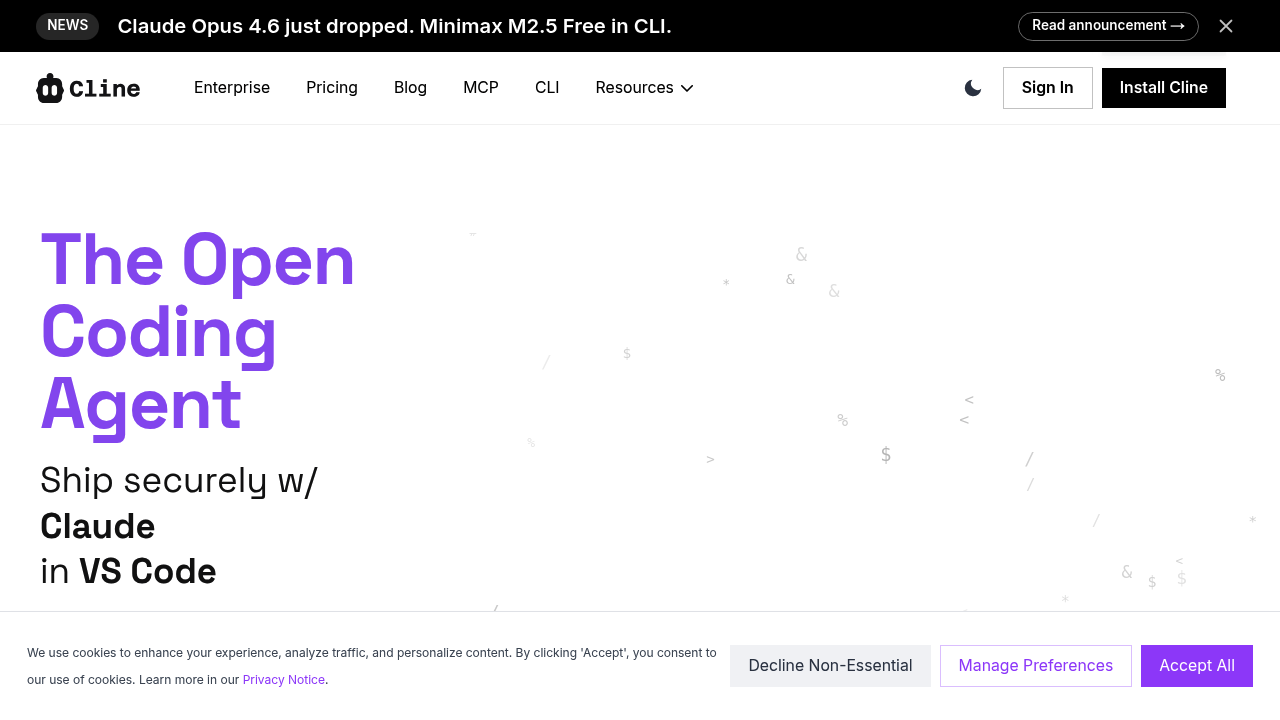
Terminal-first coders get a different kind of AI assistant here. Cline puts agent workflows directly into your command line—no web dashboard required. Stay in your terminal. Let it handle multi-step coding tasks. No context switching needed.
Cline doesn't just suggest code snippets. It plans changes across multiple files and executes them. Plan mode shows what it intends to do. Act mode runs the operations. Refactoring a messy codebase? Inconsistent patterns scattered everywhere? Cline identifies issues and applies fixes systematically. You won't hunt through files yourself.
VS Code integration works smoothly. The MCP connection taps into external data sources and tools. You can use GPT or Claude models (depending on what you need). Claude Opus 4.6 and Minimax M2.5 Free work through the CLI.
Backend developers spend most of their day in terminals. They won't need to adjust their workflow. Cline fits where you already work. It's open-source—you can run it without paying for another subscription.
The command-line focus won't appeal to everyone. Developers who prefer graphical interfaces might find the terminal interaction too sparse. Same goes for those needing hand-holding through AI suggestions. But if you're comfortable with CLI tools? If you want an AI that automates tedious coding tasks rather than just autocompleting lines? Cline delivers that. You won't learn a proprietary platform.