
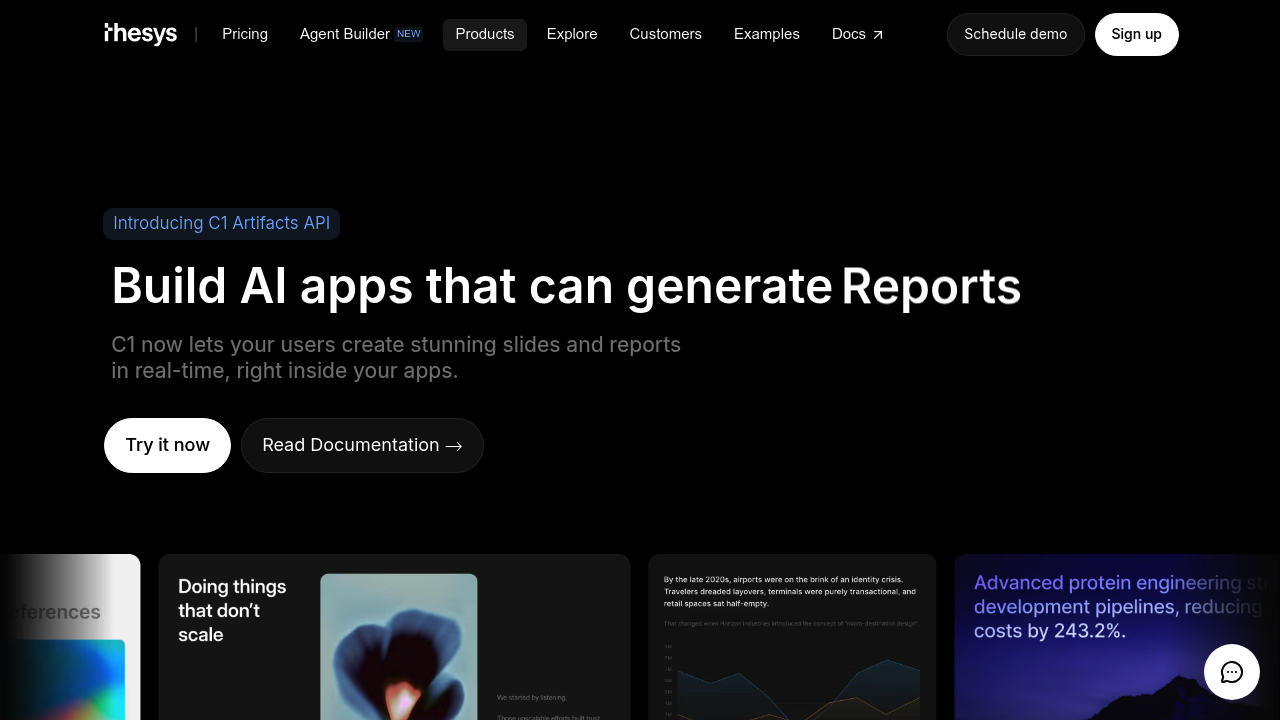
Developers building AI applications can now generate interactive UI components directly within their apps rather than forcing users to copy-paste between tools. C1 Artifacts API handles real-time creation of slides, reports, and other visual elements that users can edit and refine through simple prompts without leaving the conversation interface.
The system works through three integration steps. Developers can implement it via SDK for programmatic control or use the Model Context Protocol for instant plug-in installation that requires zero coding. That MCP approach matters for speed. It connects to major AI platforms and coding environments like VS Code, Cursor, and n8n, letting users generate live artifacts in tools they already use daily.
The interactive component generation changes how chat interfaces function. Instead of producing static text responses, applications can now create editable slides and reports that users modify through conversational prompts. Someone might ask for a quarterly report, receive a fully formatted document, then request theme changes or layout adjustments through follow-up messages. The components update in real-time.
Customization runs deep. The API supports theme modifications and layout adjustments that persist across generated artifacts. Teams can establish visual consistency while still allowing individual users to tailor outputs. The share and collaboration features let multiple people work with the same generated components, though the facts don't specify whether this happens through unique links, workspace permissions, or another method.
The OpenAI API compatibility extends the reach beyond specific platforms. Any application built on OpenAI-compatible infrastructure can integrate artifact generation without rebuilding core architecture. This compatibility layer removes a common integration barrier where new capabilities require switching underlying services.
The Model Context Protocol implementation deserves attention because it separates C1 Artifacts from tools requiring extensive custom development. Non-technical users can install it as a plugin and start generating artifacts immediately in their preferred AI assistant. Technical teams get SDK access for deeper integration when they need programmatic control over component generation, styling, or data flow.
Component types center on business communication needs. Slides and reports represent the primary outputs, though the interactive UI component description suggests broader possibilities the facts don't detail. The prompt-based editing means users don't need to understand the underlying structure. They describe what they want changed and the system handles implementation.
Developers building chat interfaces, document automation tools, or presentation generators would find the most immediate value. The real-time generation removes the traditional workflow where AI suggests content that humans then manually format in separate applications.