
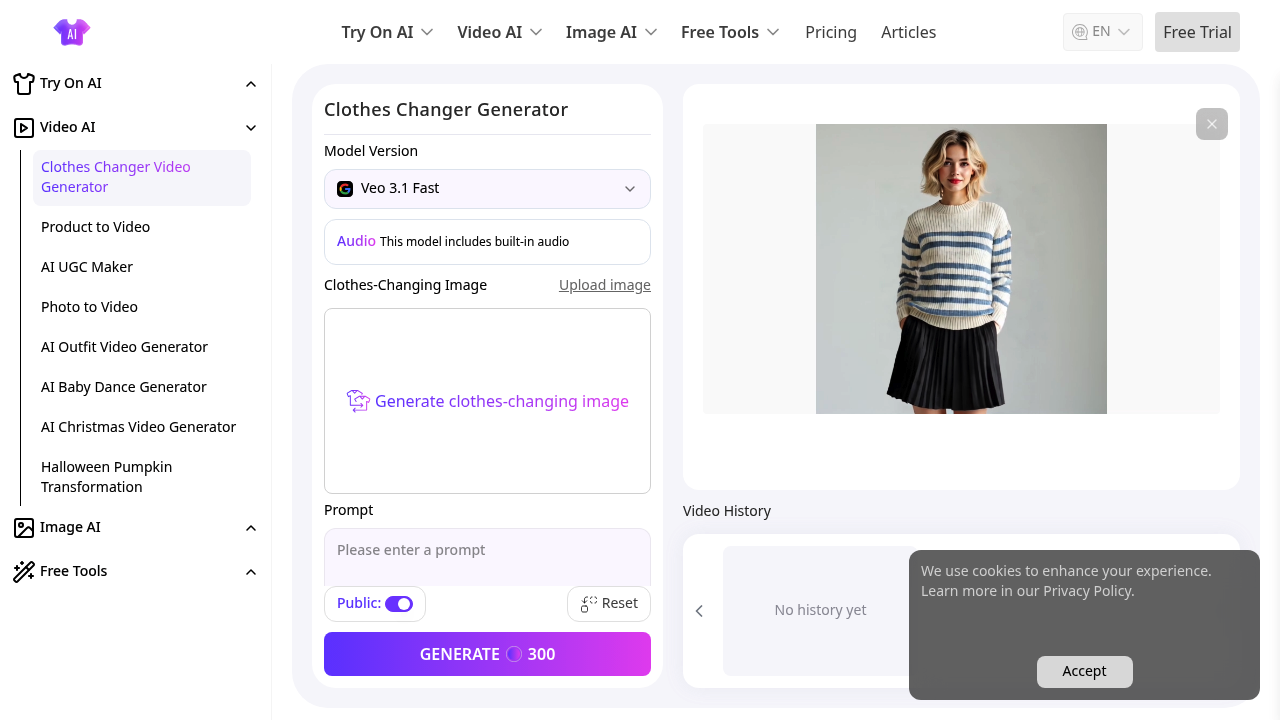
Upload a video and AITryOn analyzes every frame to map where the character stands and what clothing they're wearing. This software locks onto body positions and garment boundaries automatically, so there's no manual masking or timeline scrubbing. Pick a new outfit style through text prompts and the AI swaps the clothes while maintaining how fabric moves with the person's motion and how light hits the material at different angles.
The system runs two engines simultaneously. One handles the outfit swap. The other regenerates the entire video based on the new clothing state, which means it can redraw backgrounds, shift camera perspectives, or adjust the emotional tone to match the fresh wardrobe. Want a cinematic filter or TVC texture layered on top? The stylized visual processing adds those without leaving the interface.
Videos come out in 16:9 ratio with built-in audio already synced. The Veo 3.1 Fast model version keeps generation times reasonable, though complex movements or rapid scene changes can still cause warping around sleeve edges or collar lines. The prompt enhancement feature tries to fill gaps in vague descriptions, but it sometimes interprets "casual summer look" differently than you'd expect.
Everything gets logged in video history, which helps when you're testing multiple outfit variations for the same base clip. The 2000 character prompt limit feels tight when you're trying to describe detailed patterns or specific fabric textures. You'll hit that ceiling faster than anticipated if you're detailing accessories or layered clothing.
The dual-engine setup means you skip physical try-ons, actual video shoots, and post-production editing software entirely. Fashion brands testing product lines or content creators building virtual model portfolios can cycle through dozens of outfit combinations without reshooting. E-commerce teams especially benefit since they can show the same model in varied styles without scheduling new sessions.
The free tier includes 300 credits for video generation, which drains quickly depending on video length and complexity. Short clips work fine, but anything over thirty seconds with detailed clothing changes eats through credits fast. There's no clarity on what happens after those 300 credits run out or how much refills cost, which makes budgeting difficult for commercial projects.
This software works best with straightforward camera angles and steady lighting. Dynamic scenes with spinning movements or dramatic shadow shifts sometimes confuse the clothing area detection, leaving artifacts where the old and new garments overlap awkwardly.