
AI CSS Animations logo

AI CSS Animations

Writing CSS animations from scratch eats up time most developers would rather spend elsewhere

AI CSS Animations skips the manual keyframe drudgery—turning plain language into working animation code. Describe what you want in text. Speak it out loud if you prefer. CSS code appears in seconds. Real-time preview…

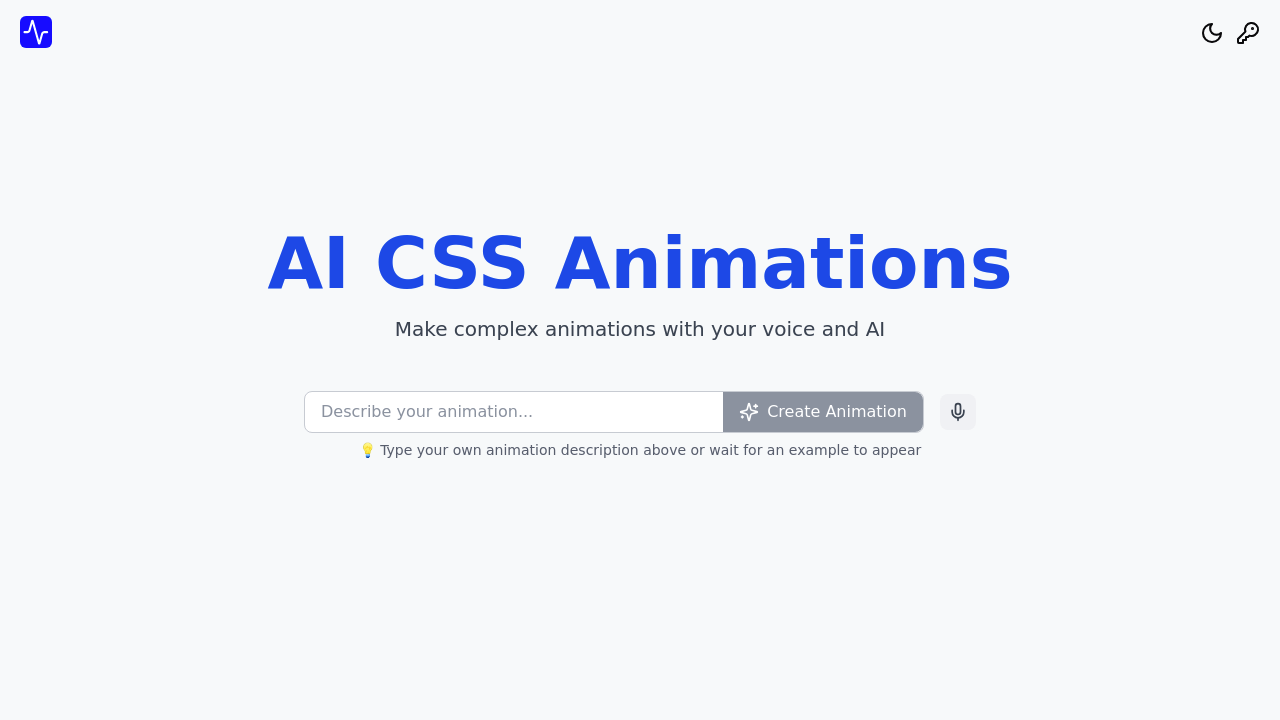
AI CSS Animations screenshot

Writing CSS animations from scratch eats up time most developers would rather spend elsewhere. AI CSS Animations skips the manual keyframe drudgery—turning plain language into working animation code.

Describe what you want in text. Speak it out loud if you prefer. CSS code appears in seconds.

Real-time preview shows exactly how your animation looks before you commit. Ask for something like "fade in and fall in from the top plz" and watch it happen on screen. Timing feels off? Effects need tweaking? There's an editor built in. You adjust duration down to the millisecond. Placement and effects can be fine-tuned without touching underlying code directly.

Pre-built directories exist for Tailwind CSS and Pure CSS animations. Examples cover slide-in, spin-in, fade, bounce, and flip effects. A junior frontend developer adding polish to a landing page can grab something from the library. Or generate something custom without digging through documentation. Integration guides and tutorials walk you through adding animations to your project.

It's free to use (no paid tiers exist yet).

Natural language input works well enough—but you might find yourself being overly specific with descriptions to get exactly what you want. Still, for quickly prototyping animation ideas? For avoiding repetitive work of writing keyframes by hand? AI CSS Animations handles the grunt work.

You describe it and move on.

AI CSS Animations alternatives

See all →

Frequently asked

7 questions
Is AI CSS Animations free to use?
Yes, AI CSS Animations is completely free. There aren't any paid plans or premium tiers right now, so you get access to all features without paying anything.
How do I create CSS animations with AI?
Just describe what you want in plain text or use voice input—something like 'fade in and fall in from the top plz.' The AI generates the CSS code in seconds, and you'll see a real-time preview. You can then fine-tune timing and effects with the built-in editor.
Can AI CSS Animations work with Tailwind CSS?
Absolutely. There's a pre-built directory specifically for Tailwind CSS animations, plus integration guides to help you add them to your project. You can use the library examples or generate custom animations that work with your Tailwind setup.
What types of animations can I generate?
You can create slide-in, spin-in, fade, bounce, flip effects, and pretty much anything you can describe. The library has common examples ready to go, but the AI can generate custom animations based on whatever you ask for in natural language.
Do I need to know CSS to use AI CSS Animations?
Not really. You describe what you want in everyday language, and the tool generates the code for you. That said, having some CSS knowledge helps when you're fine-tuning animations in the editor or integrating them into your project.
What are the limitations of AI-generated CSS animations?
You might need to be pretty specific with your descriptions to get exactly what you're picturing. The AI does the heavy lifting, but complex or unusual animations may require some back-and-forth tweaking to nail down the precise effect you want.
Who should use AI CSS Animations?
It's perfect for web developers and designers who want to add polished animations without manually writing keyframes. Junior developers, freelancers working on landing pages, or anyone prototyping quickly will save a ton of time.

Traffic

Estimated monthly website visits · last 0 months

Global rank
#12,242,493

Not enough historical data for a chart yet.

Reviews (0)

Write review

No reviews yet. Be the first to share your experience.