
Adobe Substance 3D Sampler logo

Adobe Substance 3D Sampler

Adobe Substance 3D Sampler is photogrammetry and material-capture software that turns photos and scanned images into 3D textures, materials, models and HDR lights.

Its AI-powered Image to Material feature removes shadows and generates albedo, roughness, normal and displacement maps automatically. Tools for intelligent tiling, fold removal and surface detail produce realistic…

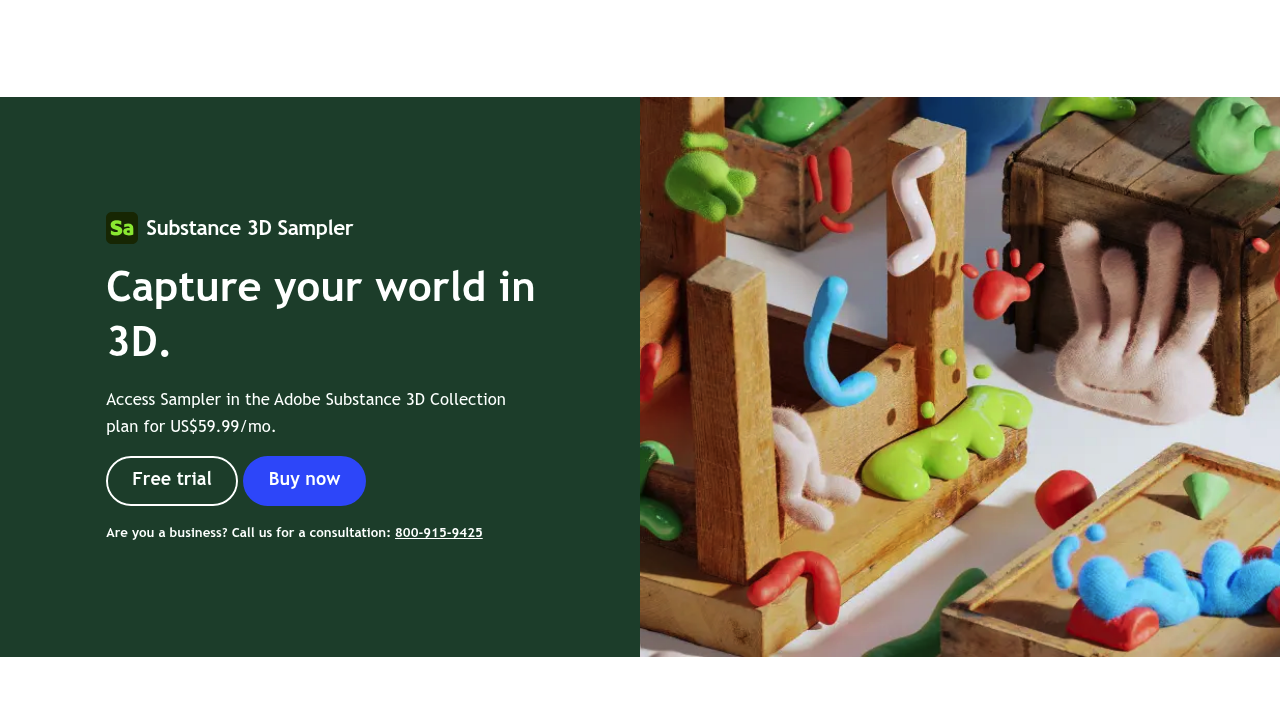
Adobe Substance 3D Sampler screenshot

Adobe Substance 3D Sampler is photogrammetry and material-capture software that turns photos and scanned images into 3D textures, materials, models and HDR lights. Its AI-powered Image to Material feature removes shadows and generates albedo, roughness, normal and displacement maps automatically. Tools for intelligent tiling, fold removal and surface detail produce realistic digital replicas of physical samples, with or without a scanner. It is available through the Adobe Substance 3D Collection plan.

3D artists, texture artists for games and film, product and packaging visualizers, and architectural designers are the typical users. Anyone already working in the Adobe ecosystem will find the handoff to Photoshop and other Substance apps straightforward. Beginners can start with foundational video tutorials that cover capturing photos and turning them into materials, models and lights.

A texture artist can photograph a fabric or stone surface, turn it into a tileable material, and then blend it with other materials using filters. Parametric effects add weathering, snow, moss or fabric patterns on top. Designers pair sampled assets with the Substance 3D Assets library, send them to Stager to build scenes or to Painter to finish surfaces, and use filters and generators from Designer. Lighting artists build HDR environment lights in real time from 360-degree images and enrich them with effects. Images can be sent to Photoshop for editing with direct feedback into Sampler, which speeds up iteration. The results export to other Substance apps, so a captured material can travel from a photo on a phone to a finished scene without being rebuilt along the way.

Adobe Substance 3D Sampler alternatives

See all →

Frequently asked

6 questions
What does Substance 3D Sampler create?
It creates 3D materials, textures, models and HDR lights from photos and scans. Image to Material generates albedo, roughness, normal and displacement maps.
Who should use Substance 3D Sampler?
3D, game and VFX artists, and product visualizers who need realistic materials are the main audience. It fits especially well into existing Adobe workflows.
How would I turn a photo into a material?
Use Image to Material to remove shadows and create the material maps, then rely on intelligent tiling and fold removal to make it tileable. A scanner is optional.
How is it sold?
Sampler is accessed through the Adobe Substance 3D Collection plan. Prices and free trial options are shown at checkout on Adobe's product page.
Can I only create materials with it?
Beyond materials, it builds HDR environment lights from 360-degree images and supports parametric effects such as snow and moss. Full 3D scenes and painting are handled in other Substance apps.
Which apps does it connect with?
Assets move to Stager and Painter, filters and generators come from Designer, and images can be edited directly in Photoshop. Sampled content can pair with the Substance 3D Assets library.

Reviews (0)

Write review

No reviews yet. Be the first to share your experience.