
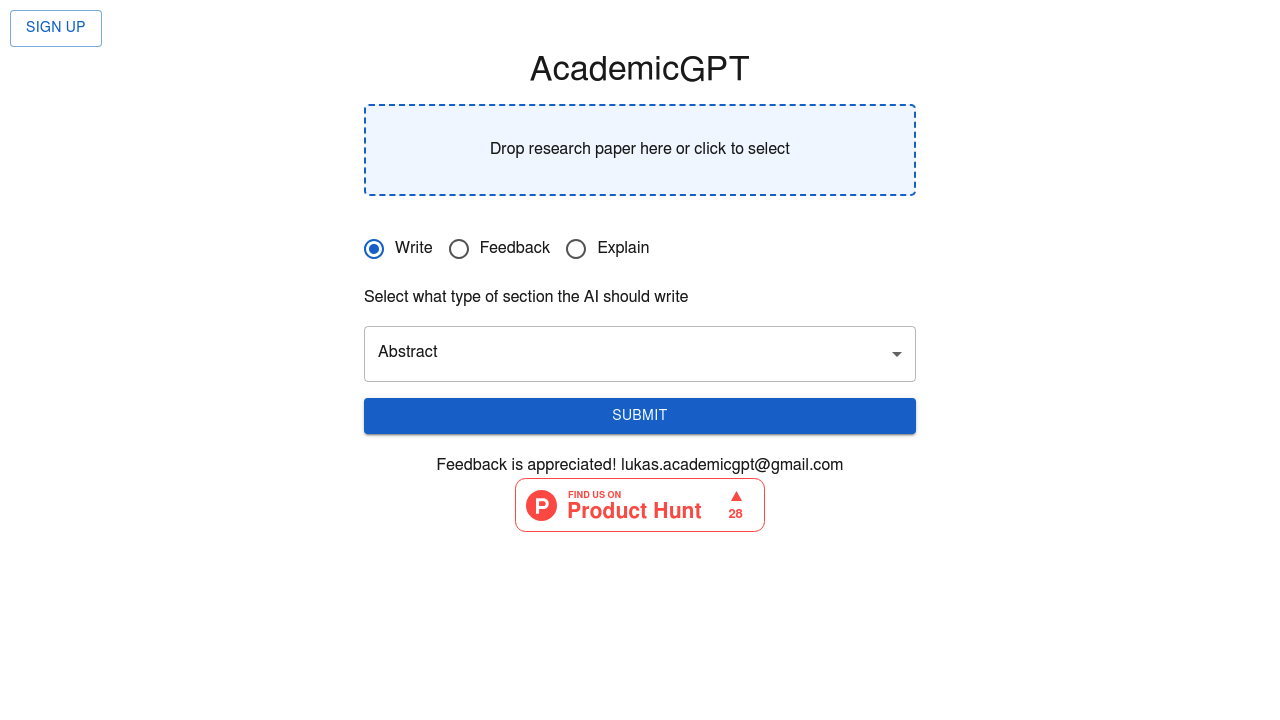
AcademicGPT is an AI helper for academic PDFs. A user drops in a PDF of up to 9 MB and chooses what the AI should do: write a section such as an abstract, give feedback, or explain the text. Every answer lists the exact lines it drew on, with page numbers, so statements can be checked against the original document. Quotes shown with a real answer are verified against the uploaded file before they appear. An example on the page shows a question about what a short note reports and what a reader should avoid concluding, answered with citations to pages 3 and 4.
The product is built for students, researchers and curious readers who need to get through dense papers. An undergraduate can ask for an explanation of a methods section, a graduate student can request feedback on a draft, and a researcher can ask for a quick draft abstract from a manuscript. Because answers point to page numbers and lines, it also suits people who are cautious about AI mistakes and want to verify claims. The product itself reminds users to check important statements against the original document rather than trusting the answer outright.
Typical tasks include uploading a journal article and asking what the study actually concludes, asking what a reader should avoid concluding from a small experiment, or having a difficult paragraph explained in plainer terms. Students preparing a literature review can use the Explain mode on each source and follow the cited lines back to the page. Authors can upload a draft and ask for feedback, or have an abstract drafted for review. The quoted evidence panel acts as a quick fact-checking step, since a reader can jump to the cited page and confirm the wording.