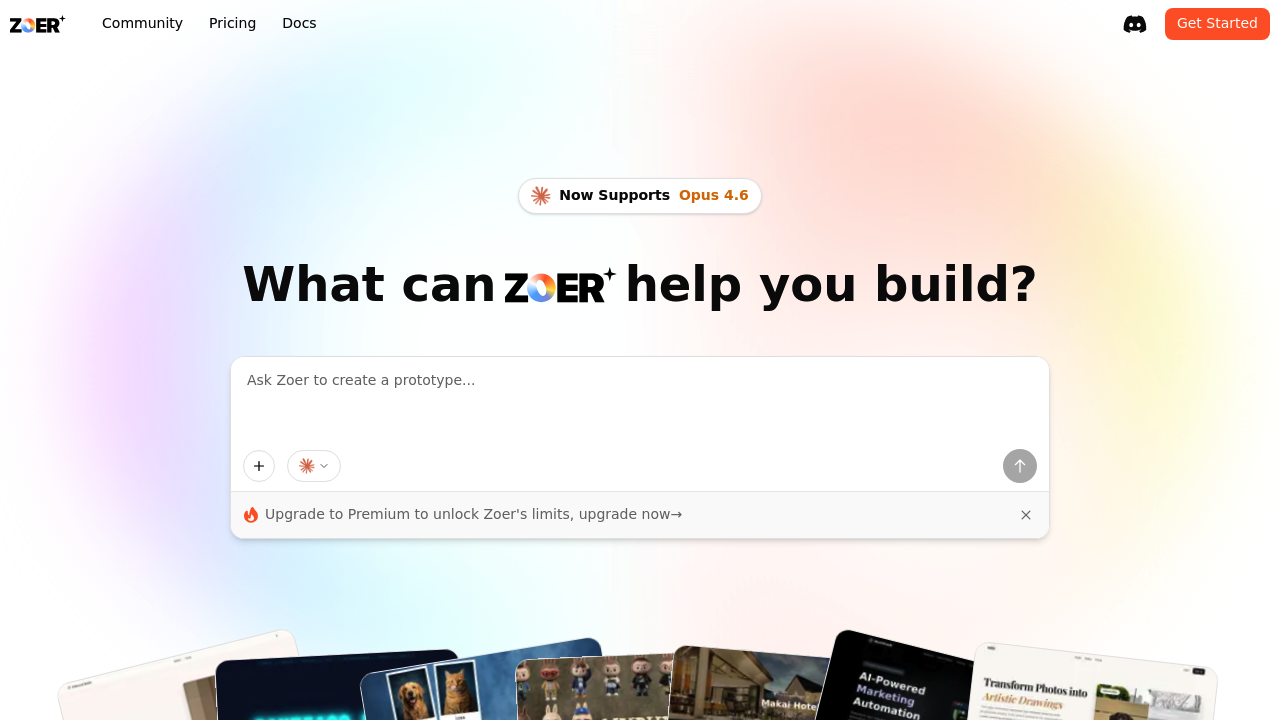
A startup founder needs a customer dashboard by Friday but the dev team's booked for three weeks. She drops her database schema into Zoer and watches it generate a working dashboard with authentication and data tables. Twenty minutes later, she's tweaking the layout through the AI copilot instead of waiting on engineering tickets.
Zoer builds full-stack web applications through AI assistance. Drop in a database schema and it creates front-end interfaces, connects to databases, adds authentication, and even integrates Stripe for payments. This system handles everything from simple websites to complex internal tools. It's built around speed. An operations manager at a logistics company uses it to spin up tracking dashboards for different warehouse teams without writing code. A freelance designer prototypes client websites in the builder, then downloads the code to hand off to developers. The AI copilot answers questions and makes changes as you work, functioning as a coding assistant that understands your project context.
Zoer includes a database system, custom domain support, and the ability to publish projects publicly or keep them private. There's a community showcase where users share what they've built, which works well for finding inspiration or forking templates. The recent Opus 4.6 support means the AI handles more complex requests.
The gaps show up when projects outgrow the rapid prototype phase. A software agency tried using it for client production apps but hit friction when they needed specific custom integrations beyond Stripe and databases. Zoer excels at getting to version one fast, but teams working on highly specialized applications might find themselves fighting against the abstraction layer. The free tier works for testing Zoer but hits limits that require upgrading for serious projects. No specifics on what those limits are.
Works for founders validating ideas quickly, internal tools teams tired of backlog delays, and solo developers who want to move fast on side projects. The download code feature means you're not locked in if you need to take the project elsewhere.
Skip it if you're building something that requires deep customization from day one or if your stack has mandatory tools that aren't supported. Also not the right fit for teams who need granular control over every architectural decision. This is for people who value shipping over perfection, at least initially.