Zencastr logo

Zencastr

Zencastr is a podcast production app that covers recording, editing and publishing.

Hosts and guests record in studio quality at up to 4K video and 48kHz audio, with local recording and cloud backup so a dropped connection does not lose the session. Editing happens through chat with an AI Producer that…

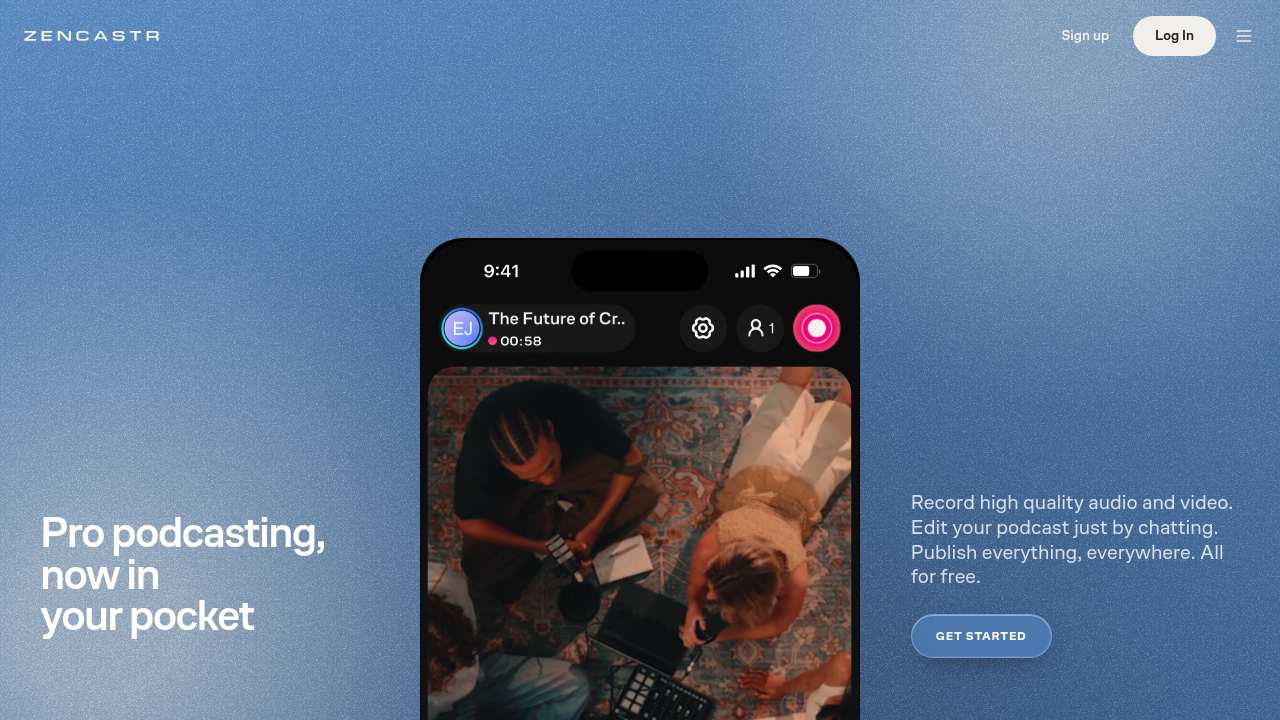
Zencastr screenshot

Zencastr is a podcast production app that covers recording, editing and publishing. Hosts and guests record in studio quality at up to 4K video and 48kHz audio, with local recording and cloud backup so a dropped connection does not lose the session. Editing happens through chat with an AI Producer that cleans audio, removes pauses and filler words and generates transcripts, cover art and show notes. Unlimited recording and hosting are offered for free.

Independent podcasters, video podcast hosts and interview shows are the natural fit, especially anyone who records remotely with guests and wants high-quality files without a separate studio setup. The mobile-first design lets creators run a show from a phone, while those with established shows can use Zencastr for Desktop and sign up with an RSS feed so the producer knows the show from day one. Creators interested in income can explore ad-based monetization and earn rewards at milestones.

A typical episode starts with hitting record and inviting a guest, then asking the AI Producer to tidy the audio, cut dead air and apply a visual template with intros. Show notes, transcripts and cover art come from the same conversation. The finished episode can be published to Spotify, Apple and YouTube, and clips can be scheduled and posted to major social platforms as part of a rollout from one recording. HD livestreaming supports live conversations, and local recording with cloud backup protects interviews with guests on unreliable connections.


Zencastr alternatives

See all →

Frequently asked

6 questions
How does editing work in Zencastr?
You chat with an AI Producer to describe the edits you want. It cleans up audio, removes pauses and filler words, and applies visual templates and intros. It can also generate transcripts, cover art and show notes.
Who is Zencastr for?
Podcasters who record conversations with guests, including video podcast creators. It is built around a phone-based workflow, with a desktop version for shows that already exist. Creators who want built-in publishing and monetization options will find them included.
Can I turn one recording into social clips?
The publishing step lets you schedule and post clips to all major social platforms. Episodes also go to Spotify, Apple and YouTube. The same conversation produces show notes and cover art for the rollout.
What does the free plan include?
Unlimited studio-quality recording and hosting at no cost. That covers 4K video and 48kHz audio for you and guests, local recording with cloud backup, and HD livestreaming.
What recording quality does it offer?
Video records at up to 4K and audio at 48kHz. Local recording means each participant's file is captured on their own device, with a cloud backup alongside it.
How do I start with an existing show?
Get Zencastr for Desktop and sign up with your RSS feed. Your producer then knows your show from day one. New shows can start directly from a phone.

Reviews (0)

Write review

No reviews yet. Be the first to share your experience.