
xeditai logo

xeditai

You get a finished spec or research paper—not another throwaway chat thread

50 views
Visit xeditai.com
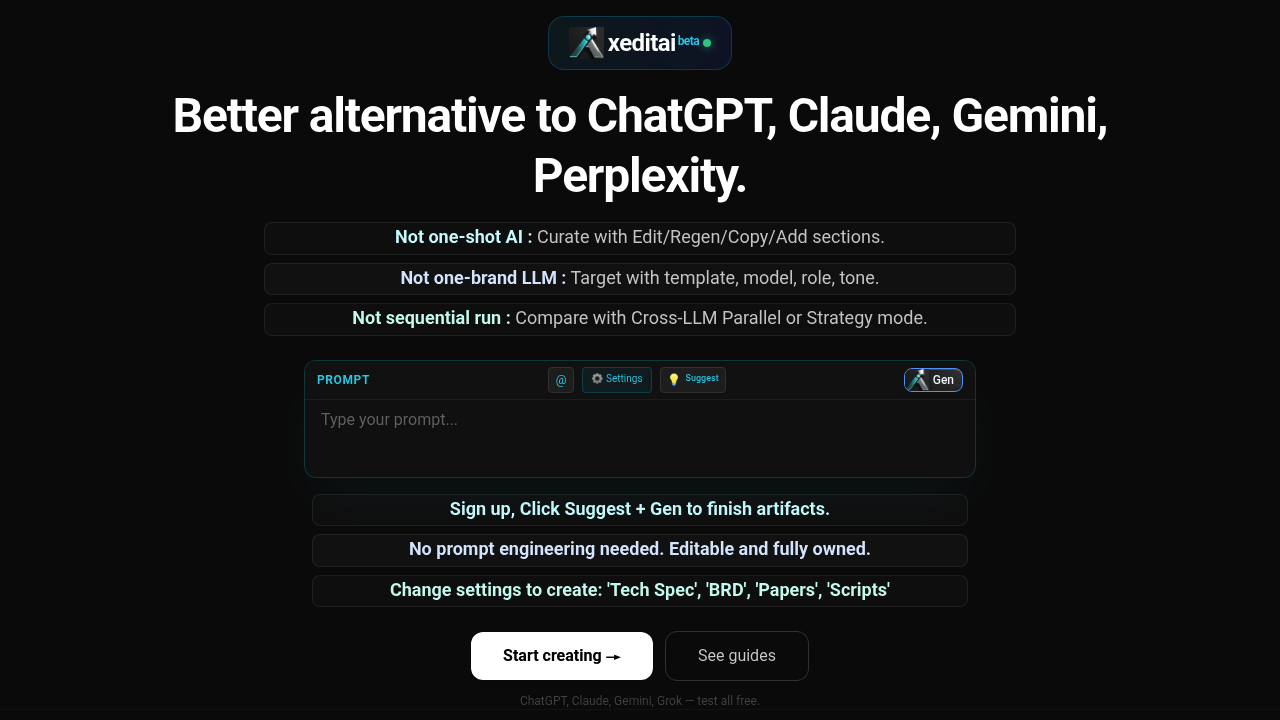
xeditai screenshot

You get a finished spec or research paper—not another throwaway chat thread. xeditai treats document creation as what it actually is: draft, revise, compare, structure. You're not stuck with whatever the model spits out first.

The workspace handles rich-text formatting. Sections regenerate individually. Product managers building a PRD can run Parallel Mode to see how different models tackle identical prompts. Then you pick the best parts from each. Strategy Mode chains models together—they debate and score each other's output before synthesizing a final version. It's overkill for simple queries. Makes sense when you're crafting something needing multiple passes.

Templates exist for product requirement docs, business requirement docs, research papers, scripts. The Suggest + Gen feature figures out what to write next (without you typing another prompt). Everything saves automatically to the cloud. Exports to PDF, DOCX, or PPTX when you're done.

The free tier lets you test the workspace with several major models. Full access requires a paid plan. Researchers writing structured arguments will find the iterative editing more useful than chat-based tools. Same goes for founders hammering out investor decks. You retain full editing control over everything the AI generates.

Worth switching? If you're already copying AI output into Google Docs—manually stitching together responses from different tools—xeditai consolidates that workflow. If you just need quick answers, it's probably more than you need.


Frequently asked

7 questions
Is xeditai free?
There's a free tier that lets you test the workspace with ChatGPT, Claude, Gemini, and Grok. You can experiment with the core features and see if the iterative editing approach works for you. Full access to all models and features requires upgrading to a paid plan.
What's the difference between xeditai and ChatGPT?
ChatGPT gives you one response at a time in a chat thread. xeditai treats document creation as iterative—you draft, compare outputs from multiple models side-by-side, regenerate specific sections, and export polished docs. It's built for creating specs and research papers, not quick back-and-forth conversations.
What is xeditai best used for?
It's really useful for founders writing specs and investor docs, product managers building PRDs, or researchers drafting structured papers. Basically anything that needs multiple revisions and isn't done in one shot. If you're just asking quick questions, it's probably overkill.
Can I use multiple AI models at the same time in xeditai?
Yep, that's one of its main features. Parallel Mode runs several models simultaneously on the same prompt so you can compare their outputs side-by-side. Strategy Mode goes further by chaining models together—they debate, score each other's work, and synthesize a final version.
Does xeditai work with Google Docs or Microsoft Word?
It doesn't directly integrate with them, but you can export your finished documents to DOCX, PDF, or PPTX. The workspace itself has rich-text editing built in with automatic cloud saving. Most people use it as a replacement for copying AI outputs into Docs manually.
What AI models does xeditai support?
You get access to all the major ones—GPT-4o, o1, Claude 3.5 Opus, Gemini Pro, Perplexity Sonar, Grok, plus models from Llama, Qwen, Kimi, and others. It connects through OpenAI, Anthropic, Google, xAI, and several other providers so you're not locked into one brand.
Can I edit what the AI writes in xeditai?
Absolutely. Everything the AI generates stays fully editable—that's the whole point. You can regenerate specific sections, copy parts between outputs, manually tweak any text, and structure the document however you want. You own the final output, not the AI.

Traffic

Estimated monthly website visits · last 0 months

Not enough historical data for a chart yet.

Data from SimilarWeb · Updated monthly.

Reviews (0)

Write review

No reviews yet. Be the first to share your experience.

Similar tools

See all →