
Wordtune logo

Wordtune

Rewrite sentences without rewriting them yourself

75 views
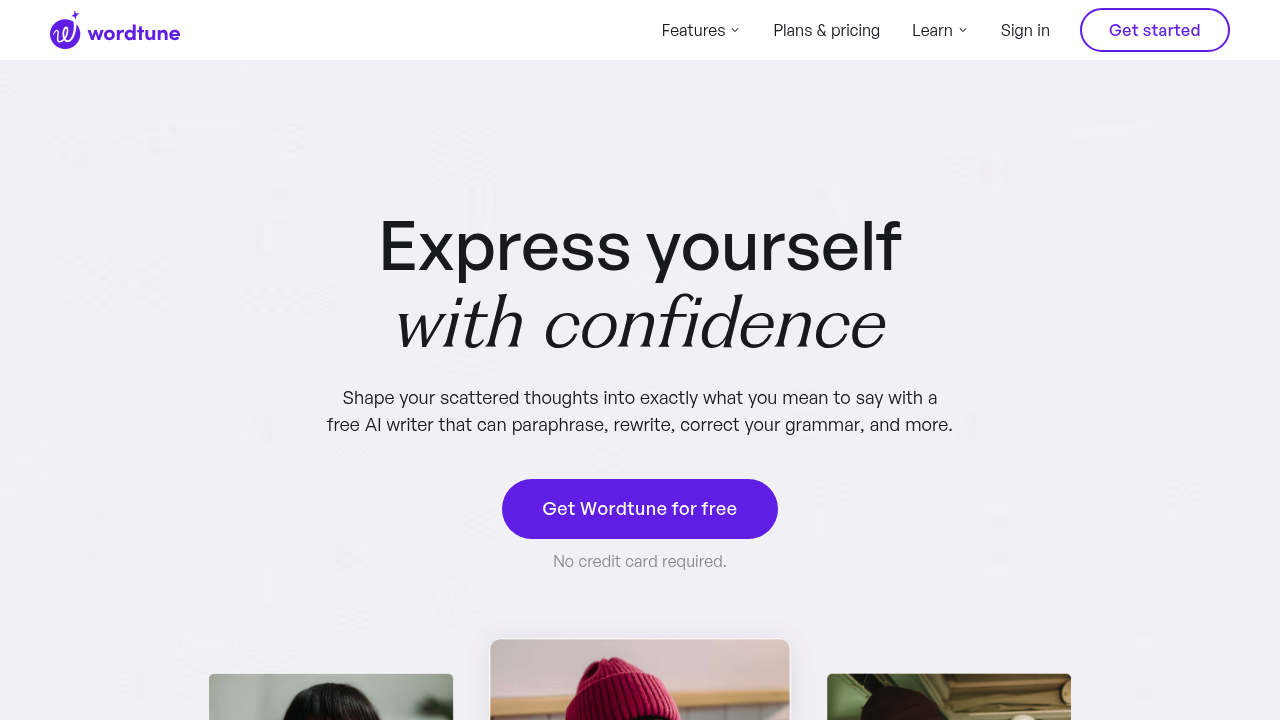
Wordtune screenshot

Writers juggling multiple projects need help switching between tones. Different styles for different audiences. Students cramming for deadlines want quick grammar fixes. Text expansion too. Marketing managers crafting emails could use Wordtune's tone-switching feature — casual social media copy to formal client proposals with one click.

Wordtune handles the basics well enough. Grammar correction works as expected. So do spelling fixes. Sentence restructuring adapts to your writing style rather than offering generic alternatives. You can summarize documents and YouTube videos when research piles up.

The continue writing feature kicks in when you're stuck. Smart Translate covers 10 languages if you're working with international content. Wordtune checks at least 5 sources before calling a fact credible, which beats most AI tools that pull from questionable sources.

Over 10 million people use it. The Chrome extension has a 4.7-star rating. Users have chosen 782 million rewrite suggestions, which suggests it actually helps rather than just existing in browser tabs.

You're limited to English output only. Other languages need translation first — extra steps for your workflow. The free plan exists without requiring a credit card, so you can test it without commitment.

Wordtune works across desktop, mobile, and browser extensions. Most writing assistants focus on fixing what you've already written, but this one helps with ideation and research too.


Frequently asked

6 questions
How many languages can Wordtune translate from, and does it work both ways?
Wordtune's Smart Translate covers 10 languages -- but here's the catch. It only outputs in English. Got Spanish or French content? You can translate it to English, sure. But you can't flip English back to other languages. That means extra steps if you need your final content in multiple languages.
What's the difference between Wordtune's rewrite suggestions and regular grammar checkers?
Basic grammar tools just fix errors. Wordtune's different -- it adapts to match your personal writing style. It doesn't throw generic alternatives at you. Instead, it learns how you write and suggests changes that actually sound like you. The tool's processed 782 million rewrite suggestions from real users.
How does Wordtune verify facts when I'm researching or writing?
Wordtune checks at least 5 different sources before marking any fact as credible. Most AI writing tools? They pull info from questionable sources or don't verify at all. This cross-checking feature's a lifesaver when you're researching or need to fact-check claims in your writing.
Can I use Wordtune without paying anything, and what's included in the free plan?
Yep, Wordtune offers a free plan. No credit card required to start. You can test all the basic features -- grammar correction, tone switching, sentence rewriting. Zero upfront commitment. The free version lets you try everything before deciding if you need premium features.
Does Wordtune work on mobile devices, or is it desktop-only?
Wordtune works everywhere -- desktop, mobile, browser extensions. The Chrome extension has a 4.7-star rating. You can use it directly in your browser while writing emails, documents, or social media posts. You're not stuck at your computer to access your writing assistant.
Can Wordtune help me summarize YouTube videos for research?
Yes, Wordtune can summarize both documents and YouTube videos when you're researching. Pretty handy when you're gathering info from multiple sources. Need quick summaries instead of watching entire videos or reading full articles? It's got you covered. Especially useful for students and content creators juggling multiple projects.

Reviews (0)

No reviews yet. Be the first to share your experience.

Similar tools

See all →