
Prototyper logo
AI App Builder FREEMIUM from $25/mo

Prototyper

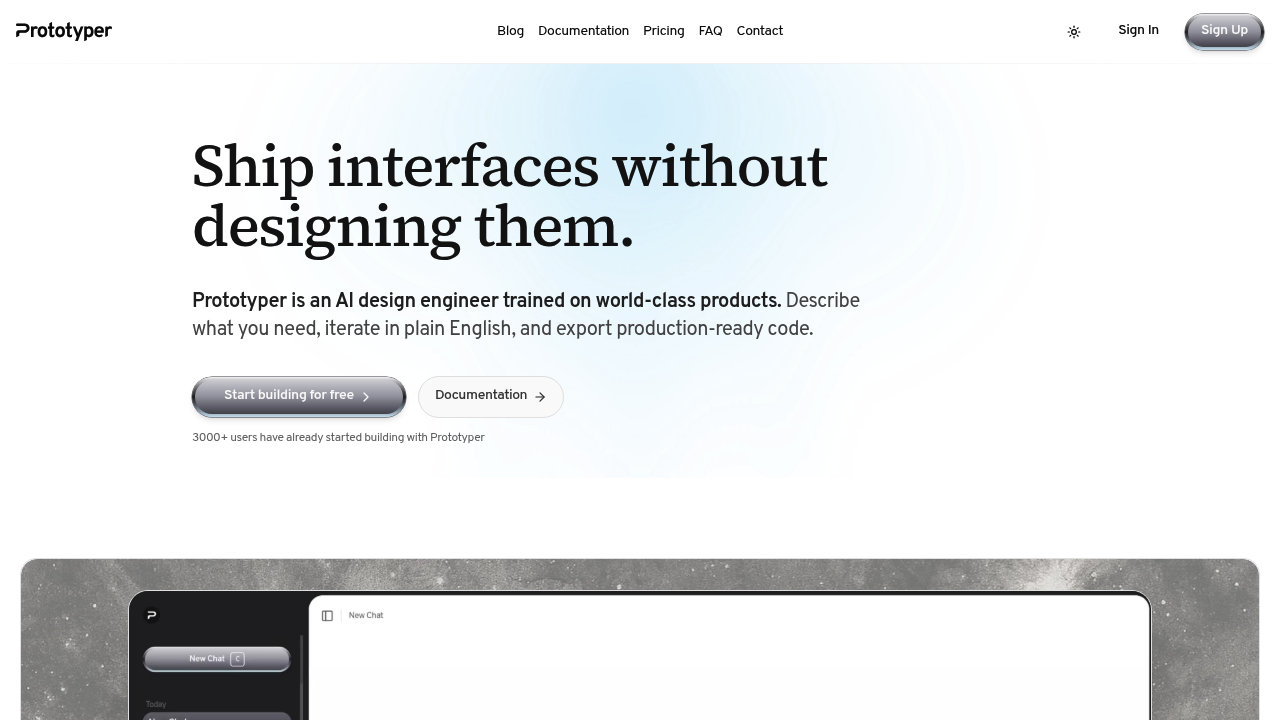
You describe what you want and Prototyper spits out React components with Tailwind styling

No dragging boxes around a canvas with no wrestling with design tokens. Just plain English that becomes working code you can actually ship. Prototyper keeps design and code in perfect sync through what it calls a single…

Prototyper screenshot

You describe what you want and Prototyper spits out React components with Tailwind styling. No dragging boxes around a canvas with no wrestling with design tokens. Just plain English that becomes working code you can actually ship.

Prototyper keeps design and code in perfect sync through what it calls a single token and component graph. Change something in the visual preview and the code updates. Tweak the code and the design follows. It's truly lossless both ways, which solves the typical handoff nightmare between designers and developers. The AI was trained on real product interfaces from established design systems, so the output tends to look like actual software rather than generic wireframes.

Does it actually work for production use? The React and Tailwind generation is solid enough that over 3000 users are building with it. You get version history, real-time collaboration with presence indicators and comments, and the ability to hook up APIs for simple workflows. Export is straightforward. You can embed previews in docs or presentations, share publicly, or lock things down with passwords.

The free tier exists but it's pretty limited. You can prototype but you'll hit walls quickly since export and collaboration both require upgrading. That's a problem if you're trying to evaluate whether this fits your workflow. The $25 Starter plan only gives you public sharing, which will not work for most commercial projects. You really need the $59 Pro plan to get unlimited projects, collaboration features, and version history. Enterprise pricing is custom but adds SSO, audit logs, and security reviews.

No mobile app. No browser extension. The facts don't mention any integrations with other tools, which is surprising for something positioning itself as a production workflow component. You're working entirely within Prototyper's environment.

This makes sense for small teams shipping web apps who want to collapse the design-to-development timeline. Frontend engineers who hate traditional design tools will find this faster. Product managers who can describe interfaces but can't code them will actually produce working prototypes. It's less useful if you need pixel-perfect custom designs or work across multiple platforms beyond web. The deterministic generation means you won't get wildly different results each time you iterate, which matters when you're actually building something real rather than just exploring concepts.


Prototyper alternatives

See all →

Frequently asked

6 questions
Does Prototyper have a free version?
There's a free tier but it's basically for testing the waters. You get the core prototyping workspace but can't export your code or collaborate with anyone, which means you hit a wall fast if you're trying to evaluate this for real work. The $25 Starter plan adds export but only public sharing, so most teams end up needing the $59 Pro plan for private collaboration and unlimited projects. Free trial exists but the limitations make it hard to know if this actually fits your workflow.
Can Prototyper replace Figma or Framer?
Prototyper is deliberately different from both. Figma is a full design tool for creating detailed interfaces across platforms, while Framer focuses on interactive web design with a visual builder. Prototyper skips traditional design work entirely and generates React + Tailwind code from text descriptions, keeping design and code in perfect sync. If you're shipping web apps and want to collapse the design-to-code handoff, this works. If you need mobile designs, cross-platform assets, or pixel-perfect custom layouts, stick with traditional tools.
What can I actually build with Prototyper?
You're building web app interfaces as production-ready React components with Tailwind styling. Describe what you want in plain English and it generates working code you can ship, not just static mockups. The AI was trained on real product interfaces so outputs look like actual software rather than generic wireframes. You can hook up APIs for simple workflows, iterate with version history, and collaborate in real time. This works for dashboards, admin panels, and web applications but won't help with native mobile apps or complex animations.
How much does Prototyper cost for a team?
Pro plan runs $59 per month and that's where team features actually unlock. You get unlimited projects, real-time collaboration with presence and comments, version history, and private sharing with password protection. The $25 Starter plan only allows public share links which won't work for most commercial projects. Enterprise pricing is custom but adds SSO, audit logs, advanced permissions, and dedicated support. Over 3000 users are on the platform so the pricing seems to work for small to mid-size teams.
Does Prototyper integrate with other development tools?
The facts don't mention any integrations, which is a notable gap for something positioning itself as a production workflow tool. You're working entirely inside Prototyper's environment. There's no mobile app, no browser extension, and no mentioned connections to GitHub, Jira, or design systems. You do get code export and API hookup capabilities for simple workflows, but this is pretty isolated compared to tools that plug into existing development pipelines.
How is Prototyper different from other AI code generators?
Most AI code tools generate once and you're on your own after that. Prototyper maintains a single token and component graph that keeps design and code in perfect sync through lossless round-trips. Change the visual preview and code updates. Edit the code and design follows. The deterministic generation means you won't get wildly different results each iteration, which matters when you're building something real rather than just exploring. It was trained specifically on real product interfaces from established design systems rather than generic web content.

Traffic

Estimated monthly website visits · last 0 months

667 visits/mo
Monthly visits
667

Not enough historical data for a chart yet.

Reviews (0)

Write review

No reviews yet. Be the first to share your experience.