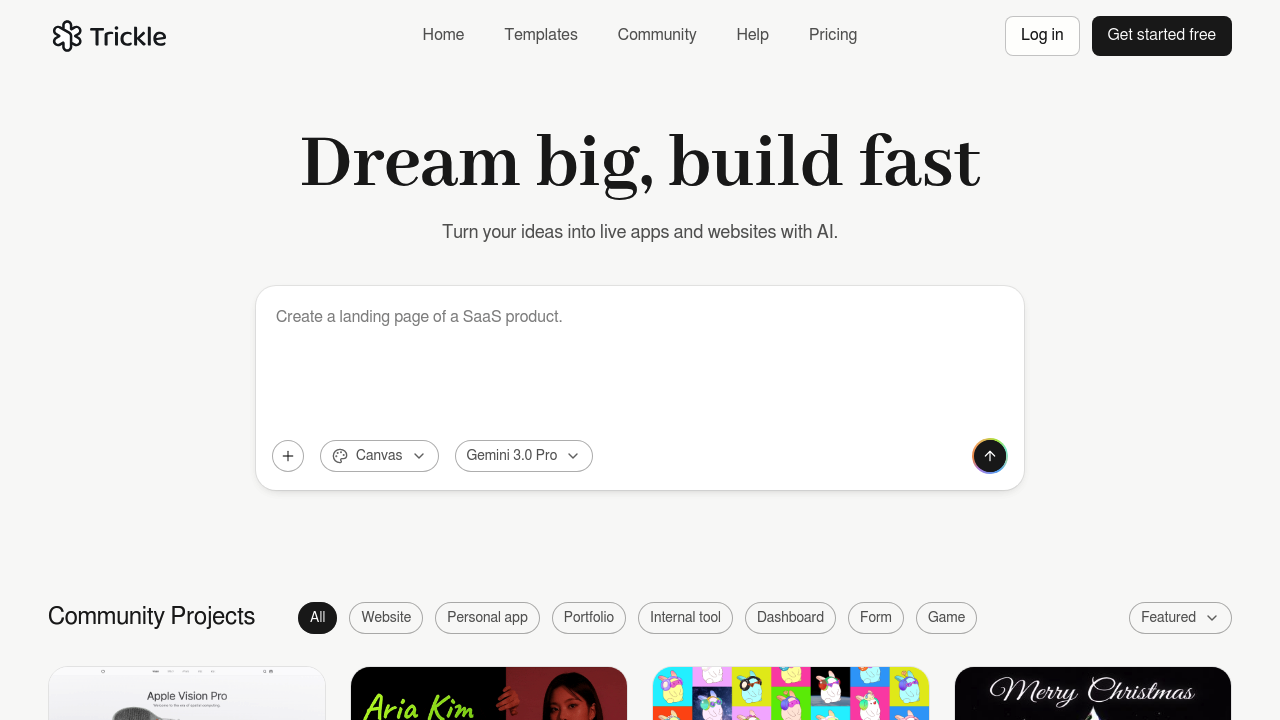
Trickle Magic Canvas is an AI agentic canvas for vibe coding: users describe an app or website in plain language and Trickle builds it. Its canvas combines image and video generation, AI models, a database and design tools in one workspace, so a project does not need separate services for assets and data. The aim is production-ready apps and websites that can be launched from the same place. Visitors can start from templates, browse community projects and begin with a free sign-up. The same company also promotes Happycapy, a separate AI agent aimed at general work tasks.
Trickle suits founders, product managers, designers and marketers who have an idea for a web app but little coding experience. Solo makers can create a working prototype without hiring a developer, and small teams can test concepts before committing engineering time. Developers who like prompt-based building can use it to scaffold interfaces quickly. Educators and students can experiment with building real apps by describing what they want. Because image and video generation sit inside the canvas, people building landing pages or content-heavy sites can create visual assets without leaving the project.
Typical projects include a landing page for a new product, an internal dashboard backed by the built-in database, a simple booking or form-driven web app, and a portfolio site with generated images. A founder can describe a customer sign-up tool, review the result on the canvas, ask for design changes in words and then publish it. Templates give a starting point for common app types, and the community section shows what other users have shipped, which helps newcomers learn what to ask for. Teams can use it to turn a written product brief into a clickable app for early feedback.