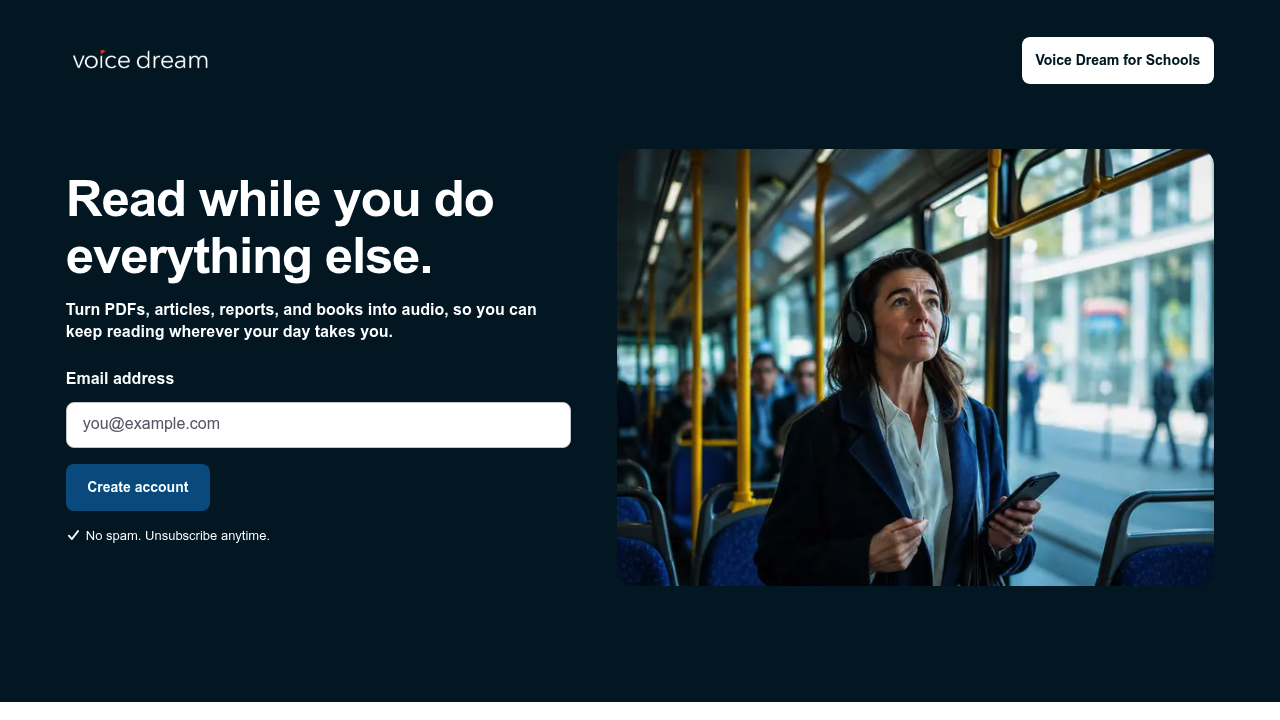
Voice Dream Reader turns documents, web pages and books into audio so you can listen instead of reading from a screen. It imports PDFs, EPUBs, Word files, PowerPoint decks and web pages, then reads them aloud with a voice you choose and playback speed and pronunciation you control. Highlights and notes can be exported, and files stay available offline. Apple featured it as Best New App and App of the Day in 81 countries, and the library syncs across iPhone, iPad and Mac.
The app began with accessibility in mind and is built for people who read differently, such as readers with dyslexia or low vision. Every screen is labeled for VoiceOver, text scales with Dynamic Type, navigation works by voice through Voice Control, and refreshable braille displays are supported. Students, researchers and busy professionals also use it to get through long material while their hands and eyes are busy. A separate offering, Voice Dream for Schools, serves classrooms.
Typical uses include listening to a report on the commute, working through study materials on a walk, or catching up on articles while cooking or cleaning. Novel readers load EPUBs and listen at bedtime, while professionals feed it white papers and news articles saved from the web. Active readers highlight key passages while the voice reads, then export those notes for papers or briefings. Users who rely on assistive technology can run the entire app without looking at the screen, and settings let anyone tune voice and speed until long documents feel comfortable to follow.