
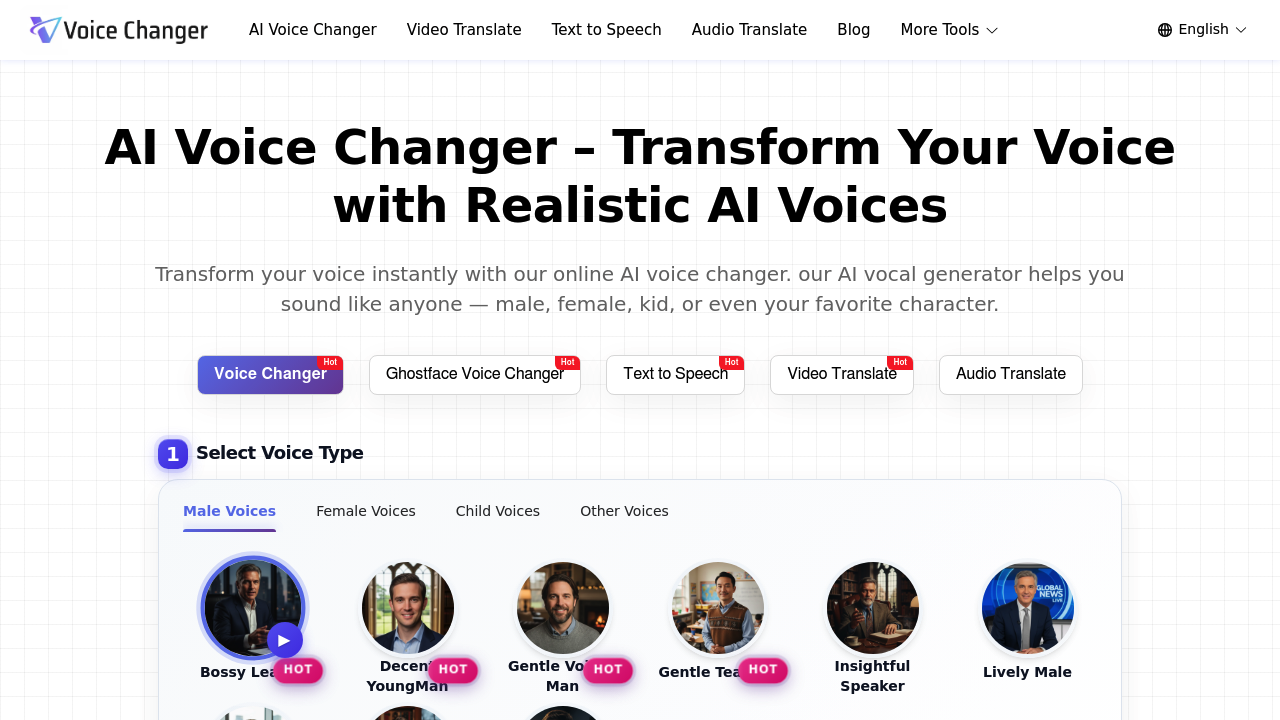
Want to change how your voice sounds? You don't need clunky software or audio engineering skills. Voice Changer.video runs directly in your browser—no downloads required. It applies AI voice transformations to uploaded audio or video files.
Drop in an MP3 or video. Pick from hundreds of voices spanning different genders and accents. Pre-built voice styles include Movie Trailer Deep and Gentle Teacher. You can switch to specialty modes for anime characters or kid voices. There's even a Ghostface option for horror content.
YouTubers who want to localize videos can use the video translate feature. It swaps out the original voice track with AI speech in another language.
Voice Changer.video claims its output sounds indistinguishable from real human speech. That's overselling it. The voices sound polished—but you'll still notice the AI sheen in certain phrases. For quick voiceover work or masking your identity in gaming streams? The quality clears the bar.
Files must stay under 30MB. Videos can't exceed five minutes. That's tight for long-form podcasters but works fine for social media clips. The emotion selector lets you tweak whether the AI sounds cheerful or serious. Text-to-speech conversion is available if you're starting from scratch rather than modifying existing audio.
It's free to use (no credit card required). E-learning professionals who need voiceovers for course modules can generate narration without hiring voice actors or recording themselves repeatedly.