Visla logo

Visla

Visla is an AI video workflow platform that produces branded business videos from a script, an idea, or a slide deck.

It writes the storyboard, picks B-roll, adds voice-over and subtitles, and lets you refine the result with scene-based or text-based editing. A newer AI Director Mode builds an AI storyboard so characters, objects and…

Visla screenshot

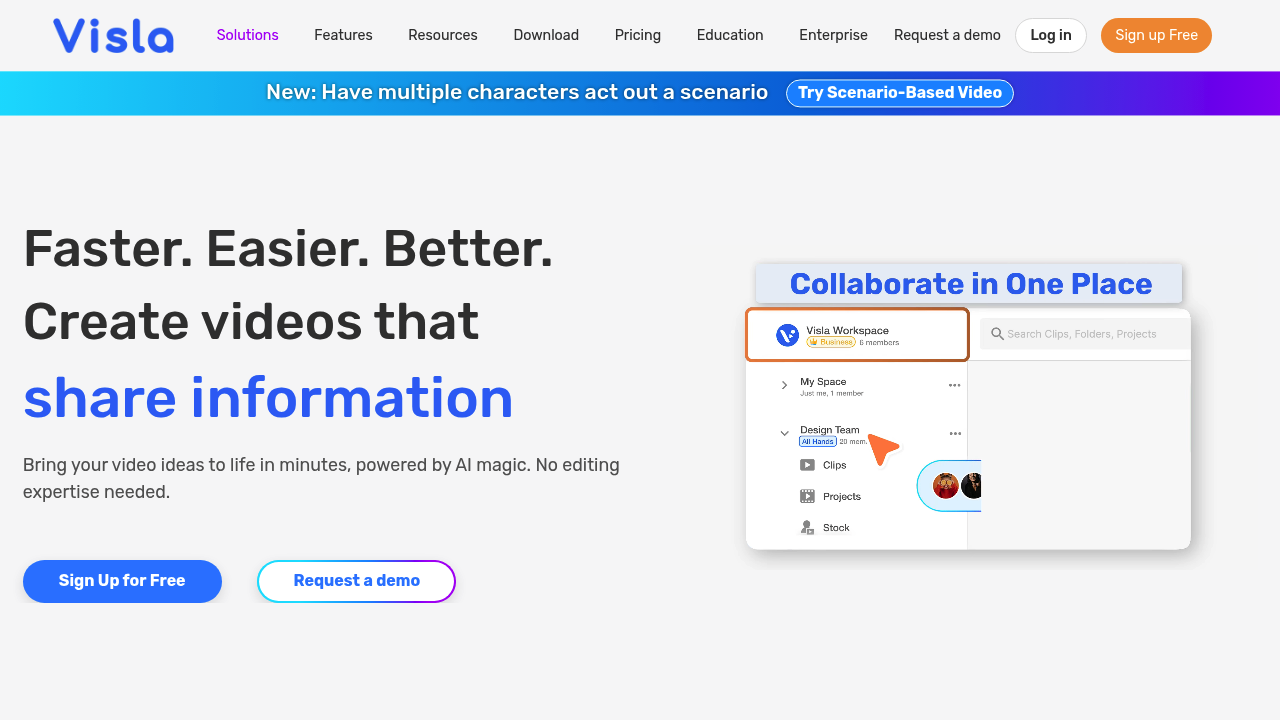
Visla is an AI video workflow platform that produces branded business videos from a script, an idea, or a slide deck. It writes the storyboard, picks B-roll, adds voice-over and subtitles, and lets you refine the result with scene-based or text-based editing. A newer AI Director Mode builds an AI storyboard so characters, objects and environments stay consistent from scene to scene.

The product is aimed at business teams that need video regularly but do not have an editor on staff. Marketers use it for campaign and product demo videos, sales reps for outreach clips, trainers and HR teams for onboarding and learning content, and customer success groups for help videos. Schools and universities have a dedicated education offering, so teachers, students and campus communications staff can record and edit assignments or recruiting videos. Shared workspaces and teamspaces suit groups where several people review the same cut.

Typical workflows include turning a PowerPoint into a narrated explainer, converting an existing case study into a short video, or recording a screen walkthrough with the step recorder to produce a video SOP. The built-in recorder covers screen, meeting and multi-camera capture, with a teleprompter and a phone-as-webcam option for presenters. AI avatars, voice cloning and a custom AI voice add narration without a studio session. Finished videos can be shared by link, embedded on a web page, commented on by reviewers, and transcribed automatically. A Visla API is available for teams that want to automate video creation inside their own systems.


Visla alternatives

See all →

Frequently asked

6 questions
How does Visla turn a script or slide deck into a video?
Provide a script, idea, text prompt or PowerPoint, and Visla generates a storyboard with matching footage, voice-over and subtitles. You can then adjust the result in a scene-based or text-based editor.
Which teams is Visla built for?
Business functions such as marketing, sales and revenue, training and learning, customer success, product development and HR are the focus. There are also education offerings for students, teachers, schools and higher education.
Can Visla record my screen or meetings?
Recording is built in, covering screen, video, meeting and multi-camera capture. Presenters get a teleprompter and a phone-as-webcam option, and a step recorder produces screen-based video SOPs.
What does AI Director Mode do?
Director Mode creates an AI storyboard from your idea and keeps characters, objects and environments consistent across scenes. That helps when a video needs the same on-screen subject throughout.
Can several people work on the same video?
Workspaces and teamspaces let teams edit videos together, share them, and leave review comments. Auto transcription and embeds are available once a video is finished.
Does Visla offer an API?
A Visla API is listed for developers who want to generate videos programmatically. Enterprise buyers can ask for a demo for larger rollouts.

Reviews (0)

Write review

No reviews yet. Be the first to share your experience.