
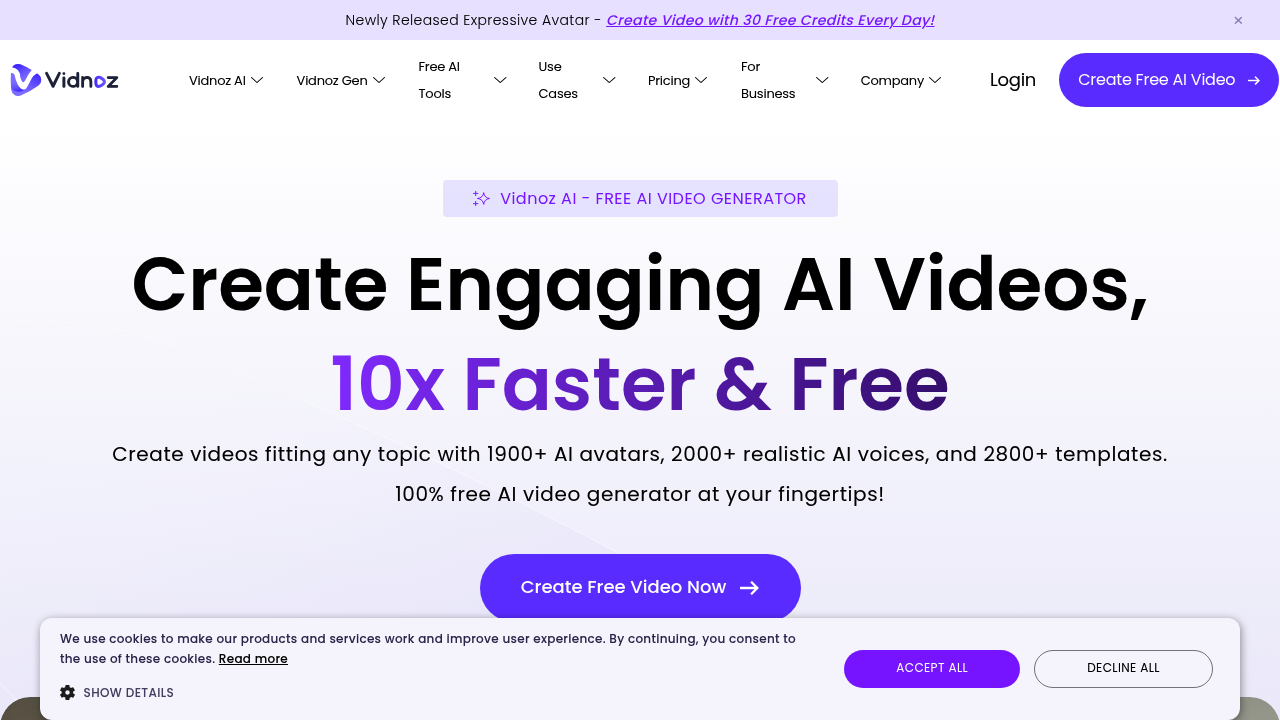
Vidnoz is an AI video platform that creates presenter-style videos from text. You pick an avatar from more than 1,900 options, type a script, choose from over 2,000 AI voices, and add a template, music and transitions before generating the clip. Expressive avatars add body language and gestures, voice cloning can replicate your own voice, and a custom avatar lets you build a digital twin. Each scene can run up to five minutes, and a free allowance of 60 credits every day needs no credit card.
Teams that need video but lack cameras or editors use it: marketers, e-learning creators, HR and training departments, sales reps, customer service teams and small business owners. Educators and universities create teaching material and translate lectures, and global companies make videos for regional units in several languages. Because avatars speak with lip sync and many languages are covered, one script can reach audiences in different countries.
Common applications include explainer videos for products, onboarding and compliance training, interactive e-learning lessons, sales outreach clips and customer support walkthroughs. Medical and communication training programs have used the avatars to build virtual teaching scenarios from a single photo. Users can start from one of 2,800 templates, convert a still image into video, or generate a voiceover in a cloned voice. Finished videos can be downloaded or shared on social media or by email, and security options for businesses include SSO. Sales teams use the clips for personalized outreach, and customer service teams turn FAQ answers into short walkthrough videos that can be reused across channels and languages.