HeyGen logo

HeyGen

Your face speaking languages you don't know

73 views
Visit heygen.com
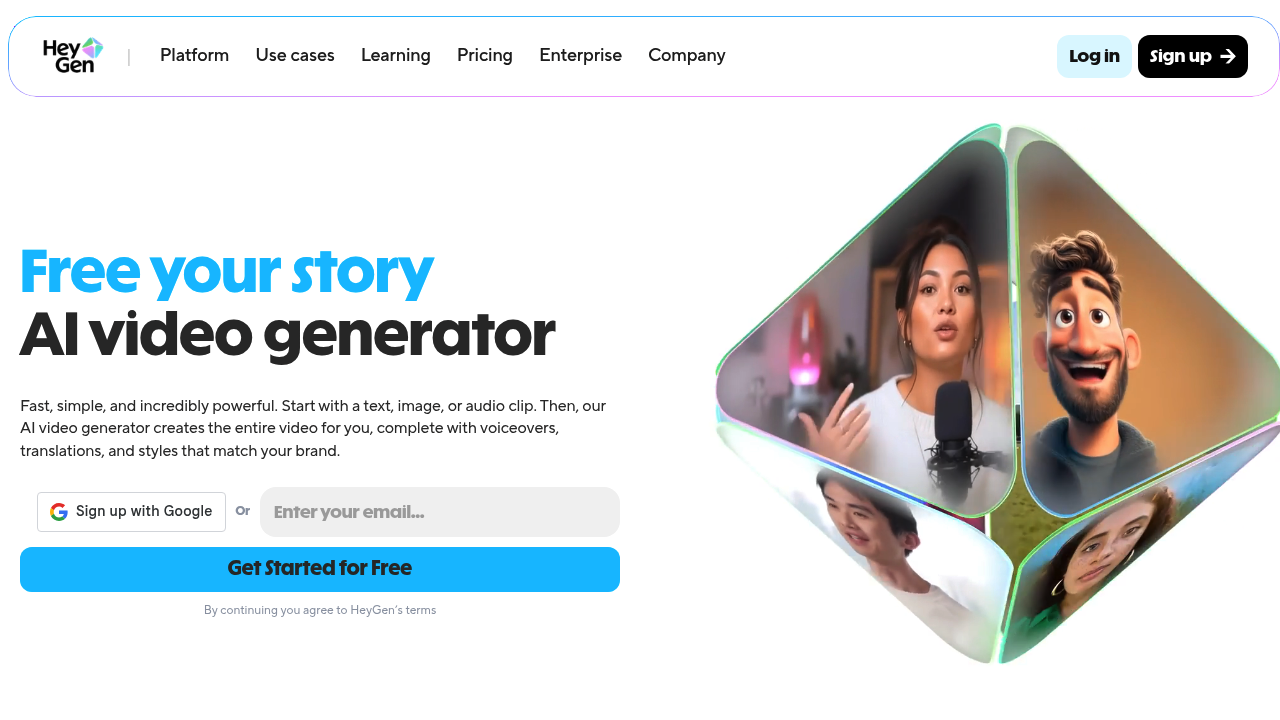
HeyGen screenshot

Free plan starts you off without paying anything upfront. HeyGen turns text into complete videos using AI avatars that speak with natural voice sync and hand gestures.

Avatar IV takes a single photo and creates full videos with expressive facial dynamics. Authentic gestures included. You can film yourself once to generate a lifelike avatar — then never appear on camera again. Stock avatars give you over 1,000 options.

Video localization happens across 175+ languages with lip-sync that actually matches. Voice cloning works across different languages too. A marketing manager launching products internationally could upload one English explainer video and have HeyGen output versions in Spanish, French, and Mandarin with proper lip movement and subtitles.

Studio Editor lets you create videos by typing text rather than wrestling with complex video software. Brand consistency tools keep your logos and colors uniform across all content. Team features include comments and live editing for collaboration.

API access opens up video localization for developers building their own applications.

Output quality reaches 4K resolution. HeyGen claims 10x faster video production speeds, though actual results depend on your current workflow and how much you're willing to let AI handle the creative decisions.

Content creators making YouTube videos or businesses producing sales pitches can skip the traditional filming process entirely. Just don't expect the avatars to fool anyone into thinking they're watching a real person.


Frequently asked

6 questions
How accurate is HeyGen's lip-sync across different languages?
HeyGen works with 175+ languages -- and the mouth movements actually sync up with what's being said. Pretty cool, right? You can clone your English voice and make it speak French with proper lip sync. Major languages like Spanish, French, and Mandarin usually look convincing, though results can vary.
Can I create my own custom avatar in HeyGen instead of using stock options?
Absolutely! HeyGen's Avatar IV feature makes a custom avatar from just one photo of you. You can also film yourself once to get a lifelike avatar that copies your look and mannerisms. After that setup? You're done -- never need to be on camera again since the avatar does all the work.
What video resolution does HeyGen export and how long does processing take?
HeyGen exports up to 4K resolution. Processing times depend on your video's length and how complex it is, but they claim it's 10x faster than traditional video creation. Your actual speed'll depend on how much you let the AI handle versus tweaking things manually.
Does HeyGen work well for creating YouTube content or just corporate videos?
It works for both YouTube and business stuff. The avatars won't fool anyone into thinking they're real people though. Content creators use it to skip filming entirely -- businesses make sales pitches and explainer videos. Just set proper expectations with your audience about using AI avatars.
Can developers integrate HeyGen's video creation into their own apps?
Yep, HeyGen offers API access for video localization features. Developers can build the translation and avatar generation right into their apps. This is super useful for companies needing automated video localization at scale (rather than manually uploading through HeyGen's interface).
How many people can collaborate on videos in HeyGen's team features?
HeyGen includes team collaboration through their Studio Editor -- comments, live editing, the works. They don't specify exact team member limits, so it probably depends on your subscription plan. Teams can keep brand consistency with shared logos and color schemes across projects.

Reviews (0)

No reviews yet. Be the first to share your experience.

Similar tools

See all →