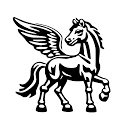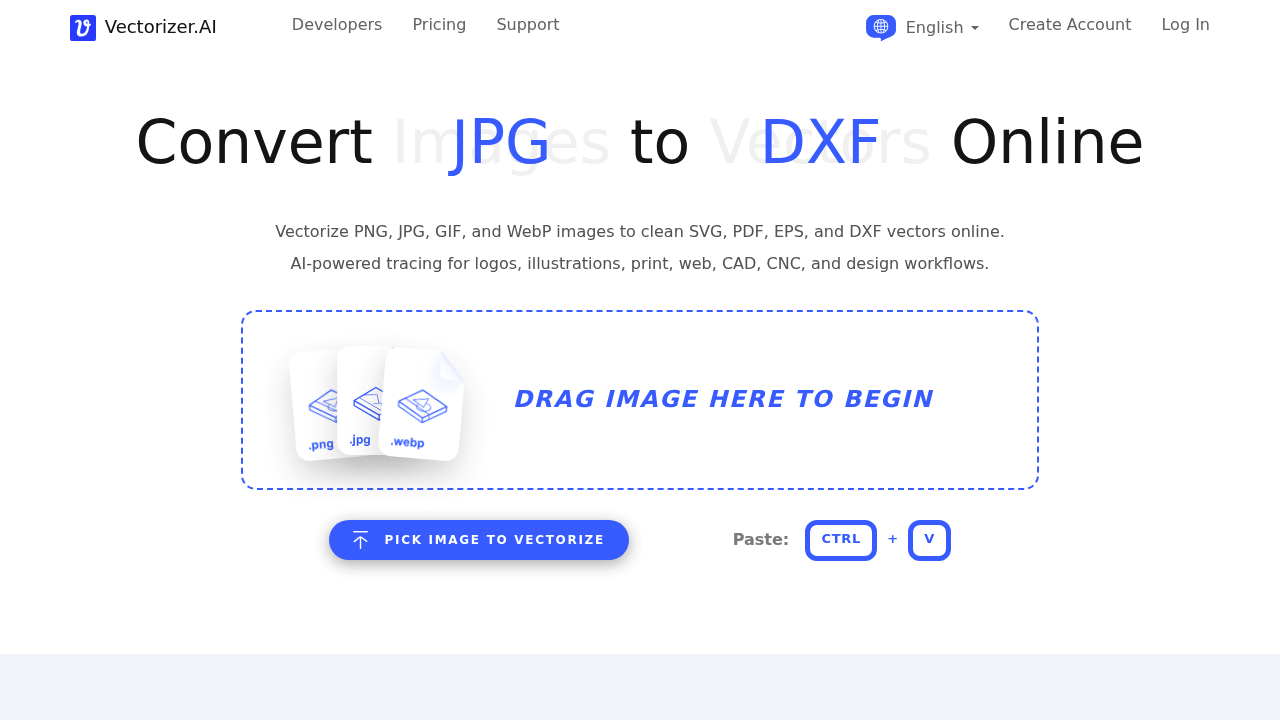
Vectorizer.AI is an online image vectorizer that traces PNG, JPG, GIF, BMP and WebP files into scalable vector artwork. It outputs SVG, EPS, PDF and DXF files, and offers a cleaned-up PNG option. Its engine combines deep learning networks trained from scratch on a proprietary dataset with classical algorithms, then fits whole geometric shapes such as circles, ellipses, rounded rectangles and stars instead of only Bezier curves. A free preview lets you inspect the result before downloading, and everything runs in your browser with nothing to install.
Graphic designers use it to rebuild logos and illustrations from low-resolution files. Print shops and sign makers need resolution-independent artwork, while embroidery, cutting and CNC users rely on DXF paths. Web developers convert images to lightweight SVG, and hobbyists vectorize sketches and diagrams for crafts. The palette can be adjusted if the automatic color detection picks the wrong number, which helps when a client supplies a flat design with a few brand colors.
Typical jobs include recovering a company logo that only exists as a small JPG, preparing artwork for vinyl cutting or laser engraving, turning a hand-drawn sketch into editable shapes, and shrinking an icon set to SVG for a website. The engine models symmetry, simplifies faint boundaries and keeps corners clean, so the output needs less manual cleanup in editors. A 15-year track record in the field and GPU-backed processing keep conversions fast. Users can also vectorize AI-generated images and bring the results into design, CAD or print software. The service says it does not claim rights over uploaded images or vectorized results, and its FAQ covers data retention and machine learning use of outputs.