TradeSage - Pine Script Generator logo
AI Coding Assistant FREEMIUM from $20/mo

TradeSage - Pine Script Generator

A day trader spots a promising pattern on TradingView charts but can't code the Pine Script strategy to automate it

Writing the script manually means wrestling with syntax, debugging loop errors, and googling documentation for hours. TradeSage turns that multi-hour coding session into a conversation. The trader describes the strategy…

TradeSage - Pine Script Generator screenshot

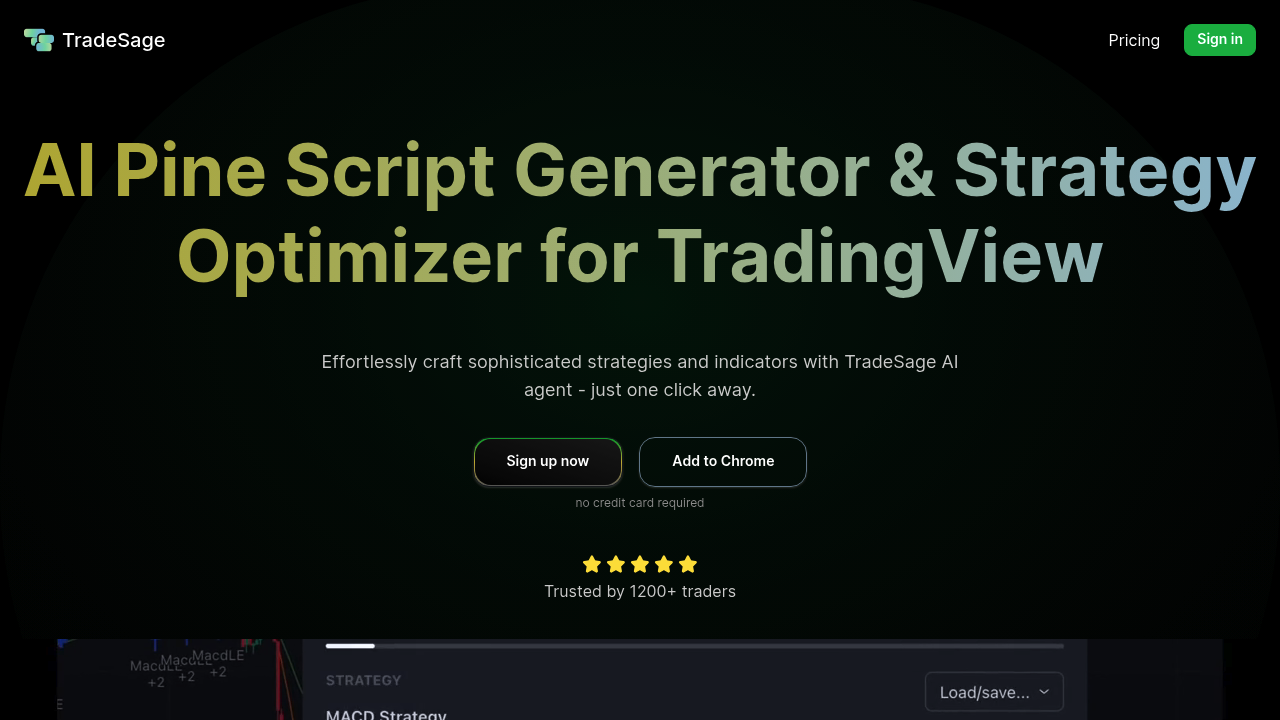
A day trader spots a promising pattern on TradingView charts but can't code the Pine Script strategy to automate it. Writing the script manually means wrestling with syntax, debugging loop errors, and googling documentation for hours. TradeSage turns that multi-hour coding session into a conversation. The trader describes the strategy in plain English through a chat interface, and TradeSage generates working Pine Script code that drops straight into TradingView.

The Chrome extension adds an inline editor directly inside TradingView's Pine Script Editor. No more toggling between browser tabs. A quantitative analyst refining an RSI-based indicator can highlight problematic code sections and ask the AI to optimize them without leaving the editor window. TradeSage rewrites segments, suggests improvements, and explains what changed.

Over 1200 traders use it now. The strategy optimizer runs through parameter combinations to find settings that would've performed better historically. A swing trader testing a moving average crossover strategy can feed it price data and watch it test dozens of period combinations. The chart analysis feature reads uploaded chart images and suggests strategy ideas based on visible patterns.

Token limits shape how much you can generate. The Basic plan gets 30,000 tokens, roughly enough for 20,000 words of AI responses. That covers several strategy iterations. Pro bumps it to 150,000 tokens and adds the strategy optimizer plus chart analysis. Premium offers 600,000 tokens and priority support. There's also a standalone Optimizer plan at $19.99 monthly for traders who only want the backtesting feature. Free users get 3000 credits upfront, enough for 2-3 scripts without entering payment details.

A crypto trader building a volatility breakout indicator describes entry conditions, stop-loss logic, and position sizing rules. TradeSage writes the script. It works. The trader then asks it to add alert conditions when price breaks key levels. The AI updates the code. This back-and-forth editing through chat beats starting from scratch each time.

But it won't fix everything. Token limits mean heavy users on Basic plans run out mid-month. A professional trader generating five complex strategies weekly would burn through 30,000 tokens fast. The Chrome extension requirement locks out Firefox and Safari users entirely. And the optimizer only comes with Pro, Premium, or the dedicated plan, so Basic subscribers can't backtest parameter ranges without upgrading.

The free tier matters here. Many Pine Script tools charge immediately. TradeSage hands out 3000 credits first. A curious trader can test whether AI-generated scripts actually save time before paying. If those first 2-3 scripts work well enough, they'll probably subscribe.

It fills a specific gap. TradingView has no native AI coding assistant. Traders either write Pine Script manually or copy-paste from forums and hope it works. TradeSage sits between those extremes. It generates custom code but explains what it wrote. A trader who does not speak Pine Script fluently can still build indicators that match their exact rules.

Who shouldn't bother? Traders who already write Pine Script fluently and quickly probably don't need it. If you knock out indicators in 20 minutes without help, you're paying for speed you don't need. Same goes for anyone not on Chrome or not using TradingView at all. And if you need dozens of complex strategies monthly, even the Premium token allowance might feel tight.

TradeSage - Pine Script Generator alternatives

See all →

Frequently asked

7 questions
Can TradeSage generate Pine Script code without knowing how to code?
A retail trader with zero coding experience describes a Bollinger Band breakout strategy in plain English through the chat interface. TradeSage generates working Pine Script that plots the bands, marks entry signals, and sets stop-loss levels based on volatility. The trader copies the code into TradingView and it runs immediately. The inline editor lets them ask for tweaks like adding alert notifications when price breaks the upper band, and the AI rewrites just that section. This works for anyone building basic to moderately complex indicators, though really intricate multi-timeframe strategies with custom arrays might need manual cleanup.
How many Pine Scripts can I generate with the free credits?
The free tier provides 3000 credits with no credit card required, which typically covers 2-3 complete scripts depending on complexity. A swing trader could generate a simple moving average crossover strategy, test it, then create a basic RSI indicator before running out. Each back-and-forth edit with the AI consumes more credits, so asking for five revisions on one script eats through the allowance faster than generating two scripts with minimal changes. Once the credits expire, you'd need to subscribe to Basic at $9.99 monthly for 30,000 tokens or stick with manual Pine Script coding.
Does TradeSage work better than using ChatGPT for Pine Script?
A day trader asks ChatGPT to write a volume-weighted moving average strategy and gets code that throws syntax errors in TradingView because ChatGPT hallucinates outdated Pine Script functions. TradeSage generates code that runs immediately because it's trained specifically on current Pine Script syntax and TradingView requirements. The Chrome extension also embeds directly in TradingView's editor, so the trader highlights buggy code and asks for fixes without copying between browser tabs. ChatGPT Plus costs $20 monthly but wasn't built for trading code, while TradeSage's Basic plan at $9.99 focuses entirely on generating and editing Pine Script that actually compiles.
What's the strategy optimizer and do I need it?
A quantitative trader writes a mean reversion strategy with three adjustable parameters: lookback period, entry threshold, and exit threshold. The optimizer runs hundreds of backtests across different combinations to find which settings would've performed best historically. This only comes with Pro, Premium, or the standalone Optimizer plan at $19.99 monthly. Casual traders building one or two indicators monthly probably don't need it since they can manually test a few parameter sets. Active traders developing multiple strategies weekly would waste hours testing combinations by hand, making the optimizer worth the Pro upgrade at $29.99.
Can I use TradeSage on Safari or Firefox?
The tool requires Chrome because it's built as a Chrome extension that integrates with TradingView's web interface. A Mac trader using Safari would need to install Chrome and switch browsers entirely to access the inline editor that works inside TradingView's Pine Script Editor. The chat interface for generating scripts might work through a web dashboard on other browsers, but the core editing features that let you highlight code and ask for AI revisions only function in Chrome. Traders committed to Firefox or Safari either skip TradeSage or keep Chrome installed just for trading work.
Will 30,000 tokens last a full month for active traders?
A crypto trader generating two complex strategies per week with multiple revisions burns through the Basic plan's 30,000 tokens in about two weeks. Each strategy generation might use 2,000-3,000 tokens, and asking the AI to add features like trailing stops or alert conditions adds another 500-1,000 tokens per edit. Casual traders building one indicator monthly and making a few tweaks would find 30,000 tokens plenty. Heavy users either upgrade to Pro for 150,000 tokens or ration their usage by writing simpler prompts and doing more manual edits to stretch the monthly allowance.
Does TradeSage explain the Pine Script code it generates?
A beginner trader asks for a MACD crossover strategy and receives not just the code but explanations of what each section does. The AI describes how the script calculates the MACD line, identifies crossover points, and triggers buy signals when the histogram turns positive. This helps traders learn Pine Script syntax while building strategies, unlike copy-pasting forum code where nothing gets explained. The inline editor also answers questions about specific functions, so when the trader sees 'ta.crossover' and doesn't understand it, they can highlight that line and ask what it does. This educational aspect matters most for traders who want to eventually modify code themselves instead of relying entirely on AI generation.

Traffic

Estimated monthly website visits · last 8 months

5.7K visits/mo
Monthly visits
5.7K
↓ 34.4% MoM
Global rank
#3,365,388
US #1,882,020
Category rank
#64
AI Coding Assistant
11K 9.7K 8.3K 7K 5.7K Dec 2025: 8.9K visits Dec 2025 Jan 2026: 8.2K visits Jan 2026 Feb 2026: 6.6K visits Feb 2026 Mar 2026: 6.9K visits Mar 2026 Apr 2026: 11K visits Apr 2026 May 2026: 10.9K visits May 2026 Jun 2026: 8.7K visits Jun 2026 Jul 2026: 5.7K visits Jul 2026

Reviews (0)

Write review

No reviews yet. Be the first to share your experience.