
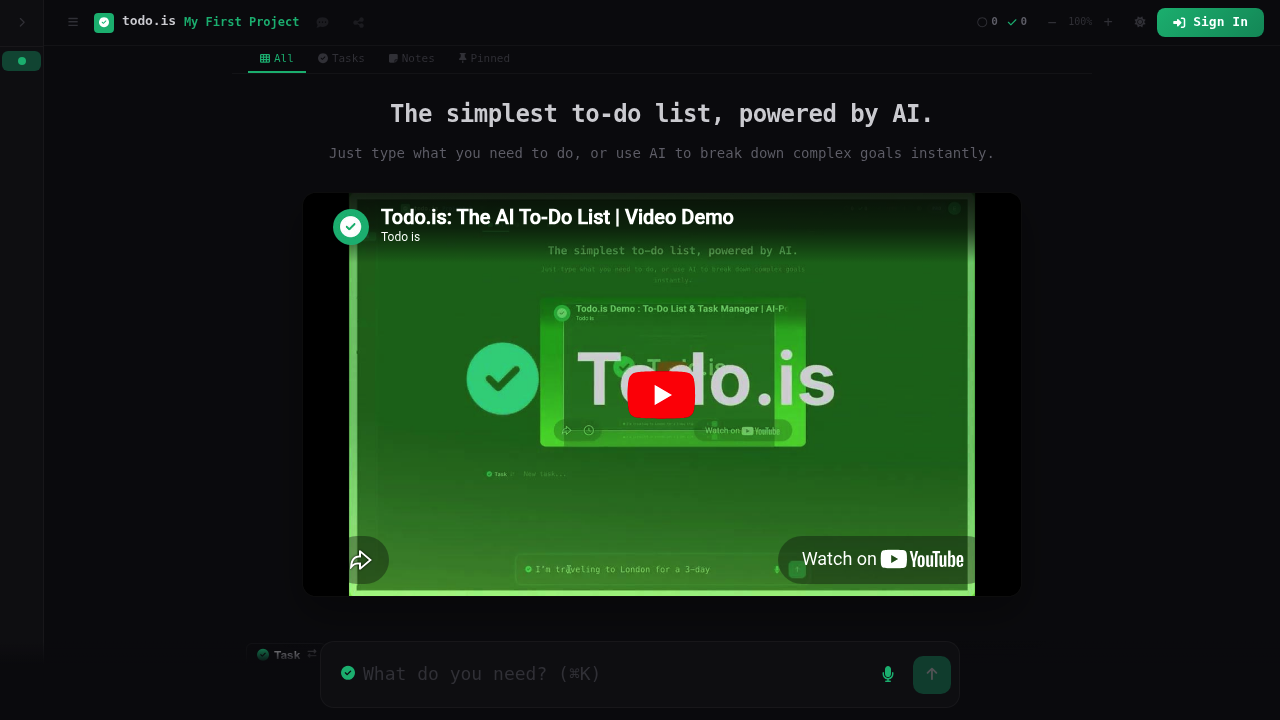
ToDo.is positions itself as an intentionally simple task management platform that uses AI to translate natural language goals into structured action items. Users can describe what they want to accomplish in plain terms, and the AI assistant breaks these intentions down into discrete, manageable tasks. This platform handles both individual to-dos and larger projects, with features including notes management, pinned items for priority work, and progress tracking that shows completion percentages. Users can share projects through public links or password-protected access. Pricing starts at $9 monthly for the Pro plan, which supports up to 10 projects and includes the AI assistant and voice input, while the Unlimited plan at $20 monthly removes project caps and adds early access to new features. A free tier exists but limits the number of projects users can create.
This platform targets individuals and professionals who want task management without the complexity of enterprise platforms. Freelancers juggling multiple client projects within the 10-project Pro limit, knowledge workers who think better by speaking their tasks aloud, and people who struggle to translate vague goals into concrete steps all fit the profile. It suits those who prefer lightweight solutions over feature-heavy alternatives, particularly users comfortable with AI assistance to structure their thinking. The pricing tiers create clear paths from casual personal use through the free plan to more committed individual productivity workflows at the Pro level.
ToDo.is fits into daily planning routines where users start their morning by voicing their intentions and letting the AI generate a structured task list. Writers can break down article outlines into research, drafting, and editing tasks. Event planners can input "organize company retreat" and receive a checklist covering venue booking, catering, and logistics. The password-protected sharing works for consultants who need to show clients project status without granting edit access. Progress tracking helps users see how much of a multi-step project remains, while pinned items keep critical deadlines visible regardless of how many tasks accumulate below. The simplicity means minimal learning curve for those switching from paper lists or basic note apps.